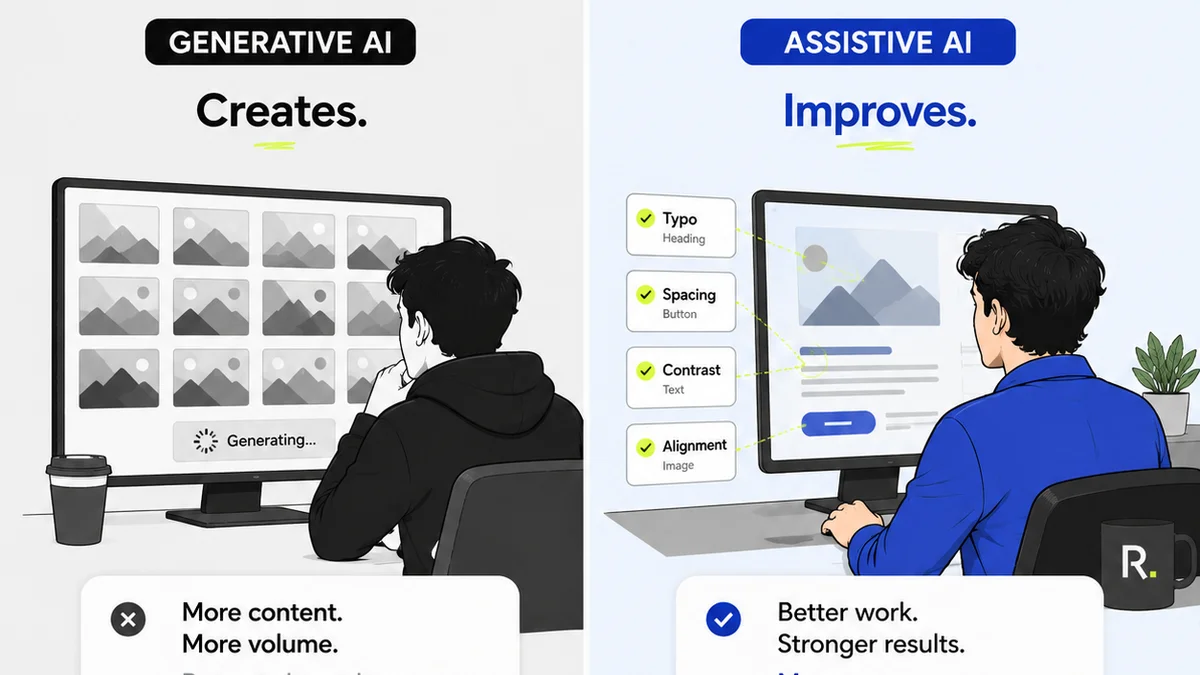
Everyone thinks marketing asset quality assurance (QA) is about catching typos and broken links. That’s the easy stuff. The real work of QA is about ensuring the asset performs as intended, aligns with strategy, and meets client expectations before it ever sees the light of day.
The hard truth? A superficial QA process is a direct path to client dissatisfaction, costly rework, and damaged agency reputation. It’s not just about polish; it’s about performance.
1. The Strategy & Objective Deep Dive
Before a single pixel is reviewed, the asset must be measured against its original brief. Was the objective clearly defined? Does the asset directly address that objective?
Brand Alignment
Does the asset adhere to brand guidelines? This isn’t just about logos and colors. It includes tone of voice, messaging hierarchy, and overall brand personality.
- Logo usage (clear space, minimum size, correct variations)
- Color palette adherence
- Typography consistency
- Tone of voice and messaging accuracy
- Imagery style and relevance
Target Audience Resonance
Would the intended audience understand and connect with this asset? Does it speak their language and address their needs or pain points?
- Language and jargon suitability
- Cultural relevance and sensitivity
- Visual appeal to the target demographic
- Call to action clarity for the audience
Performance Metrics
How will success be measured? The QA process should confirm that the necessary tracking mechanisms are in place and correctly implemented.
- UTM parameter accuracy
- Conversion tracking setup verification
- Pixel implementation checks (if applicable)
2. The Functional & Technical Audit
This is where many teams stop, but it’s only the second layer. It’s about making sure the asset works technically across intended platforms and devices.
Cross-Platform & Cross-Device Consistency
Does the asset display and function correctly everywhere it’s supposed to? Assume nothing. Test everything.
- Desktop browser compatibility (Chrome, Firefox, Safari, Edge)
- Mobile browser compatibility (iOS, Android specific)
- Tablet responsiveness
- Adherence to platform specifications (e.g., social media image dimensions, video codecs)
Interactivity & Functionality
For dynamic or interactive assets, every click, hover, and animation must be flawless. This includes forms, carousels, embedded videos, and interactive elements.
- Form submission and validation
- Link functionality and accuracy (internal and external)
- Interactive element behavior (hovers, clicks, animations)
- Video playback and controls
- Accessibility of interactive elements
Load Speed & Performance
Slow assets kill engagement. QA must include checks for optimal load times, especially for web-based assets.
- Image optimization (file size, format)
- Code efficiency (if applicable)
- Page load speed tests (e.g., using Google PageSpeed Insights)
3. The Content & Messaging Integrity Check
This goes beyond simple proofreading. It’s about ensuring the message is clear, accurate, and legally sound.
Accuracy & Factual Correctness
Are all claims, statistics, and information presented in the asset accurate and verifiable? This requires a deep dive, not just a skim.
- Verification of all data points and statistics
- Confirmation of product/service feature accuracy
- Cross-referencing with source documents
Clarity & Conciseness
Is the message easy to understand on the first pass? Avoid ambiguity and jargon that could confuse the audience.
- Plain language usage
- Elimination of unnecessary complexity
- Logical flow of information
Legal & Compliance Review
This is non-negotiable. Missing disclaimers or violating regulations can lead to severe consequences.
- Review of all disclaimers, terms, and conditions
- Compliance with industry-specific regulations (e.g., GDPR, HIPAA, advertising standards)
- Copyright and intellectual property checks (images, music, copy)
- Privacy policy links and adherence
4. The User Experience (UX) & Accessibility Layer
This is often the most overlooked area, yet it’s critical for broad reach and positive user interaction. A truly great asset is usable by everyone.
Usability
Is the asset intuitive and easy for the user to navigate and interact with? Does it guide the user effectively towards the desired action?
- Clear visual hierarchy
- Intuitive navigation patterns
- Readability of text (font size, contrast, line spacing)
- Effective calls to action (prominence, clarity)
Accessibility Standards (WCAG)
Ensuring your assets are usable by people with disabilities is not just ethical; it’s often a legal requirement and expands your audience. Adhering to WCAG guidelines is essential.
- Sufficient color contrast ratios
- Keyboard navigability for interactive elements
- Alt text for all meaningful images
- Captions and transcripts for audio/video content
- Semantic HTML structure for screen readers
Where Revue Fits In
Managing this comprehensive QA process manually is a recipe for chaos, especially with multiple stakeholders and numerous revisions. This is where a centralized feedback and approval platform becomes indispensable.
Revue streamlines the entire quality assurance workflow. Instead of scattered email threads, Slack messages, and random file versions, you get a single source of truth. Stakeholders can provide contextual feedback directly on the asset, ensuring nothing gets lost. Revision history is tracked, making it easy to see what changed and why. Automated approval flows guarantee that all necessary checks are completed before an asset is finalized.
This structured approach minimizes errors, reduces back-and-forth, and ultimately ensures that every marketing asset hitting the market is not just error-free, but strategically sound and performant.
Final Thought
Is your marketing asset QA process a bottleneck or a catalyst? The difference lies in treating it not as a final hurdle, but as an integrated, strategic component of your creative development lifecycle. What’s one step you can take today to elevate your QA from a simple checklist to a true quality driver?
Frequently asked questions
What's the difference between basic proofreading and comprehensive QA?
Basic proofreading focuses on surface-level errors like typos and grammatical mistakes. Comprehensive QA, however, is a holistic process that includes strategy alignment, functional testing, technical performance, legal compliance, user experience, and accessibility, ensuring the asset meets all objectives and performs as intended.
How often should QA be performed?
QA should not be a one-time event at the end of the process. It should be integrated throughout the creative development lifecycle. Initial checks should happen against the brief, functional testing during development, and a final, comprehensive review before launch. Continuous feedback loops are key.
What are the key benefits of a robust marketing asset QA process?
A robust QA process minimizes costly rework, prevents brand damage from errors or non-compliance, ensures assets meet strategic objectives, improves user experience and accessibility, and ultimately leads to higher performing campaigns and increased client satisfaction and trust.
How can a platform like Revue help with QA?
Revue centralizes feedback, tracks revisions, and manages approval workflows. This eliminates scattered communication, provides a clear audit trail, ensures all stakeholders review assets thoroughly, and automates parts of the QA process, making it more efficient and less prone to human error.