Everyone agrees that preventing the use of outdated assets is critical for brand consistency and efficiency. You’ve probably heard that good Digital Asset Management (DAM) systems solve this problem.
None of that is wrong. But it’s incomplete.
The hard truth is that most creative teams don’t need a complex, enterprise-level DAM to prevent outdated asset use. What they *actually* need is a system that integrates seamlessly into their existing creative workflow, making it impossible to accidentally grab the wrong version. It’s less about building a fortress for assets and more about building guardrails into the creative process itself.
1. The Myth of the 'Single Source of Truth'
The idea of a single source of truth is a good one. A central repository where every approved asset lives. It sounds simple. But in practice, it often becomes a bottleneck or, worse, a graveyard for perfectly good, but slightly older, versions.
Here’s why the pure DAM approach often falls short:
- Accessibility issues: If the DAM is hard to navigate or slow to load, teams will bypass it.
- Integration gaps: Assets live in multiple places: design tools, cloud storage, project management software. A standalone DAM doesn’t fix this fragmentation.
- Lack of context: A DAM might store the final asset, but not the *why* behind its creation or the specific campaign it belongs to. This leads to misinterpretation.
- Version control chaos: Even with a DAM, if the upload and tagging process isn't rigorous, you’ll end up with duplicate files and confusion.
The real goal isn’t just having one place for assets; it’s ensuring the *right* asset is used at the *right* time, with the least amount of friction.
2. Workflow Integration: The Real Asset Prevention
Effective outdated asset prevention isn’t a separate task; it’s baked into how creative work gets done. It means the tools and processes you use every day actively guide users toward current, approved versions.
Think about it:
Where do designers actually work? In their design software. Where do account managers and clients review work? In a dedicated review tool. Where does the final, approved version of an asset get published or handed off?
If your prevention strategy relies on a separate system that people have to consciously remember to check, it’s already failing. True prevention happens when the system makes it difficult *not* to use the correct asset.
Key Integration Points
- Design Software Plugins: Imagine a plugin that pulls approved logos or brand elements directly into Adobe Photoshop or Figma. If a new version is released, the plugin updates automatically, or flags the existing asset as outdated *within the design tool*.
- Project Management Connection: When a project is marked complete and an asset is finalized, it’s automatically pushed to a designated, easily accessible location or tagged for approval.
- Client Review Tools: During the review process, only clearly marked, approved versions should be available for download or final sign-off. Older drafts or unapproved iterations should be hidden or clearly labeled as such.
This proactive approach minimizes the chance of someone downloading an old file from a shared drive or pulling a stale logo from a forgotten folder.
3. Visibility and Communication: Closing the Gaps
Even with the best integrated tools, communication breakdowns can lead to outdated asset use. A new brand guideline is released, but the social media team doesn’t get the memo. A product image is updated, but the website team is still using the old one.
Prevention software needs to facilitate clear communication about asset status.
What to Look For:
- Clear Version History: Every asset should have an easily accessible, chronological history showing every revision, who made it, and when it was approved.
- Status Indicators: Assets should have obvious visual cues indicating their current status: ‘Approved,’ ‘Draft,’ ‘Archived,’ ‘Deprecated.’
- Notification Systems: When a critical asset is updated or a new version is approved, relevant team members or departments should receive automatic notifications.
- Audit Trails: For compliance or troubleshooting, you need to know who accessed or downloaded which version of an asset and when.
This level of transparency ensures everyone is on the same page regarding what’s current and what’s not.
4. Searchability and Organization: Finding What You Need, Fast
The best asset prevention software is useless if people can’t find the assets they need quickly. If searching for a logo takes longer than recreating it, people will cut corners. This often leads to using whatever is easiest to find, which might be outdated.
Effective search and organization are foundational to using the *correct* asset, not just *an* asset.
Essential Features:
- Robust Tagging and Metadata: Customizable tags, AI-powered auto-tagging, and detailed metadata fields (e.g., campaign, product, usage rights) are crucial.
- Advanced Search Filters: Allow users to filter by status, date, project, usage rights, file type, and custom metadata.
- Visual Previews: Quick, high-quality visual previews so users can identify the correct asset without downloading multiple files.
- Categorization and Collections: Ability to group assets logically by project, campaign, brand, or client.
When teams can find the right asset in seconds, they’re far less likely to resort to using a potentially outdated version they stumble upon.
5. User Experience (UX): Making It Effortless
This is where many solutions fail. If the software is clunky, unintuitive, or requires extensive training, adoption will be low. And low adoption means people will revert to old habits, like saving files to their desktop or using unsanctioned cloud storage.
Outdated asset prevention should feel invisible, not like an added burden.
Prioritize:
- Intuitive Interface: A clean, modern UI that requires minimal instruction.
- Fast Performance: Quick load times for previews, searches, and downloads.
- Cross-Platform Accessibility: Available on desktop and mobile, without sacrificing functionality.
- Simple Upload and Approval Workflows: Streamlined processes for getting new assets into the system and approved.
If the solution is easy to use, people will actually use it. This is the simplest, most effective form of asset prevention.
Where Revue Fits In
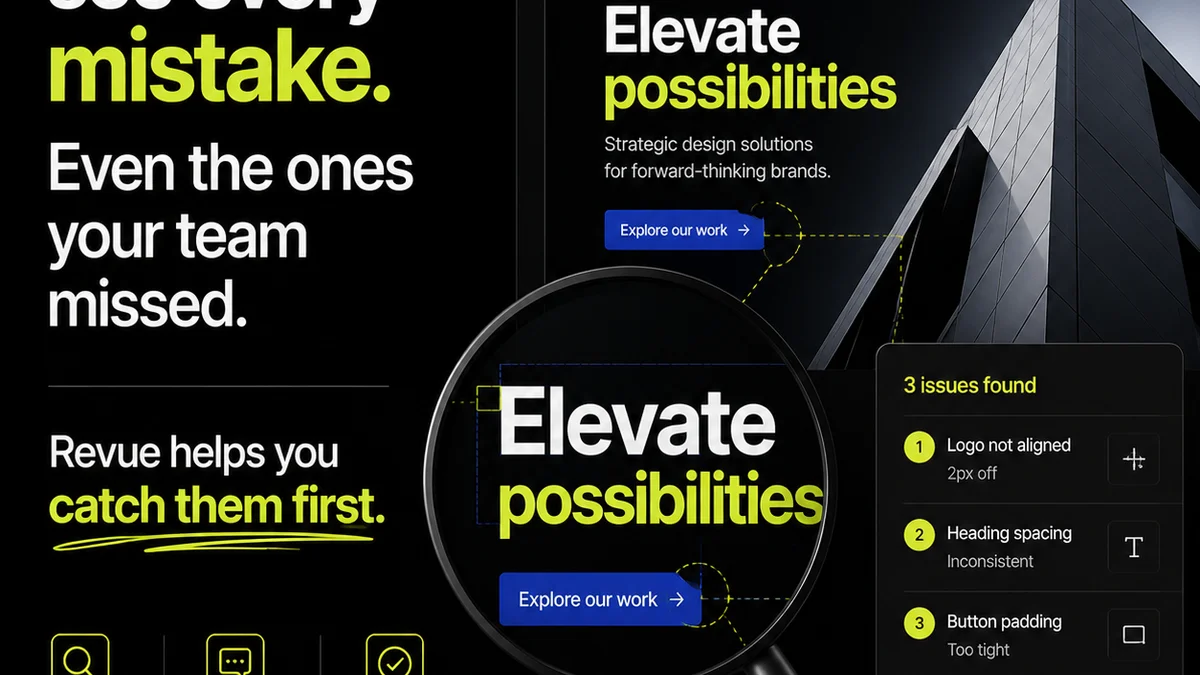
Revue isn't a traditional DAM. It’s a creative workflow and client feedback platform designed to streamline the entire asset lifecycle – from concept to final delivery. While it doesn't aim to be your sole asset repository, it plays a crucial role in preventing the use of outdated assets by integrating directly into the creative and approval process.
Here's how:
- Centralized Feedback and Approvals: All feedback on creative assets is captured in one place, linked directly to the specific version being reviewed. This eliminates confusion from scattered email chains or Slack messages. When a client approves a version, it’s clearly marked, and subsequent revisions are tracked against it.
- Clear Revision Visibility: Revue visually tracks revisions. When a designer uploads a new version based on feedback, it replaces the previous one in the review flow. Stakeholders see the latest iteration, and the history of changes is preserved. This makes it obvious which version is the most current and approved.
- Quality Checks Integration: By centralizing feedback and approvals, Revue ensures that final assets have gone through the necessary checks and received explicit sign-off. This inherent process reduces the likelihood of unapproved or superseded versions being mistakenly used.
- Streamlined Handoffs: Once an asset is approved within Revue, it’s a clear signal that this is the final, go-ahead version. This definitive status makes it easier for teams to pull the correct final asset for deployment, significantly reducing the risk of using a stale file.
Revue acts as the gatekeeper during the creation and approval phases, ensuring that only the most current, client-approved versions progress. This workflow-centric approach naturally prevents outdated assets from being deployed because the process itself validates and highlights the final, correct version.
Final Thought
The pursuit of perfect asset management often leads teams down the rabbit hole of complex, expensive DAM solutions. But the real battle against outdated assets is won not in the repository, but in the workflow. It’s about making the right choice the easy choice, every single time.
Are your tools actively preventing outdated asset use, or are they just storing them?
Frequently asked questions
What is the main problem with traditional DAM for asset prevention?
Traditional DAM systems can be complex, inaccessible, or fail to integrate with daily creative tools. This often leads to teams bypassing them, creating bottlenecks, or still struggling with version control, undermining their effectiveness in preventing outdated asset use.
How does workflow integration help prevent outdated assets?
Workflow integration ensures that the tools you use daily (like design software or project management platforms) actively guide users to the correct, approved assets. This makes using the right version the easiest option, reducing reliance on manual checks.
Why is clear communication important for asset prevention?
Even with good systems, communication gaps can lead to outdated assets being used. Clear status indicators, version history, and notification systems ensure everyone on the team knows which assets are current and approved, preventing misunderstandings.
Can a platform like Revue help prevent outdated asset use?
Yes, Revue helps by centralizing client feedback and approvals. This process clearly marks approved versions and tracks revisions, making it evident which asset is the final, correct one. This workflow-centric approach naturally prevents the deployment of superseded assets.