You probably think packaging QA software is all about catching typos and color shifts before print. That’s not wrong. But it’s incomplete.
The real, hard truth? Packaging QA software is a critical lever for operational efficiency, brand integrity, and ultimately, profitability. It’s not just a final check; it’s a workflow accelerator.
1. Beyond the PDF: What Packaging QA Actually Entails
When we talk about packaging Quality Assurance (QA), most people immediately picture a pixel-perfect comparison of a PDF proof against a final print run. This is a crucial step, no doubt.
But true packaging QA is a much broader discipline. It encompasses:
- Structural Integrity: Does the dieline align? Are folds and glues in the right place? Is the material appropriate for the product?
- Regulatory Compliance: Are all required warnings, ingredients, nutritional information, and legal disclaimers present and accurate?
- Brand Consistency: Is the logo correctly placed? Are brand colors within spec? Is the tone of voice consistent?
- Print Accuracy: Color matching (Pantone vs. CMYK), trapping, overprint, resolution, bleed, and trim accuracy.
- On-Shelf Appeal: Does the final product look as intended under various lighting conditions? Does it stand out?
Missing any of these can lead to costly reprints, regulatory fines, brand damage, or simply a product that doesn't sell.
2. The Workflow Breakdown: Where Packaging QA Usually Fails
Most agencies and design teams treat packaging QA as an afterthought. It’s a final step, often rushed, performed by whoever has a spare moment. This approach is a recipe for disaster.
Here’s where the wheels usually fall off:
Manual Checks Are Inefficient and Error-Prone
Reliance on manual visual checks, especially against multiple reference files (print-ready PDFs, previous versions, brand guidelines), is slow and prone to human error. We’re not robots; we miss things.
Siloed Feedback Creates Confusion
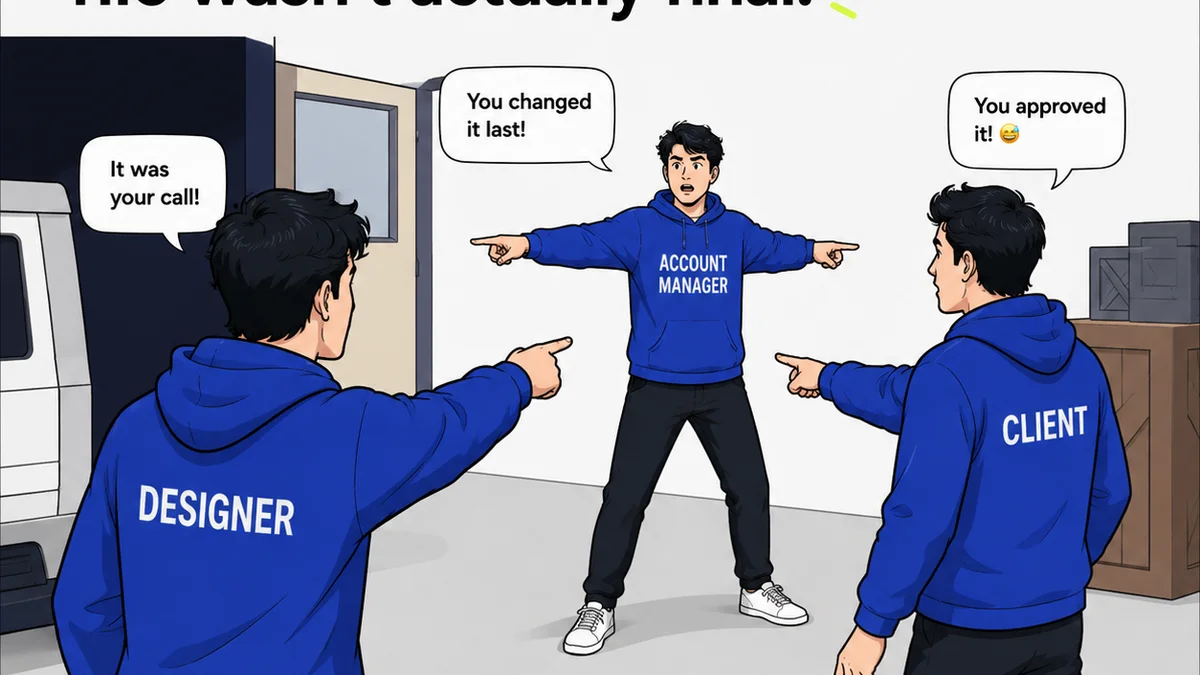
Feedback scattered across emails, Slack messages, and informal chats means crucial comments get lost. Different stakeholders might give conflicting instructions, leading to endless revision cycles.
Lack of Version Control Leads to Chaos
Which PDF is the *real* final version? Without a clear, auditable trail of all changes and approvals, it’s easy to work off outdated files. This is a major source of errors.
Poor Collaboration Hinders Progress
Designers, copywriters, legal teams, print vendors, and clients all need to be in sync. When communication is fragmented, so is the project. Delays become the norm.
Inconsistent Standards Across Projects
Without a defined process and standardized checklists, QA quality can vary wildly from one project to the next. This leads to unpredictable results.
3. The Operational Truth: Packaging QA Software as a Workflow Engine
The best packaging QA software isn't just a proofing tool. It’s an operational engine that drives efficiency and protects brand assets throughout the entire lifecycle of a packaging project.
It moves QA from a reactive, end-of-line task to a proactive, integrated part of the creative and production process.
Automated Comparison for Speed and Accuracy
Advanced software can perform automated, pixel-level comparisons between different file versions. This catches discrepancies instantly, far faster and more reliably than the human eye.
Centralized Communication and Feedback
All feedback, annotations, and approvals live in one place. Stakeholders can comment directly on the artwork, and designers get clear, contextualized instructions. No more lost emails.
Robust Version Control and Audit Trails
Every version of the artwork is stored, along with who made changes, when, and what those changes were. This provides an irrefutable record, essential for accountability and troubleshooting.
Streamlined Collaboration Across Teams and Vendors
Integrated platforms allow designers, clients, legal reviewers, and even print vendors to collaborate within the same environment. This reduces miscommunication and speeds up the approval process.
Standardized Checklists and Workflows
You can build custom checklists based on project type, client, or regulatory requirements. This ensures every critical check is performed consistently, every time.
4. Key Features to Look For in Packaging QA Software
Not all QA tools are created equal. When evaluating software for packaging, prioritize these capabilities:
Version Comparison Tools
Look for robust side-by-side and overlay comparison modes. The ability to track changes visually is paramount.
Annotation and Markup Capabilities
Intuitive tools for adding comments, drawing shapes, and highlighting specific areas are essential for clear feedback.
Approval Workflows
Customizable, multi-step approval processes that clearly define who needs to sign off and when. Automated notifications keep things moving.
File Management and Versioning
Secure storage, automatic version tracking, and easy access to previous iterations are non-negotiable.
Integration Capabilities
Does it integrate with your existing tools like Adobe Creative Suite, DAM systems, or project management software? This reduces friction.
Security and Permissions
Ensuring that only authorized users can view, comment on, or approve files is critical, especially with sensitive client data.
Mobile Accessibility
The ability to review and approve on the go can significantly speed up turnaround times.
5. Where Revue Fits In
While dedicated packaging QA software excels at the granular, technical checks required for print, a platform like Revue complements these by centralizing the *entire* creative feedback and revision process. Revue is designed to manage the flow of creative assets and feedback, ensuring that the right people see the right versions at the right time.
Think of it this way:
- Centralized Feedback Hub: Instead of feedback living in disparate email threads or chat messages, Revue consolidates all client and internal comments on creative deliverables in one place. This provides context and clarity that technical QA tools might not capture.
- Revision Visibility: Revue tracks the history of revisions, making it clear which version is current and what has changed. This visibility is crucial for managing client expectations and avoiding confusion before files even get to the detailed QA stage.
- Streamlined Approvals: Formalize the approval process. Ensure all stakeholders have signed off on creative direction and final artwork before it moves to the technical QA phase, reducing the chances of last-minute changes derailing the print process.
- Quality Check Integration: While Revue doesn’t perform pixel-perfect print checks, it ensures that the *inputs* to the QA process are clean. By managing feedback and approvals effectively, you minimize the revisions needed *after* technical QA, saving significant time and resources.
Revue acts as the conductor of your creative orchestra, ensuring all instruments are playing the right notes before the soloists (your technical QA tools) step in for their complex performance.
6. The Future of Packaging QA: AI and Automation
The packaging industry is rapidly adopting AI and automation to enhance QA processes. Expect to see:
- AI-Powered Anomaly Detection: AI algorithms trained on vast datasets can identify subtle anomalies that even automated tools might miss, such as slight variations in texture or unintended visual artifacts.
- Predictive Quality Analysis: AI could potentially predict the likelihood of print defects based on file characteristics and historical data, allowing for proactive adjustments.
- Automated Compliance Checks: AI can be used to scan text for regulatory compliance, flag missing information, or verify the accuracy of claims.
While these advanced technologies are still maturing, they represent the next frontier in ensuring packaging perfection.
Final Thought
Is the best packaging QA software the one that catches the most errors, or the one that prevents most errors from happening in the first place? The answer likely lies in how well it integrates into your broader creative workflow, turning a bottleneck into a bridge.
Frequently asked questions
What is the primary benefit of using dedicated packaging QA software?
The primary benefit is ensuring accuracy and consistency in packaging design before it goes to print. This includes catching errors in artwork, text, color, and compliance, thereby preventing costly reprints and brand damage.
Can packaging QA software replace human reviewers?
No, packaging QA software is designed to augment, not replace, human reviewers. It automates repetitive checks, allowing human experts to focus on nuanced judgments, strategic brand considerations, and complex problem-solving.
How does packaging QA software help with brand consistency?
By enforcing brand guidelines through checklists and automated comparisons, the software helps ensure that logos, colors, typography, and messaging are applied consistently across all packaging variations and projects, protecting brand integrity.
What's the difference between general design proofing software and packaging QA software?
General proofing software is often for web or general print collateral. Packaging QA software is specialized, often including features for dieline checks, structural integrity assessment, complex color management (like spot colors), and regulatory compliance specific to packaging.