Everyone assumes the best print QA software is just about catching typos and color shifts. None of that is wrong. But it’s incomplete.
The hard truth? Effective print quality assurance is an operational workflow, not just a final check. It’s about reducing costly errors, speeding up client approvals, and maintaining your agency’s reputation. Relying solely on manual checks or basic checklists is a fast track to missed details and client frustration.
1. The Illusion of Manual QA
Many agencies still rely on manual proofing for print projects. This often involves printing out multiple versions, comparing them side-by-side, and marking up errors with pens. It feels thorough. It feels safe.
But it's not.
The Cost of Human Error
Humans are fallible. We get tired, distracted, or simply overlook subtle mistakes. A misplaced comma, a slightly off-color logo, a bleed issue that’s barely visible on screen but disastrous on press — these slip through.
The consequences are real:
- Costly reprints
- Damaged client relationships
- Wasted agency time and resources
- Reputational damage
This isn't about blaming your team. It's about acknowledging the limitations of manual processes in a high-stakes environment.
The Bottleneck Effect
Manual QA is slow. It delays the entire production pipeline. Clients are waiting for final proofs, printers are waiting for sign-off, and your team is bogged down in endless review cycles. This bottleneck chokes project velocity.
2. What “Best” Print QA Software Actually Means
The term “print QA software” can be misleading. It’s not just about a digital checklist. The best solutions integrate into your entire creative workflow, providing visibility and control from concept to final print.
Beyond Basic Proofing Tools
Many tools offer basic proofing. They let you upload a PDF and leave comments. That’s a starting point, but not the endgame for robust print quality assurance.
You need software that handles:
- Version Control: Tracking every iteration of a design, ensuring everyone is looking at the latest approved version.
- Detailed Annotation: Precise markup tools that go beyond simple comments, allowing for specific callouts on measurements, colors, and positioning.
- Color Management: Tools that can help visualize potential color shifts between screen and print, or flag files not set up for specific print processes.
- Preflight Checks: Automated checks for common print production issues like low-resolution images, incorrect color modes (RGB vs. CMYK), font embedding, and bleed problems.
- Audit Trails: A clear, irrefutable record of who reviewed what, when, and what feedback was given.
Integration is Key
The most effective print QA doesn’t happen in a vacuum. It’s integrated with your project management and client communication tools. When feedback and approvals are centralized, miscommunications plummet.
3. Essential Features for Modern Print QA
When evaluating print QA software, look beyond the flashy demos. Focus on the operational impact. What features will genuinely save time, reduce errors, and improve client collaboration?
Automated Preflighting
This is non-negotiable for serious print production. Preflighting tools scan your artwork files *before* they go to the printer. They catch common technical errors that would otherwise halt production or lead to reprints.
Look for software that can automatically detect:
- Missing fonts
- Images with insufficient resolution
- Incorrect color profiles (e.g., RGB in a CMYK document)
- Overlapping objects
- Insufficient bleed or trim marks
- Text set too close to the trim edge
This isn't about replacing human judgment, but about eliminating the low-hanging fruit of production errors. It frees up your designers and production managers to focus on creative and strategic aspects.
Advanced Annotation and Markup
Beyond simple sticky notes, you need precise control. This means:
- Pixel-level accuracy: Pinpointing issues exactly where they appear.
- Measurement tools: Verifying spacing, element sizes, and margins.
- Color comparison: Visualizing differences between color modes or specific Pantone matches.
- Comparison modes: Easily seeing differences between two versions of a file, highlighting changes automatically.
This level of detail ensures that feedback is unambiguous. Clients understand exactly what needs to be fixed, and designers know precisely what to adjust.
Centralized Client Approval Workflow
Client approvals are often the most painful part of print production. Emails get lost, feedback is buried in Slack threads, and version confusion reigns supreme.
Your ideal print QA software should provide:
- A single source of truth for all feedback and approvals.
- Clear status indicators for each review stage.
- Automated notifications for pending reviews and approvals.
- A documented audit trail of all client interactions.
This structured approach removes ambiguity and significantly speeds up the sign-off process. Clients appreciate the clarity, and you appreciate the faster turnaround.
Version Control and Audit Trails
Every change, every comment, every approval needs to be tracked. Robust version control ensures you’re always working with the correct iteration of a design. Comprehensive audit trails provide accountability and a historical record of the entire review process.
This is crucial for resolving disputes and understanding how decisions were made. It protects both your agency and your client.
4. Where Revue Fits In
Revue isn't a print-specific QA tool in the traditional sense. We don't perform automated preflight checks or pixel-level color comparisons. Instead, Revue excels at centralizing the *communication* and *approval* surrounding creative work, including print projects.
Think of it this way: automated preflighting catches technical file errors. Revue catches communication errors and streamlines the approval bottleneck.
How Revue enhances your print QA workflow:
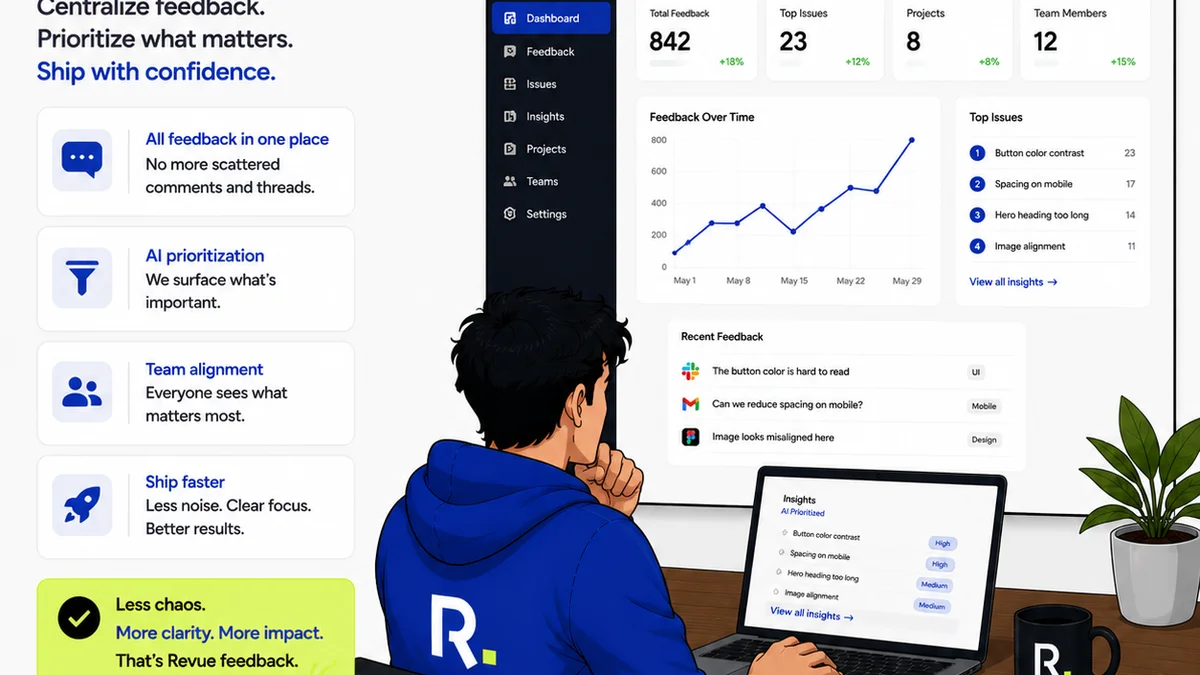
- Centralized Client Feedback: All client comments, revisions, and approvals for print assets live in one place, linked directly to the project. No more hunting through email chains or Slack messages.
- Clear Revision History: Easily track the evolution of a print design from initial concept to final sign-off. See who requested what and when.
- Streamlined Approvals: Clients can review and approve final print-ready files directly within Revue, providing a clear, documented sign-off that triggers the next production step.
- Quality Check Visibility: While Revue doesn’t perform the technical QA itself, it provides the clear communication channel needed for your internal QA team to provide feedback and for clients to confirm satisfaction before final output.
By bringing order to the feedback and approval chaos, Revue ensures that the *right* files, with the *right* feedback incorporated, move smoothly towards production.
5. The Future of Print QA
The line between digital and print is blurring. Print QA software is evolving to meet this challenge.
AI and Machine Learning
Expect AI to play a larger role in automated error detection. AI could potentially identify more complex layout issues, typographic inconsistencies, and even accessibility problems in print-ready files.
Enhanced Color Simulation
More sophisticated tools will emerge for simulating how colors will appear on different paper stocks and under various printing conditions, directly within the design software or QA platform.
Cross-Media Consistency
As campaigns span digital and print, QA tools will need to ensure brand consistency across all formats. This means checking not just for errors, but for adherence to brand guidelines across diverse media.
The Human Element Remains
Despite technological advancements, human oversight will remain critical. AI can catch errors, but it can't replace strategic creative judgment or nuanced client understanding. The best workflows will blend powerful automation with experienced human review.
Final Thought
Is your print QA process a rigid checklist or a dynamic, integrated workflow? The distinction matters more than ever.
The best print QA software isn't just about finding mistakes; it's about building a more efficient, reliable, and client-friendly production process. Are you equipped for that reality?
Frequently asked questions
What is the primary benefit of using dedicated print QA software?
The primary benefit is reducing costly errors and speeding up client approvals by providing a structured, transparent process for reviewing and signing off on print-ready files, minimizing the risk of mistakes that lead to reprints or damaged client relationships.
Can print QA software replace human proofreaders?
No, print QA software is designed to augment, not replace, human proofreaders. It automates the detection of common technical errors (like low-res images or missing fonts) and streamlines feedback, allowing human reviewers to focus on creative quality, brand consistency, and strategic aspects.
How does print QA software help with client communication?
It centralizes all client feedback, comments, and approvals in one platform, creating a single source of truth. This eliminates confusion from scattered emails or messages, provides clear version control, and offers an auditable trail of all interactions.
What are essential features to look for in print QA software?
Key features include automated preflighting, advanced annotation tools (measurements, color comparison), robust version control, clear audit trails, and seamless integration with other project management or communication tools for a unified workflow.