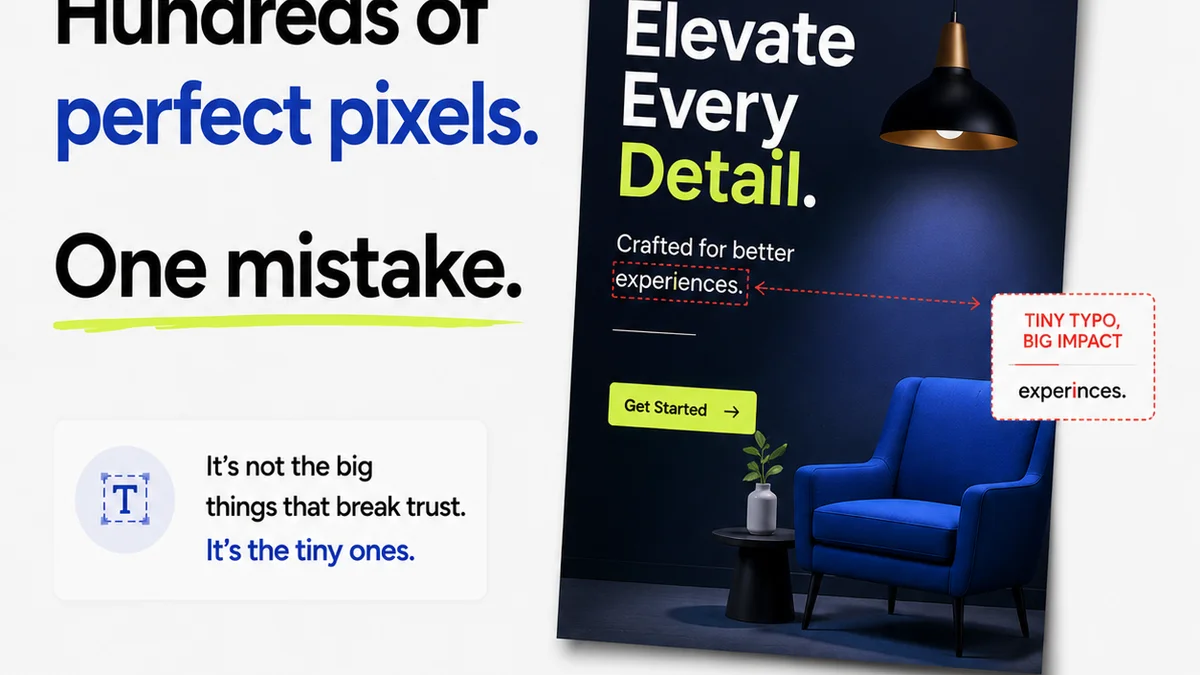
Everyone’s talking about the next big thing in product design. AI-generated interfaces, hyper-personalization, immersive 3D experiences. It’s easy to get swept up in the futurist predictions.
None of that is wrong. But it’s incomplete.
The real product design trends for 2026 aren’t about the pixel. They’re about the process. They’re about building systems that can actually deliver on the promise of innovation, consistently and efficiently.
The Hard Truth: Operational Maturity Drives Design Innovation
The biggest signal for 2026 isn’t a new UI pattern. It’s the growing gap between agencies and teams that have operational discipline and those that don’t. The ones that can manage complexity, integrate feedback seamlessly, and ensure quality at scale will be the ones defining the future of product design. The rest will be playing catch-up, bogged down by inefficient workflows.
This isn't about being boring. It's about being built to last.
1. The Rise of Design Systems as Operational Backbones
Design systems are no longer just libraries of components. By 2026, they will be the central nervous system of product development.
From Style Guides to Source of Truth
Many teams still treat design systems as a fancier style guide. They’re static, often out of sync with development, and primarily focused on visual consistency.
The next evolution is a dynamic, living system. Think of it as a shared, authoritative source of truth that governs not just aesthetics but also behavior, accessibility, and even business logic.
Key Characteristics of Mature Design Systems in 2026:
- True Componentization: Reusable, interoperable UI elements that are built once and deployed everywhere, with clear documentation for usage and intent.
- Integrated Documentation: Living documentation that’s automatically updated with code changes, accessible to designers, developers, and product managers.
- Accessibility Baked In: Accessibility standards (like WCAG WCAG 2.2) are not an afterthought but a core requirement of every component.
- Cross-Platform Consistency: Robust frameworks that allow for seamless adaptation across web, mobile, and emerging platforms, maintaining brand integrity and user experience.
- AI Integration Hooks: Architecture designed to easily integrate AI-driven features, personalization, or content generation without rewriting core components.
Agencies and in-house teams that invest in a truly functional design system will see faster iteration cycles and fewer costly errors.
2. Intelligent Feedback Loops: Quality Over Quantity
Feedback is the lifeblood of design. But in 2026, the focus shifts from simply collecting feedback to intelligently processing and acting on it.
The Feedback Deluge Problem
Too many teams drown in feedback. Emails, Slack messages, scattered spreadsheets, annotations on screenshots – it’s a chaotic mess. This leads to missed comments, conflicting direction, and design by committee.
The trend is toward structured, contextualized feedback that directly informs design decisions.
Streamlining Feedback for Actionability:
- Centralized Feedback Platforms: Tools that consolidate all client and stakeholder feedback in one place, linked directly to design assets.
- Contextual Annotations: The ability to leave feedback directly on specific design elements or screens, removing ambiguity.
- Automated Triage: Systems that can help categorize feedback by urgency, type (bug, suggestion, clarification), and source.
- Version Control for Feedback: Tracking feedback against specific design versions to ensure clarity and prevent regressions.
- AI-Assisted Analysis: Emerging tools that can help identify patterns in feedback, flag conflicting comments, or even suggest potential solutions.
The goal is to move from a reactive feedback culture to a proactive, insights-driven one. This requires discipline and the right tools.
3. The Pragmatic Application of AI in Design Workflows
AI in design isn’t about replacing designers. It’s about augmenting their capabilities and automating the tedious parts of the job.
AI Hype vs. Real-World Utility
The headlines scream about AI designing entire products. The reality is far more nuanced. For 2026, the practical applications are where the real value lies.
Think of AI as a powerful assistant, not a replacement.
Practical AI Use Cases for Design Teams:
- Automated QA and Testing: AI can scan designs for common usability issues, accessibility violations, or inconsistencies against design system rules.
- Content Generation and Adaptation: Generating placeholder text, suggesting image alternatives, or adapting copy for different user segments.
- Personalization Engine Support: Designing interfaces that dynamically respond to user data, with AI helping to manage the complexity of variations.
- User Research Analysis: Quickly processing large volumes of user interview transcripts or survey data to identify key themes and pain points.
- Code Generation Assistance: AI tools that can translate design mockups into basic code structures, speeding up handoff.
The key is to integrate AI tools that solve specific problems and enhance efficiency, rather than adopting AI for AI’s sake.
4. Proactive Quality Assurance: Building Trust, Not Just Pixels
Quality assurance has long been an end-of-the-line check. By 2026, it becomes an integrated, continuous process throughout the design and development lifecycle.
The Cost of Late-Stage QA
Discovering critical flaws or inconsistencies just before launch is a recipe for disaster. It leads to rushed fixes, missed deadlines, and damaged client relationships. This is a drain on resources and morale.
The trend is towards building quality in from the start.
Integrating Quality into the Workflow:
- Design System Governance: Ensuring all designs adhere strictly to the established design system rules, enforced automatically where possible.
- Automated Accessibility Audits: Regularly scanning designs and live products for compliance with accessibility standards.
- Cross-Browser/Device Testing Automation: Using tools to systematically test designs across various platforms and browsers.
- Usability Heuristics as Checklists: Embedding established usability heuristics into the review process.
- Peer Review and Expert Checks: Implementing structured internal reviews at key milestones.
This proactive approach reduces risk, improves the end product, and builds client confidence.
5. The Evolving Role of the Designer: Strategic Partner, Not Just Executor
The designer of 2026 is more than a pixel-pusher. They are strategic thinkers, problem-solvers, and collaborators.
Beyond Aesthetics
The assumption that design is purely about making things look good is a relic of the past. While visual appeal remains crucial, the true value lies in understanding user needs, business goals, and technical constraints.
Designers need to be fluent in strategy.
Skills for the Future Designer:
- Business Acumen: Understanding the client’s business objectives and how design contributes to them.
- Technical Fluency: Collaborating effectively with developers, understanding the implications of design decisions on implementation.
- Data Literacy: Using analytics and user research to inform design choices.
- Systems Thinking: Designing not just individual screens but entire user journeys and product ecosystems.
- Communication & Facilitation: Clearly articulating design rationale and guiding stakeholders through complex decisions.
Agencies that empower their designers to operate at this strategic level will deliver more impactful work.
Where Revue Fits In
Navigating these trends requires a robust operational framework. Chasing innovation without a solid process is like building a race car with no pit crew.
Revue is built to provide that operational backbone for creative teams.
Centralized Feedback: Stop the feedback chaos. Bring all client comments, stakeholder input, and internal reviews into one organized, contextualized space. See exactly what needs to be addressed, version by version.
Revision and Approval Visibility: Track the entire revision history. Understand the evolution of a design, who approved what, and when. This clarity prevents costly misunderstandings and ensures everyone is aligned.
Quality Checks: Integrate your QA process seamlessly. Use Revue to manage bug reporting, track accessibility compliance, and ensure designs meet established standards before handoff. It’s about catching issues early, not scrambling at the finish line.
By streamlining these critical workflow elements, Revue allows your team to focus on what matters most: creating exceptional design, not wrestling with inefficient processes.
Final Thought
The product design trends for 2026 are clear: operational excellence will be the differentiator. Are you building a design practice that’s merely reactive, or one that’s proactively engineered for sustained innovation and quality?
Frequently asked questions
What is the most important product design trend for 2026?
The most significant trend is the shift towards operational maturity. Teams that can manage feedback intelligently, maintain robust design systems, and integrate quality assurance continuously will lead the way, rather than focusing solely on new visual aesthetics.
How are design systems evolving in 2026?
Design systems are moving beyond simple style guides to become operational backbones. They will integrate code, accessibility, and behavior, acting as a central source of truth that governs product development across all platforms.
What is the role of AI in product design for 2026?
AI's role will be primarily assistive. Expect practical applications in automated QA, content generation, personalization support, user research analysis, and code generation assistance, augmenting designer capabilities rather than replacing them.
How can creative teams prepare for these product design trends?
Preparation involves investing in robust workflow tools, fostering a culture of operational discipline, prioritizing design system development, and empowering designers with strategic and technical skills. Centralizing feedback and streamlining approvals are key steps.