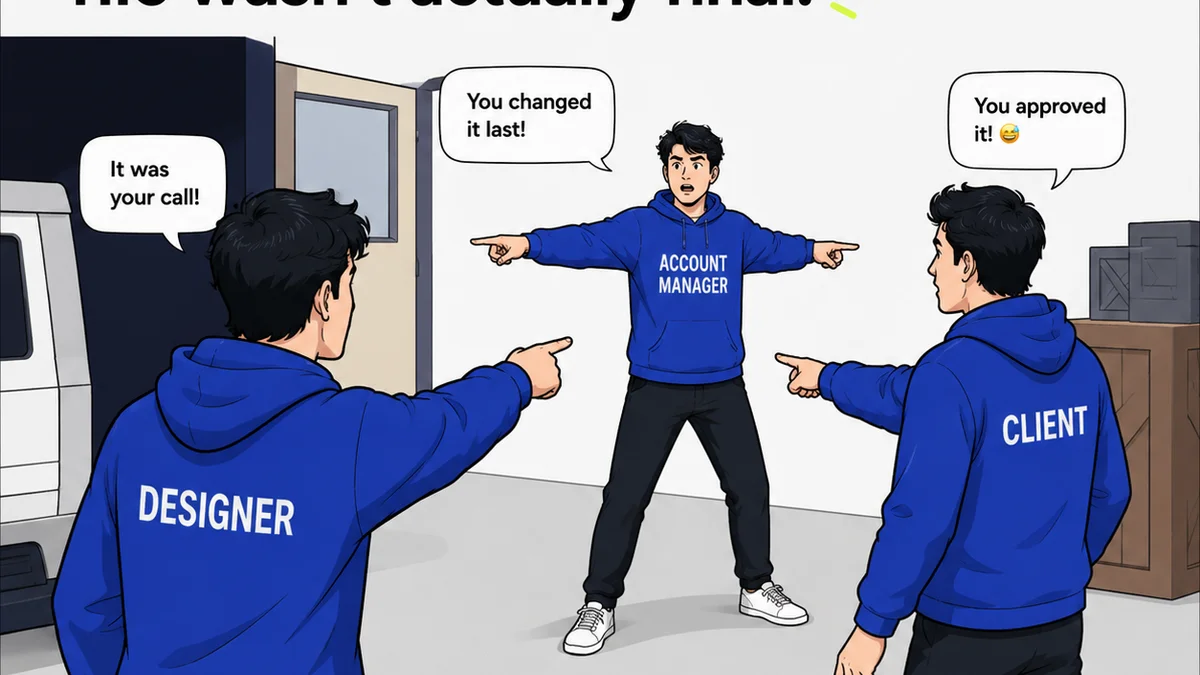
Everyone talks about getting client feedback right. They say it’s about clear communication, setting expectations, and using the latest collaboration software. None of that is wrong. But it’s incomplete.
The hard truth? The *real* bottleneck isn't the feedback itself; it's the chaotic, manual process of collecting, organizing, and acting on it. Especially for US-based teams juggling multiple clients, time zones, and project types. You need proofing workflow tools that do more than just collect comments. You need systems that engineer clarity and speed.
1. Beyond Basic Annotation: What Real Proofing Tools Do
Most teams think proofing tools are just digital whiteboards for redlines. They focus on the ‘commenting’ feature. That’s a surface-level view.
Effective proofing workflow tools are built around process. They manage the entire lifecycle of creative review, from initial submission to final sign-off. This means:
- Centralized asset management for all review versions.
- Clear version control that eliminates confusion.
- Structured feedback mechanisms, not just freeform comments.
- Automated notifications and deadline tracking.
- Integrated revision and approval workflows.
- Audit trails for accountability and historical reference.
When you view proofing through this lens, the limitations of email chains and generic file-sharing become glaringly obvious. They are not proofing tools; they are just ways to send files.
2. The US Team Challenge: Time Zones, Clients, and Compliance
US creative teams face unique hurdles. The sheer geographic spread of clients means asynchronous communication is the norm. This isn’t just a minor inconvenience; it’s a fundamental workflow challenge.
Consider these scenarios:
- A New York agency needs sign-off on a campaign mock-up from a Los Angeles client. The 3-hour difference eats into productive hours.
- A Chicago-based team is working with a client in Hawaii, further complicating same-day reviews.
- Multiple stakeholders, each with their own feedback style and availability, need to weigh in.
- Projects requiring adherence to specific industry regulations or accessibility standards (like WCAG guidelines for web projects) demand meticulous review and sign-off.Trying to manage this with scattered emails and Slack messages is a recipe for disaster. Missed feedback, delayed approvals, scope creep disguised as urgent revisions. It all adds up to lost billable hours and frustrated teams.
3. Essential Features for Streamlined Proofing Workflows
When selecting proofing workflow tools, look beyond the glossy UI. Focus on the operational muscle beneath.
Version Control That Actually Works
How many times have you received feedback on ‘the latest version,’ only to realize it’s actually three versions behind? Good tools prevent this.
They should automatically track and display every iteration. You need to see a clear history: what changed, who approved what, and when.
Structured Feedback and Decision Making
Freeform comments are a black hole. You need tools that allow for structured feedback tied to specific elements. Think annotations directly on the creative asset.
More importantly, the tool should facilitate clear decisions. Is this feedback ‘For Revision,’ ‘Approve,’ or ‘Needs Discussion’? This clarity is crucial for moving projects forward.
Integrated Approval Gates
The final sign-off is critical. Your proofing tool should have a formal approval mechanism. This isn’t just a checkmark; it’s a timestamped, documented record of acceptance.
This protects your agency and provides a clear project milestone. It’s the antidote to ‘I never said that’.
Automated Notifications and Reminders
Chasing clients for feedback is a drain on resources. Automated reminders for pending feedback or upcoming deadlines save countless hours. This keeps the ball rolling without manual intervention.
Centralized Communication Hub
All project-related feedback and decisions should live in one place. No more digging through email archives or deciphering a dozen different chat threads. This central repository is key for project continuity and team alignment.
4. Where Revue Fits In
You're likely using a mix of tools already. Perhaps a design platform like Adobe Photoshop or Figma, a project management system, and a communication app. The challenge is connecting these disparate systems into a coherent proofing workflow.
Revue acts as the crucial connective tissue. It’s designed to centralize client feedback, manage revisions, and provide visibility into the approval process.
Instead of feedback scattering across emails, Slack, and comment threads, Revue brings it all into a single, organized stream. You can track versions, see who has reviewed what, and manage the entire approval lifecycle.
This eliminates the manual work of consolidating feedback and reduces the risk of miscommunication. It ensures that every piece of feedback is captured, addressed, and formally approved, directly impacting your team's efficiency and reducing project delays.
5. Evaluating Proofing Tools: Key Questions to Ask
Before you commit, put potential tools through their paces. Ask the hard questions:
- Does it integrate with our existing design and project management stack?
- How intuitive is the interface for both internal teams and external clients?
- Can it handle the types of assets we work with most (video, web, print, etc.)?
- What level of customization does it offer for our specific workflow?
- How does it handle version comparison and history?
- What are the security and compliance features?
- What is the cost per user or project, and does it scale with our needs?
Don't settle for a tool that just adds another step. It needs to actively remove friction.
Final Thought
The best proofing workflow tools aren't about adding more features. They're about stripping away the chaos. They bring order to the inherently messy process of creative review. Are your current tools actively streamlining your workflow, or are they just another place to leave a comment?
Frequently asked questions
What is a proofing workflow tool?
A proofing workflow tool is software designed to manage the process of reviewing and approving creative assets. It goes beyond simple commenting to include version control, structured feedback, automated notifications, and formal approval tracking, aiming to streamline the entire review cycle for creative projects.
Why are proofing workflow tools important for US teams?
US teams often deal with clients across different time zones and numerous stakeholders. Effective proofing tools centralize feedback, automate communication, and provide clear audit trails, which are essential for managing asynchronous reviews, preventing miscommunication, and ensuring timely project progression.
Can proofing tools integrate with design software like Figma or Adobe?
Many modern proofing workflow tools offer integrations or work seamlessly with popular design software. This allows teams to upload assets directly from their design tools and ensures that feedback is captured in context, reducing manual steps and potential errors.
How do proofing tools help with client revisions?
Proofing tools provide a structured environment for clients to provide feedback directly on assets. Features like version comparison and clear approval gates ensure that revisions are tracked, understood, and formally signed off, preventing ambiguity and scope creep.