Everyone knows you should test prototypes. The idea is that catching user issues early saves time and money. None of that is wrong. But it’s incomplete.
The hard truth? Most agencies treat prototype testing as a checkbox item. They rush it, misunderstand its purpose, or don't know how to make it actionable. This leads to wasted effort and missed opportunities.
1. Define Goals Before You Design
What are you actually trying to learn from this test? Is it about usability? Discovering unmet needs? Validating a specific feature? The answers dictate everything.
Without clear goals, your testing becomes a fishing expedition. You’ll gather a lot of data, but none of it will be focused enough to drive real decisions.
Know Your 'Why'
Before a single wireframe is drawn, ask:
- What core assumption about the user are we testing?
- What specific functionality needs validation?
- What business objective does this prototype serve?
This clarity sharpens your focus. It helps you design a prototype that’s fit for purpose, not over-engineered.
2. Choose the Right Testing Method
Not all prototype testing is created equal. The fidelity of your prototype and your goals determine the best approach.
Low-Fidelity Testing
For early-stage concepts, paper prototypes or simple clickable wireframes are perfect. They’re fast to create and iterate on.
- What it's good for: Core flow validation, concept feasibility, early-stage usability issues.
- Pros: Quick, cheap, easy to change, users focus on concept, not polish.
- Cons: Can feel abstract, doesn't test visual design or micro-interactions.
Medium-Fidelity Testing
Interactive wireframes or basic mockups. These start to feel more like the real product.
- What it's good for: Navigation, information architecture, task completion rates.
- Pros: More realistic than low-fi, still relatively quick to iterate.
- Cons: Can still be a bit abstract, doesn’t capture the full user experience.
High-Fidelity Testing
Polished, interactive prototypes that closely mimic the final product. Often built in tools like Figma or Adobe XD.
- What it's good for: Detailed usability, visual design feedback, micro-interactions, user journey refinement.
- Pros: Most realistic experience, captures nuanced feedback.
- Cons: Time-consuming to build and change, users might focus on aesthetics over core function.
3. Recruit the Right Participants
Testing with the wrong people is worse than not testing at all. You’ll get skewed results that lead you down the wrong path.
Who is your target user? Be specific.
- Are they existing customers? Potential customers?
- What are their demographics? Psychographics?
- What is their technical proficiency?
- What is their relationship to the product or service you’re building?
If you're building an e-commerce app for Gen Z gamers, don't test with retired accountants. It sounds obvious, but it happens.
Leverage your client's customer lists, use targeted social media ads, or work with a recruitment agency if budget allows. Aim for 5-8 participants per user group for qualitative testing. More isn't always better.
4. Craft Effective Test Scenarios
Scenarios are the tasks you give participants to complete using the prototype. They should be realistic and goal-oriented.
Instead of saying, “Click the checkout button,” try:
“Imagine you’ve found the perfect pair of running shoes and you want to buy them. Show me how you would complete the purchase.”
This contextualizes the task. It encourages participants to think and act like they would in a real-world situation.
Scenario Best Practices
- Keep them concise and clear.
- Focus on one primary task per scenario.
- Avoid leading language or jargon.
- Ensure scenarios align with your testing goals.
If a participant struggles with a scenario, don't jump in immediately. Observe. Note the friction point. Your job is to identify problems, not to guide them to the solution during the test.
5. Facilitate, Don't Dictate
Your role as a facilitator is crucial. You're there to observe, listen, and probe gently, not to defend the design or steer the user.
Start with introductions and explain the purpose of the test (without revealing your hypotheses). Emphasize that they are testing the *prototype*, not being tested themselves.
Use open-ended questions:
- “What are you seeing here?”
- “What are you expecting to happen?”
- “Tell me more about that.”
- “How does this compare to other experiences you’ve had?”
Resist the urge to explain or justify design choices. If a user expresses confusion, ask them to elaborate on what’s confusing. This insight is gold.
Observe body language, hesitations, and verbal cues. These non-verbal signals often tell a richer story than direct answers.
6. Document and Analyze Thoroughly
Raw feedback is messy. Synthesis is where the real value lies.
Record sessions (with permission, of course). Take detailed notes during the test, focusing on user actions, quotes, and points of confusion. Immediately after the session, jot down your initial observations and reflections.
After all sessions are complete, group similar findings. Use affinity mapping or a simple spreadsheet to categorize issues by severity and frequency.
Analysis Steps
- Compile all notes and recordings.
- Identify recurring themes and pain points.
- Prioritize issues based on impact and frequency. A minor annoyance that affects everyone is more critical than a major roadblock experienced by one person.
- Distinguish between usability issues, bugs, and subjective preferences.
- Formulate actionable recommendations.
Your analysis should directly address the goals you set at the beginning of the process.
Where Revue Fits In
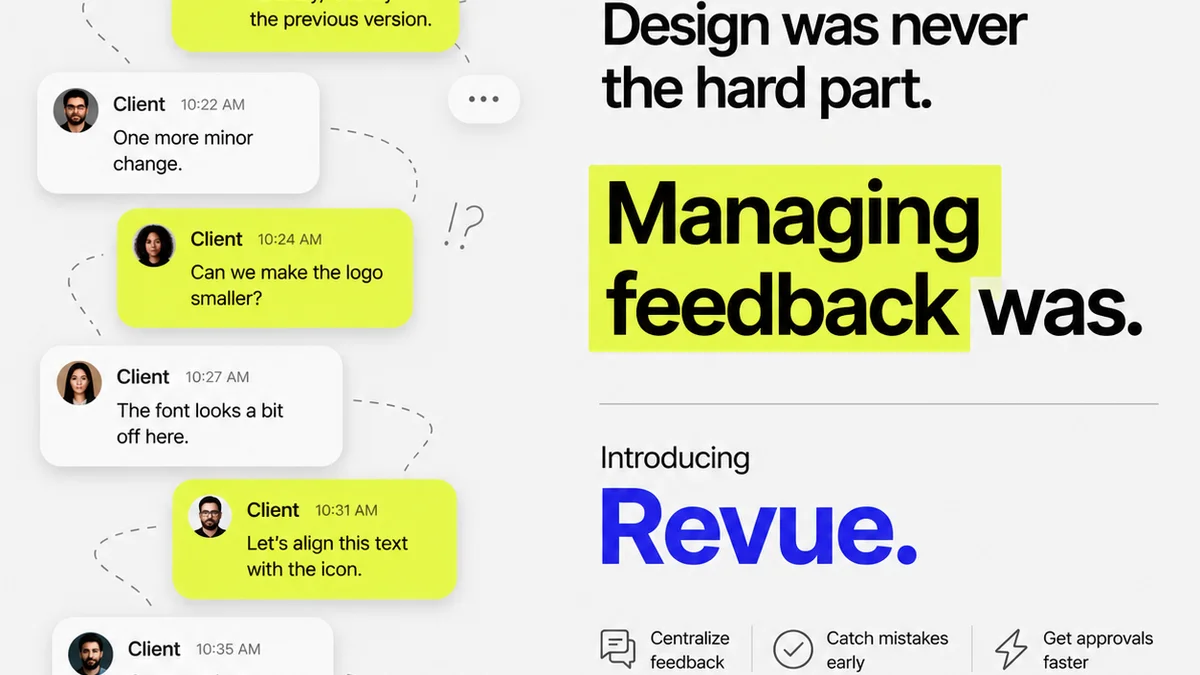
Managing prototype testing within an agency workflow, especially with multiple clients and projects, can get chaotic. Feedback gets scattered across emails, Slack channels, and random documents.
Revue streamlines this. You can upload prototype versions and gather centralized feedback directly on the design elements. This keeps all stakeholder comments, your internal team's notes, and revision history in one place.
When it’s time to iterate based on testing, Revue provides clear visibility into what feedback led to which changes. This transparency is vital for client communication and ensures that testing insights aren't lost in translation.
It helps you track revisions, manage approvals, and run quality checks efficiently, turning raw testing data into validated design iterations.
7. Iterate and Re-Test
Prototype testing isn't a one-and-done activity. It's part of an iterative cycle.
Use the insights from your analysis to make targeted improvements to the prototype. Once those changes are implemented, it’s time to test again.
Re-testing validates that your fixes actually solved the problems. It also helps uncover any new issues introduced by the changes.
This cycle—design, test, analyze, iterate, re-test—is the engine of effective product development. Skipping steps, especially testing, is a false economy.
Final Thought
Are you conducting prototype tests to genuinely improve the user experience, or are you just going through the motions? The difference lies in how you define your goals, recruit participants, facilitate sessions, and, most importantly, act on the findings. True testing isn't about validation; it's about discovery.
Frequently asked questions
What's the difference between low-fidelity and high-fidelity prototype testing?
Low-fidelity testing uses basic, often paper or wireframe prototypes to test core concepts and flows. High-fidelity testing uses polished, interactive prototypes that closely resemble the final product to test detailed usability and user experience.
How many participants do I need for prototype testing?
For qualitative prototype testing, aim for 5-8 participants per distinct user group. This number is generally sufficient to uncover the majority of usability issues without becoming overwhelming.
Should I guide users during a prototype test?
No, your role is to facilitate and observe. Avoid guiding or explaining. If a user struggles, let them struggle and ask open-ended questions to understand their thought process. Guiding them defeats the purpose of identifying real usability problems.
How do I make prototype testing actionable for my agency?
Actionability comes from thorough analysis and clear recommendations. Document all findings, prioritize issues by severity and frequency, and translate them into specific design changes. Tools like Revue help centralize feedback and track revisions, making the process more transparent and manageable.