Everyone knows prototype testing is important. You build a clickable prototype, show it to a few users, and watch them poke around. Easy, right?
None of that is wrong. But it’s incomplete.
The hard truth is that most prototype testing is done poorly. It’s treated as a box-ticking exercise, not a strategic tool. This leads to wasted effort, flawed insights, and ultimately, worse products. Real prototype testing is about rigorous observation and structured feedback, not just watching someone click.
1. What is Prototype Testing, Really?
Prototype testing is the process of evaluating a product design with real users before significant development resources are committed. It’s about validating assumptions, identifying usability issues, and gathering actionable feedback at the earliest possible stage.
Think of it as a low-fidelity stress test. You’re not just looking for bugs; you’re probing the core user experience.
Why Bother Testing Prototypes?
It’s cheaper. It’s faster. It’s smarter.
- Catching a usability flaw in a Figma prototype costs pennies. Fixing it in code costs thousands.
- Early validation prevents costly pivots later in the development cycle.
- It builds confidence in your design decisions, backed by user data, not just gut feelings.
This isn't just about making things look pretty. It's about making sure they work for the people who will actually use them.
2. The Foundational Elements of Effective Testing
Before you even think about recruiting users, you need a solid plan. Skipping this is like building a house without blueprints.
Defining Clear Objectives
What do you actually need to learn from this test? Be specific.
- Are you testing a specific workflow?
- Are you validating a new feature?
- Are you checking overall navigation and information architecture?
- Are you measuring task completion rates?
Vague goals lead to vague results. Know what success looks like before you start.
Choosing the Right Prototype Fidelity
The level of detail in your prototype matters. Match it to your goals.
- Low-fidelity (wireframes, paper prototypes): Great for testing core concepts, information architecture, and user flows early on. Fast to create, easy to iterate.
- Mid-fidelity (basic interactivity, grayscale): Good for testing navigation, task completion, and basic usability without getting bogged down in visual design.
- High-fidelity (visual design, complex interactions): Best for testing detailed interactions, micro-interactions, and the overall look and feel when the design is mostly finalized.
Don't over-engineer your prototype if you’re still figuring out the basic structure. Start lean.
Developing Realistic Scenarios and Tasks
Users need context. Give them a reason to interact with the prototype.
Scenarios set the stage. Tasks are the specific actions users should attempt.
- Scenario Example: “Imagine you’re planning a weekend trip and need to book a hotel for two nights in a new city. You want to find a place with good reviews and a pool.”
- Task Example: “Using this prototype, find a hotel that meets these criteria and add it to your wishlist.”
Tasks should be actionable and measurable. Can the user actually complete them? How long does it take? Where do they struggle?
3. User Recruitment: Finding the Right People
Who you test with is as critical as what you test.
Defining Your Target User Profile
Who is your ideal customer? Your test participants should reflect them.
- Demographics (age, location, profession)
- Psychographics (interests, attitudes, behaviors)
- Technical proficiency
- Domain knowledge
Don’t test with your colleagues. They know too much and can’t be objective.
Recruitment Methods
Where do you find these people?
- Existing customer base: If appropriate and ethical.
- Recruitment agencies: Professional and thorough, but can be costly.
- Online platforms: UserTesting.com, Respondent.io, etc. Offer access to diverse panels.
- Social media and community forums: Targeted outreach can work if done carefully.
Be prepared to screen participants rigorously. A bad fit can skew your results.
Incentives
Value their time. Offer fair compensation for their participation.
This can range from gift cards to cash payments, depending on the time commitment and participant profile.
4. Conducting the Test Session
This is where the rubber meets the road. Preparation and execution are key.
The Moderated vs. Unmoderated Debate
Moderated Testing: A facilitator guides the user through the prototype, asks follow-up questions, and probes for insights. Offers rich qualitative data.
Unmoderated Testing: Users complete tasks on their own, often remotely, with recorded screen activity and sometimes audio. Scalable and cost-effective for quantitative data or basic usability checks.
For deep understanding, moderated is usually best. For broad validation, unmoderated can be efficient.
The Think-Aloud Protocol
This is non-negotiable for moderated sessions. Ask users to verbalize their thoughts, feelings, and decisions as they navigate the prototype.
“Say what you’re thinking.”
- It reveals their mental model.
- It highlights points of confusion or delight.
- It uncovers assumptions you didn’t even know you had.
Resist the urge to explain or lead. Let them struggle a bit. That’s where the learning happens.
Observation and Note-Taking
Your job is to observe, not to intervene.
- Record sessions (with permission).
- Take detailed notes on user behavior, verbatim quotes, and points of friction.
- Look for patterns, not just isolated incidents.
Focus on what users *do*, not just what they *say*. Actions often speak louder than words.
5. Analyzing and Reporting Findings
The data is useless if you can’t make sense of it.
Synthesizing Qualitative Data
Review your notes and recordings. Group similar observations.
- Identify recurring usability issues.
- Note moments of delight or confusion.
- Extract key quotes that illustrate user sentiment.
Look for patterns across multiple participants. A single user’s issue might be an anomaly; several users hitting the same snag is a problem.
Quantifying Results (Where Applicable)
If you tracked metrics, analyze them.
- Task success rates
- Time on task
- Number of errors
These numbers provide objective evidence of usability. Quantifying usability adds weight to your qualitative findings.
Creating Actionable Recommendations
Don’t just present problems; propose solutions.
- Prioritize issues based on severity and impact.
- Suggest specific design changes.
- Link recommendations back to the original testing objectives.
Your report should be clear, concise, and focused on driving the next steps.
6. Where Revue Fits In
Managing the feedback loop from prototype testing through development is crucial. This is where a centralized platform like Revue becomes invaluable.
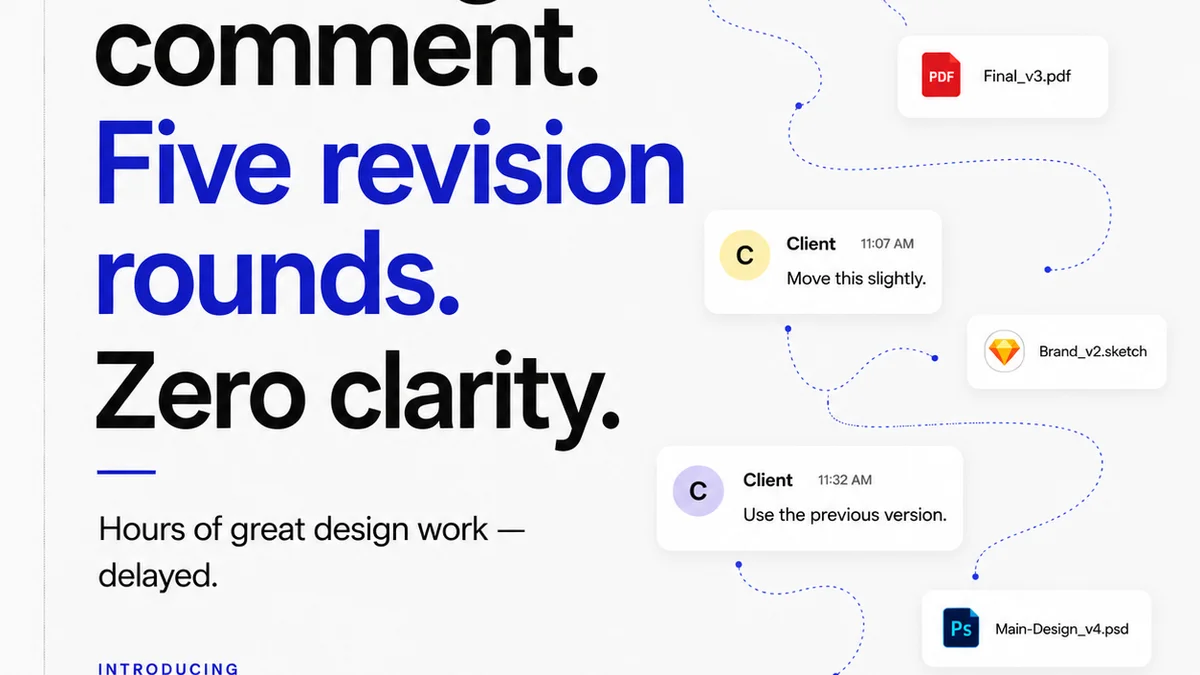
Imagine running multiple rounds of prototype testing. Feedback comes in from different sessions, different stakeholders, and different versions of the prototype. Without a system, it’s chaos.
Revue helps you:
- Centralize feedback: All comments, annotations, and user session notes are in one place, linked to specific design versions.
- Track revisions and approvals: Easily see which feedback has been addressed, which designs are approved, and what’s still in progress. This visibility is critical for iterative design.
- Maintain quality checks: Ensure that feedback is implemented correctly and doesn’t introduce new issues. You can link testing insights directly to design requirements.
This structured approach ensures that your testing efforts translate into tangible improvements, not just a pile of unread feedback.
7. Common Pitfalls to Avoid
Even with the best intentions, testing can go off the rails.
- Testing too late: Waiting until the design is nearly final is a missed opportunity.
- Biased moderation: Leading questions or defending the design kills objectivity.
- Ignoring negative feedback: The most valuable insights often come from what’s *not* working.
- Insufficient sample size: While qualitative testing doesn’t need hundreds, testing with just one person isn’t enough.
- Not acting on findings: The worst mistake is testing and then doing nothing with the results.
Be honest about your process. Are you truly seeking to improve, or just confirm your existing ideas?
Final Thought
Prototype testing isn't a magic bullet. It's a discipline. It requires planning, objectivity, and a willingness to be proven wrong.
Are you using prototype testing to genuinely uncover user needs and refine your designs, or are you just going through the motions?
Frequently asked questions
What is the difference between usability testing and prototype testing?
Prototype testing is a type of usability testing conducted on an early-stage, interactive model (prototype) of a product. Usability testing is a broader term that can encompass testing on prototypes, wireframes, or even fully developed products.
How many users do I need for prototype testing?
For qualitative insights, testing with 5-8 users can uncover a significant majority of usability issues. For quantitative data or broader validation, you might need a larger sample size, depending on your goals and statistical requirements.
When should I conduct prototype testing?
Prototype testing should be done as early and as often as possible in the design process. It's most effective when used to validate core concepts, information architecture, and key user flows before significant development effort is invested.
What are the key metrics to track in prototype testing?
Key metrics can include task success rate (did the user complete the task?), time on task (how long did it take?), error rate (how many mistakes were made?), and user satisfaction scores (often qualitative feedback or a simple rating).