Everyone thinks publication QA for e-commerce is just about checking product descriptions for typos and making sure images load. None of that is wrong. But it’s incomplete.
The hard truth is that publication QA is a critical, often overlooked, component of the entire e-commerce sales funnel. It’s not just a final check; it’s a quality gate that directly impacts conversion rates, customer satisfaction, and your bottom line.
1. Why Basic QA Isn’t Enough for E-commerce
You’ve probably seen it. A product listing with a glaring grammatical error, a blurry image, or worse, a broken link to the checkout page. These aren’t just minor annoyances; they are direct threats to sales.
Customers expect a seamless experience. When they encounter errors, they lose trust. This loss of trust translates directly into lost revenue.
Think about the journey: Discovery. Consideration. Decision. Purchase.
Publication QA touches every single one of these stages.
The Cost of Errors
Consider these real-world impacts:
- Lost Sales: A customer can’t add an item to their cart due to a technical glitch.
- Returns & Complaints: Inaccurate product details lead to customers receiving the wrong item.
- Damaged Brand Reputation: Frequent errors erode customer confidence, pushing them to competitors.
- Increased Support Load: Simple errors generate unnecessary customer service inquiries.
- Wasted Ad Spend: Driving traffic to pages with broken elements is a direct financial drain.
This isn’t about perfection; it’s about preventing preventable problems.
2. The Pillars of E-commerce Publication QA
A robust publication QA process goes far beyond a simple proofread. It’s a multi-faceted approach that covers content, functionality, and user experience.
Content Accuracy and Completeness
This is the bedrock. Every piece of information must be correct and comprehensive.
- Product Details: Verify specifications, dimensions, materials, colors, and compatibility.
- Pricing: Ensure prices are accurate, including sale prices, discounts, and any regional variations.
- SKUs and Identifiers: Cross-reference SKUs with inventory management systems.
- SEO Metadata: Check meta titles, descriptions, and alt text for accuracy and keyword relevance.
- Legal Disclaimers: Verify terms and conditions, warranty information, and any required compliance statements.
Accuracy builds trust. Inaccuracy breeds doubt.
Visual Integrity
High-quality visuals are non-negotiable in e-commerce.
- Image Resolution and Clarity: Ensure images are sharp, well-lit, and show the product accurately.
- Multiple Angles and Context: Verify that all necessary product views are present.
- Video Playback: Test product videos for functionality and quality.
- Image File Sizes: Optimize images for fast loading without sacrificing quality.
- Alt Text: Confirm descriptive alt text is present for accessibility and SEO.
Customers buy with their eyes first.
Functional Checks
This is where many e-commerce sites stumble.
- Add-to-Cart Functionality: Does it work? Every time?
- Variant Selection: Do size, color, and other options function correctly?
- Pricing Updates: Does the price change correctly when a variant is selected?
- Promotional Codes: Test discount codes to ensure they apply as expected.
- Checkout Flow: Navigate the entire checkout process to identify any dead ends or errors.
- Shipping and Tax Calculations: Verify these are accurate based on location and product.
- User Account Integration: If applicable, ensure product data syncs with user accounts.
Broken functionality is a direct revenue leak.
Cross-Browser and Cross-Device Compatibility
Your customers browse on a multitude of devices and browsers.
- Desktop Browsers: Chrome, Firefox, Safari, Edge.
- Mobile Devices: iOS (various iPhones/iPads), Android (various manufacturers/versions).
- Tablet Devices: Similar to mobile but with larger screen real estate.
A beautiful desktop experience can be a disaster on a mobile phone. Test everywhere.
Accessibility Compliance
Ensuring your site is usable by everyone is not just good practice; it's often a legal requirement.
- WCAG Guidelines: Adhere to Web Content Accessibility Guidelines (WCAG) 2.1 or higher.
- Keyboard Navigation: Can users navigate and interact with the site using only a keyboard?
- Screen Reader Compatibility: Test with screen readers to ensure content is understandable.
- Color Contrast: Verify sufficient contrast between text and background elements.
- Form Labels: Ensure all form fields have clear, associated labels.
Accessibility broadens your audience and improves usability for all.
3. Implementing a Scalable QA Process
A good QA process isn't a one-off; it's integrated into your workflow. It needs to be repeatable, scalable, and efficient.
Define Your Checklist
Create comprehensive checklists tailored to different product types or page templates. These should cover all the pillars mentioned above.
A standardized checklist ensures consistency.
Leverage Technology
Manual testing has its place, but it’s slow and prone to human error. Explore tools that can automate parts of your QA.
- Automated Testing Frameworks: For functional and regression testing.
- Visual Regression Tools: To catch unintended UI changes.
- Link Checkers: To identify broken internal and external links.
- Grammar and Spell Checkers: Beyond basic word processing tools.
- Accessibility Scanners: To identify common accessibility issues.
Technology can handle the repetitive tasks, freeing up your team for more complex checks.
Establish Clear Roles and Responsibilities
Who is responsible for what at each stage? Define ownership for content accuracy, visual checks, and functional testing.
Ambiguity leads to missed steps.
Integrate QA Early and Often
QA shouldn’t be an afterthought. Build it into your content creation and product launch workflows.
- Pre-Publication Review: A final check before content goes live.
- Post-Publication Monitoring: Regularly check live pages for issues.
- A/B Testing Integration: Use QA to ensure variations are implemented correctly.
Catching issues early saves time and money.
Feedback Loop and Iteration
Track the types of errors found. Analyze the root causes and update your processes and checklists accordingly.
Continuous improvement is key.
4. Where Revue Fits In
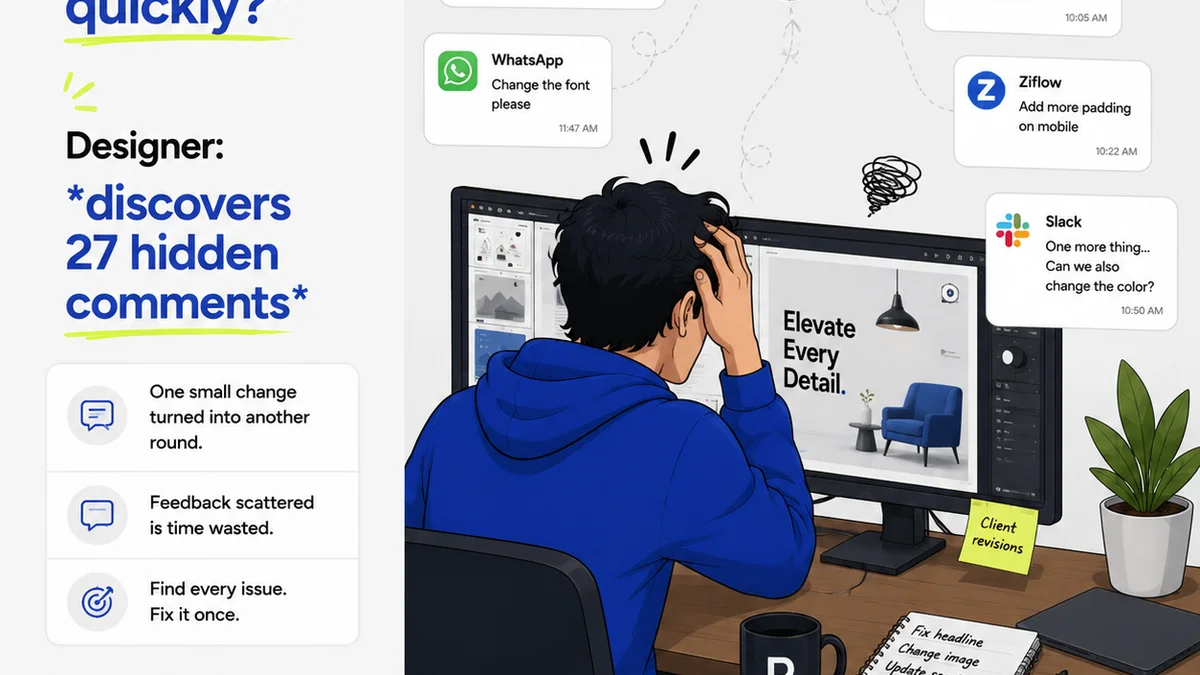
Managing the sheer volume of creative assets and product information in e-commerce can be overwhelming. Centralizing feedback and approvals is essential for maintaining quality.
Revue helps streamline this process by providing a single source of truth for client feedback and revision history.
- Centralized Feedback: All comments, annotations, and approvals live in one place, reducing miscommunication and lost feedback.
- Version Control: Track revisions and ensure the latest approved version is always clear.
- Streamlined Approvals: Move clients and stakeholders through the approval process efficiently.
- Quality Check Integration: Use Revue’s structured workflow to ensure all necessary QA steps are completed before publication.
By bringing order to the chaos of feedback and revisions, Revue ensures that the final product going live is accurate, on-brand, and functional.
5. Final Thought
Publication QA for e-commerce is not a cost center; it's a profit driver. It’s the invisible guardian of your customer experience and your revenue stream.
Are you treating it as the critical business function it is, or just another box to tick?
Frequently asked questions
What are the key areas to check during e-commerce publication QA?
Key areas include content accuracy (product details, pricing), visual integrity (image quality, resolution), functional checks (add-to-cart, checkout), cross-browser/device compatibility, and accessibility compliance (WCAG).
How can I make my e-commerce QA process more efficient?
Efficiency comes from defining clear checklists, leveraging automation tools for repetitive tasks, establishing clear roles, integrating QA early in the workflow, and creating a feedback loop for continuous improvement.
Why is accessibility important for e-commerce publication QA?
Accessibility ensures your e-commerce site is usable by everyone, including people with disabilities. This not only broadens your potential customer base but is often a legal requirement and improves the user experience for all visitors.
How does a tool like Revue help with publication QA?
Revue centralizes feedback and approvals for creative assets and product information. This reduces miscommunication, ensures version control, streamlines the approval process, and helps integrate quality checks directly into your workflow, preventing errors before publication.