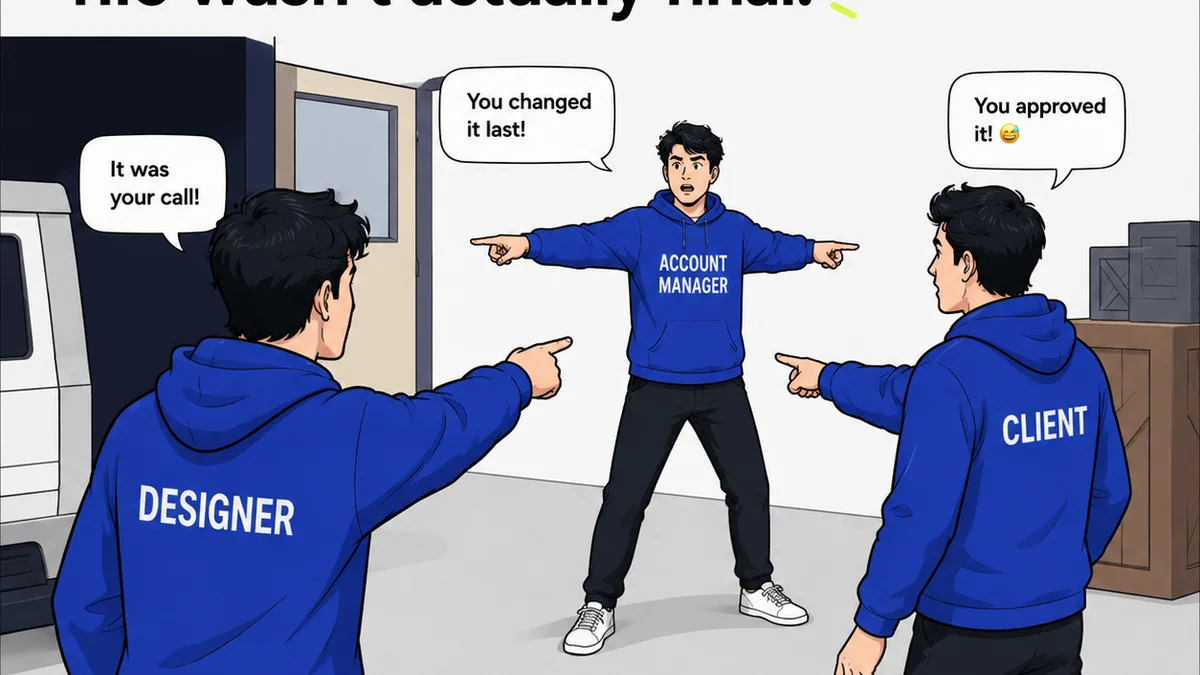
You think choosing remote design feedback software is about finding a tool that lets clients upload and comment on files. That’s the baseline. Anyone can do that.
But that’s not what moves the needle for a busy agency.
The real win is software that stops the endless email chains, clarifies who said what, and makes revisions trackable. It’s about clarity and control, not just digital handoffs.
1. Beyond Annotation: Context is King
Clicking on a screenshot and typing “make this blue” is easy. It’s also often useless.
Good feedback software provides context. It shows you who is asking for the change, when they asked, and what version they’re referring to.
Think about it.
You get a comment: “The logo placement is wrong.”
Is that from the marketing director who cares about brand guidelines? Or the junior designer who’s just learning the file structure? Is it for the web banner or the print ad? Is it the latest iteration or an old one?
Without context, you’re guessing. You’re asking follow-up questions. You’re wasting time.
Key Contextual Features to Demand:
- User roles and permissions (client, stakeholder, internal team)
- Timestamped comments linked to specific versions
- Clear project and asset naming conventions
- Ability to tag specific team members on comments
- Visual cues for comment status (e.g., resolved, pending)
This isn’t about making clients jump through hoops. It’s about ensuring their feedback is actionable the first time.
2. Version Control Isn't Optional
Designers live in a world of iterations. Clients often don’t.
They’ll look at version 5 and say, “I liked the headline from version 2 better.”
If your feedback tool treats every upload as a new file, you’re sunk. You need a system that clearly tracks revisions.
This means seeing:
- A clear history of all versions uploaded
- The ability to compare versions side-by-side
- Comments attached to specific versions, not just the latest file
- The option to revert to a previous version if needed
Without robust version control, you’re battling scope creep and confusion. You’re recreating work unnecessarily.
It’s the difference between a smooth revision cycle and a chaotic mess.
3. Centralization Beats Scattered Input
The biggest killer of creative flow? Feedback coming from everywhere.
Emails. Slack messages. Google Docs. Text messages. Phone calls.
Each channel is a potential communication black hole. Each is a place where crucial feedback can get lost, misinterpreted, or ignored.
Your remote design feedback software must be the single source of truth.
This means:
- All client comments live in one place.
- All internal discussions related to feedback are logged.
- Approvals are clearly recorded against specific versions.
Think of it like a control tower for your creative output. Everything comes in, gets processed, and gets sent out with clarity.
No more digging through inboxes. No more “Did Sarah approve this?”
4. Streamlining Approvals, Not Just Collecting Them
Many tools let clients click an “Approve” button. That’s the easy part.
The harder, more important part is ensuring that approval is meaningful and trackable.
What happens after approval?
Does the system automatically notify the next person in the workflow? Does it lock the approved version? Does it generate a clear audit trail?
A truly effective system integrates approvals into the workflow:
- Clear, visible approval status for each version
- Automated notifications upon approval
- Ability to capture multiple stakeholder approvals
- Record of who approved what and when
This eliminates bottlenecks and provides crucial accountability. It’s the difference between a casual nod and a formal sign-off.
5. Visibility into Quality Checks
Beyond client feedback, there's internal quality control.
Before a design goes to the client, your team needs to review it. Color profiles, file formats, adherence to specs – these matter.
Your feedback software should facilitate this, not hinder it.
Can your internal team add private notes or QA checklists within the same platform?
This means:
- Internal review cycles using the same interface
- Private annotation layers for QA team members
- Checklists for common quality control points
- Clear separation between client feedback and internal notes
This keeps everything in one place, ensuring that client-ready work is truly ready.
Where Revue Fits In
Managing feedback is a core challenge for creative teams, especially when working remotely. You need a system that doesn’t just accept comments but actively helps you manage them.
Revue is built for this. It centralizes client feedback, providing clear context, version tracking, and consolidated communication. No more hunting through emails or Slack for that one crucial comment.
It streamlines approvals by making them visible and trackable, ensuring everyone is on the same page before moving forward. You get clear audit trails and automated notifications, reducing bottlenecks and confusion.
Furthermore, Revue facilitates internal quality checks, allowing your team to add private notes and ensure assets meet all specifications before client delivery. It’s about bringing order to the creative chaos, ensuring your agency delivers polished, client-approved work efficiently.
Final Thought
Are you looking for software that simply collects comments, or are you seeking a platform that actively drives clarity, accountability, and efficiency in your design process?
The choice defines the difference between a tool and a true workflow partner.
Frequently asked questions
What is the most important feature in remote design feedback software?
Context is paramount. The software should clearly show who is giving feedback, when, and on which specific version of the asset. This prevents misinterpretation and saves significant time.
How does version control impact the feedback process?
Robust version control allows teams to track all iterations, compare versions easily, and ensure feedback is applied to the correct file. This avoids confusion and prevents rework.
Why is centralization of feedback critical for agencies?
Centralization means all feedback, discussions, and approvals happen in one place. This eliminates lost comments, reduces miscommunication across multiple channels (email, Slack, etc.), and creates a single source of truth.
What should I look for in approval features?
Look for software that goes beyond a simple 'Approve' button. Features like clear status visibility, automated notifications, multi-stakeholder approval tracking, and audit trails are crucial for accountability and workflow efficiency.