Everyone agrees revision tracker software is essential. You can’t manage creative projects without it, right?
That’s not entirely wrong. But it’s incomplete.
The real truth is, most revision tracker software is just glorified version control. It logs who changed what and when. That’s useful, but it misses the entire point of managing creative feedback and approvals effectively. It’s a logbook, not a workflow engine.
What agencies truly need isn't just a tracker. They need a system that streamlines the *entire* revision process, from initial feedback to final sign-off, making client communication clearer and team collaboration smoother. This means looking beyond simple version history and focusing on features that directly impact efficiency, clarity, and accountability.
1. Centralized Feedback Collection
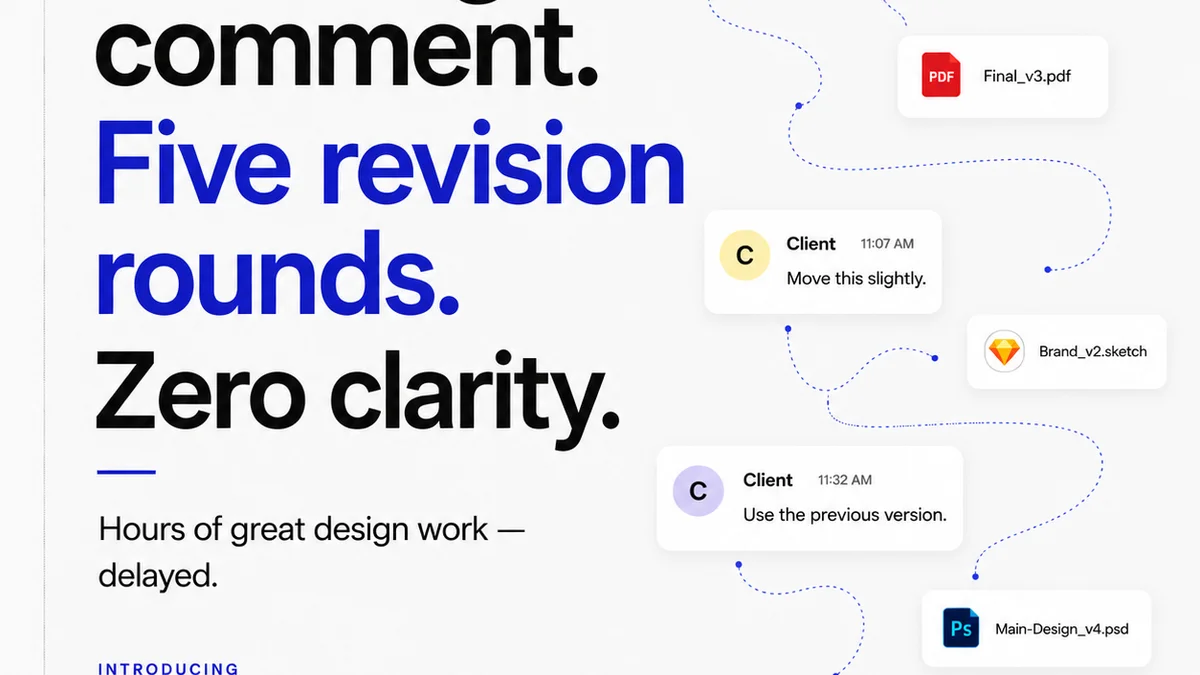
The biggest time sink in creative revisions isn't the actual rework. It's the chaos of feedback.
Emails, Slack messages, random comments in shared docs, verbal instructions – it all becomes a tangled mess. Trying to consolidate this into actionable tasks is a nightmare. Good revision tracker software starts by fixing this fundamental problem.
Consolidation is Key
You need a single source of truth for all client comments. This means the software should allow clients (or internal stakeholders) to provide feedback directly on the creative asset itself.
- Visual Annotation: The ability to click on an image, video, or PDF and leave a comment precisely where the feedback applies.
- Contextual Comments: Comments should be tied to specific versions or frames, so there’s no ambiguity about what is being discussed.
- Consolidated Views: A dashboard or list view that aggregates all feedback for a specific asset, organized by version or status.
This eliminates the need to hunt for comments across multiple platforms. It’s a simple concept, but its impact on efficiency is massive.
Client-Friendly Interface
Your clients aren’t designers. They shouldn’t need a tutorial to leave feedback. The interface for providing comments must be intuitive and accessible.
If clients struggle, they’ll revert to email or phone calls, defeating the purpose of the tool. Simplicity here is paramount.
2. Streamlined Revision Workflows
Once feedback is collected, how does it get into the hands of the team? And how do you ensure it’s acted upon correctly?
This is where many basic trackers fall short. They log feedback, but they don't actively manage the workflow around it. Effective software guides the process.
Task Management Integration
Feedback should translate directly into tasks for your team. The software should make this transition seamless.
- Automatic Task Creation: When a comment is logged, it should be possible to convert it into a task with a clear owner and deadline.
- Prioritization Tools: The ability to mark feedback as critical, high, medium, or low priority helps teams focus their efforts.
- Status Tracking: Tasks should have clear statuses (e.g., To Do, In Progress, Blocked, Done) so everyone knows the state of revisions.
This moves beyond just noting changes to actively managing the work required to implement them.
Version Control with Context
Sure, you need to track versions. But simply numbering them isn't enough. You need to know *why* a new version exists.
- Clear Version History: A visual timeline showing each uploaded version.
- Linked Feedback: Each new version should be clearly linked to the specific feedback it addresses.
- Comparison Tools: The ability to easily compare the current version with previous ones, highlighting changes or showing specific feedback points on older versions.
This context is crucial for understanding the evolution of a project and avoiding regressions.
3. Clear Approval Processes
Feedback is one thing. Approval is another. You need a definitive way to know when a client is happy and ready to move on.
Vague approvals lead to scope creep and endless
Frequently asked questions
What is the primary benefit of using revision tracker software?
The primary benefit is centralizing and organizing client feedback and revision history, which reduces miscommunication, saves time spent searching for comments, and clarifies the approval process.
How can revision tracker software improve client communication?
By providing a clear, visual, and contextual platform for feedback, it minimizes misunderstandings. Clients can see exactly what they are commenting on, and agencies have a record of all discussions, leading to more efficient and transparent communication.
Can revision tracker software help manage scope creep?
Yes, by clearly documenting all feedback, revisions, and approvals, it provides a definitive record of what was requested and agreed upon. This makes it easier to identify and address requests that fall outside the original scope.
What's the difference between version control and revision tracking software?
Basic version control logs file changes. Revision tracking software is more comprehensive, focusing on the *feedback and approval process* surrounding those changes, including annotation, task management, and clear sign-offs.