Everyone thinks a revision tracker is just about keeping old versions. A digital paper trail. Proof of work. None of that is wrong. But it’s incomplete.
The hard truth? A revision tracker is a goldmine for operational intelligence. It’s a diagnostic tool for your creative workflow. If you’re not actively mining it for insights, you’re leaving efficiency and profitability on the table.
1. The Assumption: It's Just for Audits
The most common use case for a revision tracker is simple: have a record. Clients ask for a previous version. Legal needs to see what was approved. You need to prove you delivered what was asked for.
This is a reactive stance. It’s about covering your backside, not improving your business.
What if we flipped the script? What if the tracker wasn’t just a record, but a proactive tool?
2. The Deeper Truth: It’s a Workflow Diagnostic
Every file saved, every comment logged, every version incremented is a data point. These data points, aggregated over time, tell a story about your team’s efficiency, client collaboration, and project bottlenecks.
Think about the common symptoms of a struggling creative process:
- Endless rounds of feedback that feel circular.
- Misunderstandings about what was *actually* approved.
- Team members wasting time searching for the right file.
- Scope creep disguised as “minor tweaks.”
- Delays caused by waiting on client input.
Your revision tracker, if used correctly, can highlight these issues before they become crises. It’s not just about *what* changed, but *why* and *how often*.
3. Mining the Data: What to Look For
Let’s get practical. What specific signals should you be scanning your revision history for?
3.1. Feedback Velocity
How quickly does feedback come in after a deliverable is sent? Are there consistent delays from specific clients or for certain project types?
Long gaps between feedback cycles kill momentum and can lead to stale work.
3.2. Feedback Volume and Sentiment
Are comments granular and constructive, or vague and overwhelming? Are there many small comments, or a few massive ones?
A flood of minor edits might indicate a lack of clear direction early on. Large, sweeping changes late in the process suggest a fundamental misunderstanding or a shift in client priorities.
3.3. Iteration Cycles
How many versions does a typical deliverable go through before approval? Is this number consistent across projects and clients?
An abnormally high number of iterations for a specific project or client is a red flag. It suggests inefficiency, unclear requirements, or scope creep.
3.4. Scope Creep Indicators
Look for patterns where feedback requests go beyond the original brief. Are these flagged and managed, or just incorporated?
The tracker can show when a “small change” is actually the 15th iteration on a single element.
3.5. Approval Bottlenecks
Who is approving the work? Are approvals coming quickly, or are they consistently delayed? Is there a single point of failure in the approval chain?
Understanding approval times helps manage client expectations and internal timelines.
4. Implementing Smarter Tracking Practices
Simply *having* a tracker isn’t enough. You need to use it deliberately.
4.1. Standardize Naming Conventions
This sounds basic, but it’s crucial. Use a consistent format for file names that includes project name, version number, date, and a brief description of changes. Example: `ProjectName_Logo_v3_20231027_Final_ClientApproved.ai`.
This makes finding files easier and provides immediate context.
4.2. Version Control Discipline
Every significant change should prompt a new version. Don't overwrite. Use clear version numbering (v1, v2, v3) or date-based versions. Major revisions might get a whole number increment (v1, v2), while minor tweaks get a decimal (v1.1, v1.2).
This creates a clear, chronological record.
4.3. Link Feedback to Versions
The most powerful insights come when feedback is directly tied to the specific version it pertains to. This avoids the “which comment goes with which file?” confusion.
When a client provides feedback, ensure it’s logged against the exact version they are commenting on.
4.4. Tag and Categorize Feedback
If possible, tag feedback. Is it a design tweak? A copy change? A functional request? Is it a clarification question or a direct instruction?
This allows you to analyze the *types* of feedback you receive most frequently.
4.5. Regular Review Cadence
Schedule time – weekly, bi-weekly – to review the revision history on active projects. Look for the patterns mentioned above. Discuss these findings in your team meetings.
Don’t wait for a project to go sideways. Be proactive.
5. Where Revue Fits In
Managing feedback and revisions effectively is core to creative agency operations. A robust revision tracker is more than just file management; it’s about clear communication and process visibility.
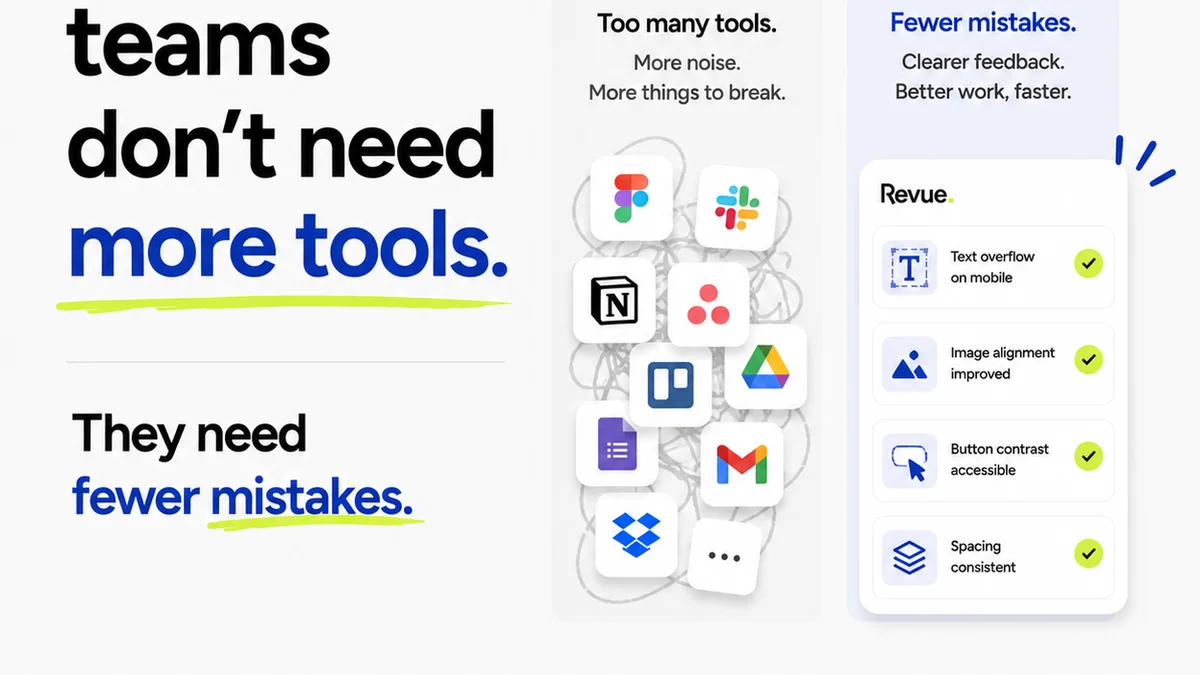
Revue is built to centralize this entire process. Instead of scattered emails, endless document versions, and missed feedback, Revue provides a single source of truth.
Clients provide feedback directly on the creative assets within Revue. Every comment is timestamped and linked to a specific version. Revision history is clear and accessible, eliminating ambiguity about what was approved and when.
This isn’t just about convenience. It’s about turning your revision process from a potential source of conflict and delay into a streamlined, transparent, and insightful part of your workflow. It provides the data your revision tracker needs to be a diagnostic tool, not just an archive.
6. Final Thought
Your revision tracker holds the keys to unlocking significant improvements in your agency’s efficiency and client satisfaction. Are you treating it as a simple archive, or as the powerful operational diagnostic tool it can be?
The difference isn't just about better organization. It's about building a more profitable, predictable, and less stressful creative business.
Frequently asked questions
What is the primary benefit of using a revision tracker effectively?
The primary benefit is transforming it from a simple archive into a powerful diagnostic tool for your creative workflow. This allows you to identify bottlenecks, understand feedback patterns, and proactively improve efficiency and profitability.
How can a revision tracker help prevent scope creep?
By meticulously logging each version and linking feedback to specific iterations, a revision tracker makes it obvious when requested changes go beyond the original brief. This data allows you to flag scope creep early and discuss it with the client.
What are key practices for making a revision tracker more useful?
Key practices include standardizing file naming conventions, maintaining version control discipline (no overwriting), linking feedback directly to specific versions, tagging feedback types, and scheduling regular reviews of the revision history.
How does centralized feedback software like Revue enhance revision tracking?
Centralized platforms like Revue ensure all feedback is captured in one place, directly linked to the relevant asset and version. This eliminates confusion, provides a clear audit trail, and makes analyzing revision patterns much more straightforward than managing scattered emails.