Most agency owners think choosing between Asana and a tool like Revue is a simple features comparison. Pick the one with more buttons, right?
None of that is wrong. But it’s incomplete.
The hard truth is that the choice isn't about more features. It’s about *different* features, built for fundamentally different problems. Asana is a powerful project management system. Revue is a specialized tool for creative feedback and approvals.
Trying to force creative feedback into a general project management tool is like using a hammer to screw in a lightbulb. It might work, eventually, but it's clumsy, inefficient, and risks breaking something.
1. The Core Problem: Project Management vs. Creative Collaboration
Asana excels at managing tasks, deadlines, and team assignments across complex projects. It’s built for tracking progress, dependencies, and resource allocation.
This is invaluable for client onboarding, internal sprints, or tracking the development of a new website. You can see who’s doing what, by when.
But creative work isn't just a series of tasks. It's iterative. It involves subjective input, nuanced critique, and a constant back-and-forth that Asana wasn't designed to handle smoothly.
Asana's Strengths (and Why They Don't Solve Creative Feedback)
- Task Tracking: Great for knowing if a design is *in progress*, but not for understanding *why* it’s being revised.
- Dependencies: Useful for linear workflows, but creative feedback often creates loops, not straight lines.
- Team Assignment: Assigning a task like “Review Design Mockup” is fine, but doesn’t capture the *quality* of feedback needed.
Asana helps you manage the *process* of creative work. It doesn't help you manage the *content* of creative feedback itself.
2. The Feedback Loop: Where Asana Falters
Creative feedback needs context. It needs to be tied directly to the asset being reviewed. A comment in Asana might be buried in a task description or a separate thread.
When a client says, “I don’t like the blue,” is that the blue of the button? The background? The logo? Without seeing the specific element, the feedback is ambiguous.
This ambiguity leads to:
- Endless clarification emails.
- Misinterpretations and rework.
- Frustrated clients and designers.
- Delayed approvals.
Asana’s notification system can also become overwhelming. A flood of task updates, comments, and assignments can drown out the critical feedback that needs immediate attention.
The Illusion of Control
You might set up complex Asana projects with custom fields to track feedback. You might create specific tasks for each revision round. But you’re still wrestling with a tool not built for the nuances of visual critique.
It feels like you have control because the *tasks* are managed. But the actual *feedback* remains chaotic, hidden in disparate places.
3. The Revision & Approval Bottleneck
Approvals are the lifeblood of an agency. Without them, projects stall, cash flow stops, and everyone gets stressed.
Asana can track an approval *status* (e.g., “Pending Approval”), but it doesn’t streamline the *act* of approving or rejecting.
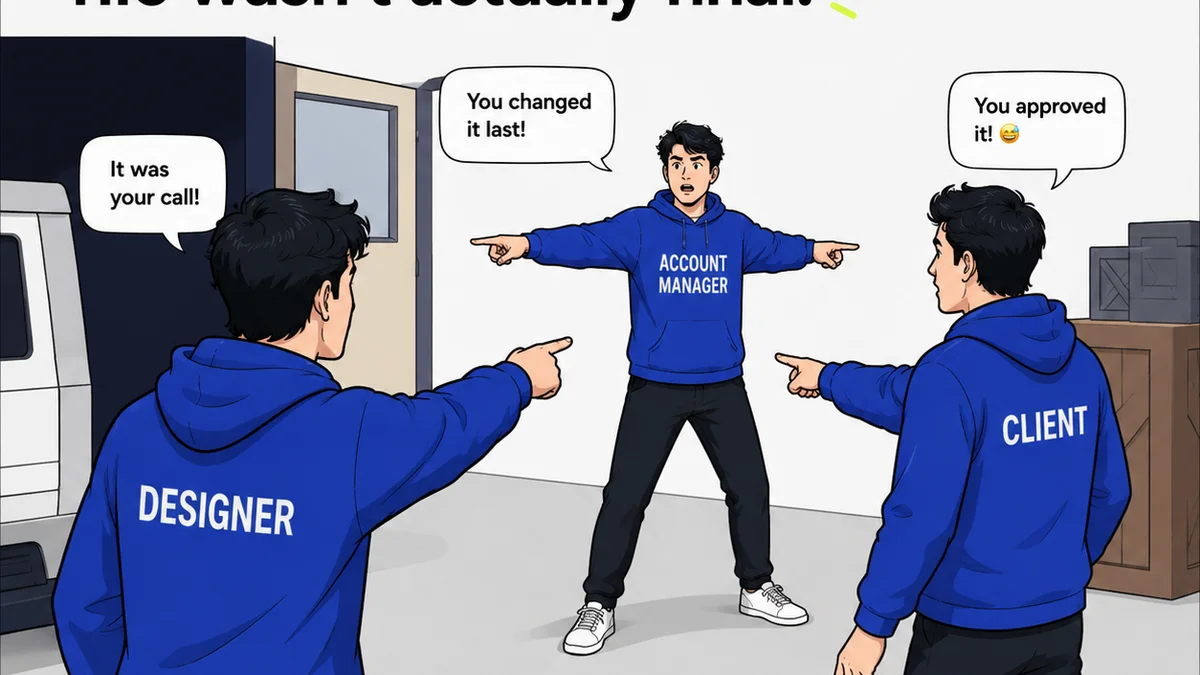
How do you ensure the client is reviewing the *correct version*? How do you capture explicit sign-off on a specific iteration?
This often leads to:
- Clients approving the wrong version because they were looking at an old file.
- Verbal approvals that are later disputed.
- A lack of a clear audit trail for who approved what, and when.
Project management tools are built for task completion, not for the granular, version-controlled sign-off required in creative workflows.
4. Quality Control: More Than Just Task Completion
Quality checks in creative work go beyond simply marking a task as “done.” It involves ensuring the final output meets the brief, brand guidelines, and client expectations.
Asana can track tasks like “Perform Quality Assurance,” but it doesn’t provide a structured way to document or review these checks against the actual creative assets.
Where do you log that the CTA button color doesn't meet WCAG contrast ratios? Or that the logo usage deviates from the brand guidelines? These aren't tasks; they are observations tied to specific design elements.
This lack of specialized QC features means:
- Issues get missed until much later in the process.
- Rework happens late, costing more time and money.
- The final deliverable might not meet the highest standards.
Where Revue Fits In
Revue is built from the ground up to solve the specific challenges of creative feedback and approvals. It addresses the shortcomings of general project management tools by focusing on the creative asset itself.
Centralized Feedback: Upload your designs, videos, or documents directly into Revue. All feedback lives in one place, directly annotated on the asset. No more hunting through emails or Slack threads.
Clear Revisions & Versions: Easily upload new versions of an asset. Clients and stakeholders can compare versions side-by-side, ensuring they are always commenting on the latest iteration.
Explicit Approvals: Capture clear, unambiguous approvals with a single click. Revue provides an undeniable audit trail, reducing disputes and speeding up sign-offs.
Streamlined Quality Checks: Use Revue’s annotation tools to highlight specific areas needing attention, whether it’s a typo, a contrast issue, or a brand guideline deviation. This makes quality control a visible, actionable part of the review process.
Revue doesn't try to replace your project management system. It complements it by providing a dedicated space for the most friction-prone part of creative delivery: getting clear, actionable feedback and approvals.
5. The Cost of the Wrong Tool
Using Asana for creative feedback isn't just inefficient; it's costly.
Every hour spent deciphering ambiguous comments, chasing down approvals, or redoing work due to miscommunication is an hour you're not spending on billable client work or strategic growth.
The frustration it causes internally and externally erodes team morale and client relationships.
The “free” or “included” project management tool ends up costing you far more in lost productivity and potential revenue.
Final Thought
Are you managing tasks, or are you managing creative output? The distinction is critical. While Asana is a champion of task management, relying on it for the core of your creative feedback loop is a compromise that costs agencies time, money, and sanity. It’s time to recognize that specialized tools exist for a reason, and using the right tool for the job isn’t a luxury—it’s a fundamental requirement for efficient, profitable creative operations.
Frequently asked questions
Can Asana handle creative feedback and approvals?
Asana can track tasks related to feedback and approvals, but it's not designed for the nuanced, visual, and iterative nature of creative critique. This often leads to ambiguity, miscommunication, and inefficient workflows compared to specialized tools like Revue.
What is the main difference between Asana and Revue?
Asana is a general project management tool focused on task tracking, dependencies, and team assignments. Revue is a specialized platform for creative feedback, version control, and client approvals, designed to streamline the review process for visual assets.
Why is using a general PM tool for creative feedback problematic?
General PM tools lack the context to tie feedback directly to specific visual elements. They can lead to unclear comments, version control issues, difficulty capturing explicit approvals, and a lack of a clear audit trail for creative assets.
How does Revue improve client approvals?
Revue provides a clear, visual interface for clients to review specific versions of creative assets and give explicit, one-click approvals. This creates an undeniable audit trail, reduces disputes, and significantly speeds up the sign-off process.