Most agencies and creative teams think of project management tools as interchangeable. You need to track tasks, deadlines, and deliverables, right? So, a tool like Asana, Monday.com, or Jira should be enough.
None of that is wrong. But it’s incomplete.
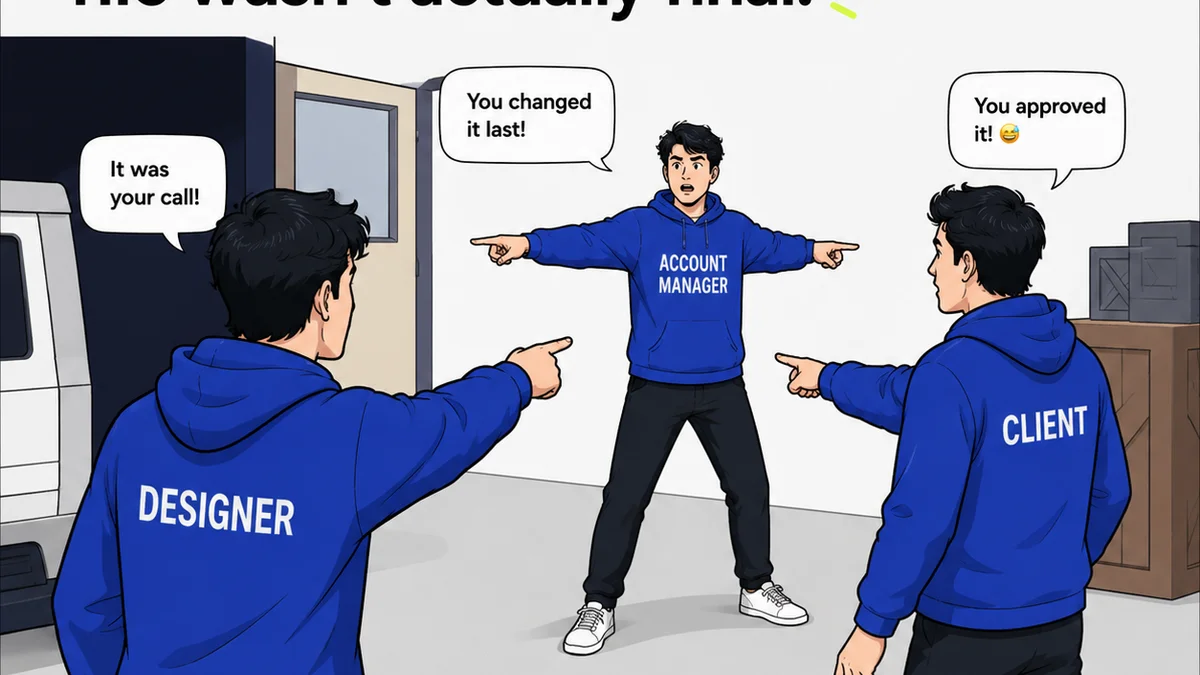
The hard truth is that most general-purpose task managers fail creative teams on the most critical part of their work: client collaboration and feedback. They’re built for engineers, not for creatives and their clients. This leads to endless email chains, lost feedback, and painful revision cycles.
1. The Illusion of Centralization
Asana is a powerful tool for managing projects. It excels at breaking down work into tasks, assigning owners, and setting due dates. For internal teams, it can be a godsend.
But when it comes to client work, Asana often becomes another silo. Clients don’t want to log into another system just to leave a comment. They’re already juggling email, Slack, and a dozen other platforms.
This friction means feedback either doesn’t get captured properly or gets buried in email threads that are impossible to reference later.
The Feedback Black Hole
Think about a typical client feedback loop:
- Client receives a link (often via email).
- Client opens the link, browses the design.
- Client sends feedback via email, Slack, or even a quick text message.
- Your team has to manually copy/paste that feedback into Asana, trying to match it to the correct task or deliverable.
- Crucially, the visual context is lost. Was that feedback for the headline? The button color? The entire layout?
This is where the problem starts. Asana isn’t designed to capture feedback *on* the visual asset itself. It’s designed to track tasks *about* the asset.
2. The Revision Nightmare
Creative revisions are not simple tasks. They’re iterative conversations tied to specific visual elements. A general task manager treats every revision like a new to-do item, detached from the previous versions and the specific feedback that triggered it.
This leads to:
- Difficulty tracking the history of changes.
- Confusion over which version is the latest approved one.
- Wasted time searching for previous feedback or design files.
- Clients seeing outdated versions and providing redundant feedback.
Asana might let you attach files to a task, but it doesn’t provide a clear, visual audit trail of revisions. You can’t easily compare V1, V2, and V3 side-by-side with the exact feedback that led to each change.
Version Control Chaos
Imagine trying to manage this in Asana:
- Task: "Revise Website Homepage Mockup V2"
- Subtask: "Incorporate client feedback from 05/15 email"
- Comment on subtask: "Client wants new hero image. (See attached email.)"
- New Task: "Revise Website Homepage Mockup V3"
- Comment on new task: "Client approved V2 hero image, but wants different CTA text."
This is a recipe for disaster. It’s disconnected, relies on manual data entry, and lacks any visual reference. The actual design is likely being managed in Figma, Adobe XD, or even Google Drive, completely separate from the task management system.
3. The Approval Bottleneck
Getting client approval is the finish line, but general task managers often make it a hurdle. How do you get a clear, unambiguous sign-off when feedback is scattered across emails, Slack messages, and meeting notes?
Asana tasks can be marked
Frequently asked questions
Can Asana handle client feedback?
Asana can track tasks related to client feedback, but it doesn't provide a visual, contextual way for clients to leave feedback directly on creative assets. This often leads to feedback being lost in email or Slack, making it difficult to manage revisions effectively.
What's the main difference between a task manager and a creative collaboration tool?
Task managers like Asana focus on organizing internal workflows and tracking task completion. Creative collaboration tools, like Revue, are built specifically for managing visual feedback, revisions, and approvals directly on creative work, streamlining communication between teams and clients.
Why is visual context important for client feedback?
Visual context ensures that feedback is precise and actionable. When clients can comment directly on specific elements of a design, designers immediately understand what needs to be changed, reducing ambiguity and the need for back-and-forth clarification.
How does Revue help with version control?
Revue provides a clear, visual history of all design versions. Each version is linked to the specific feedback that prompted its creation, allowing teams and clients to easily track progress, compare iterations, and ensure everyone is working with the most up-to-date design.