Everyone thinks Figma comments are the ultimate tool for client feedback. They’re built right into the design file, so what’s not to love?
None of that is wrong. But it’s incomplete.
The hard truth? Relying solely on Figma comments for client feedback creates blind spots, bottlenecks, and ultimately, unhappy clients and overworked teams. It’s a tactical tool, not a strategic workflow solution.
Let’s break down why. And more importantly, where the real work happens.
1. The Illusion of Centralized Feedback
Figma comments live inside Figma. That’s their superpower and their Achilles' heel. For a designer, seeing a comment directly on a layer is pure gold. It cuts through ambiguity.
But for a client? Or a project manager? Or a stakeholder who doesn’t live in Figma?
It’s a walled garden. Feedback gets siloed. Important decisions get buried in comment threads. Cross-referencing feedback across multiple screens or versions becomes a manual, error-prone nightmare.
This isn’t centralized feedback; it’s just *in-design* feedback.
2. Version Control Chaos
Figma’s branching and version history are powerful. But comments don’t always travel cleanly between versions.
Imagine a client leaves feedback on a specific version. You implement it, create a new version, and the original comment might become orphaned or point to something that no longer exists.
Or worse, a client leaves feedback on the *wrong* version. Now you’re playing detective, trying to figure out which iteration the feedback actually applies to.
This leads to:
- Misinterpreted feedback.
- Wasted development time.
- Frustrated clients who think their input was ignored.
3. The Scope Creep Danger Zone
Figma comments are easy to leave. Too easy.
A client sees something they don’t like that’s outside the current scope. Instead of flagging it through a formal change request, they just drop a comment.
“Can we make this button blue?”
“This whole section feels a bit off.”
These aren’t actionable design critiques; they're stray thoughts. But because they’re in the design file, they demand attention. Project managers lose visibility into the true scope of work, and designers get pulled into endless, low-value tweaks.
It’s the death by a thousand tiny, unmanaged requests.
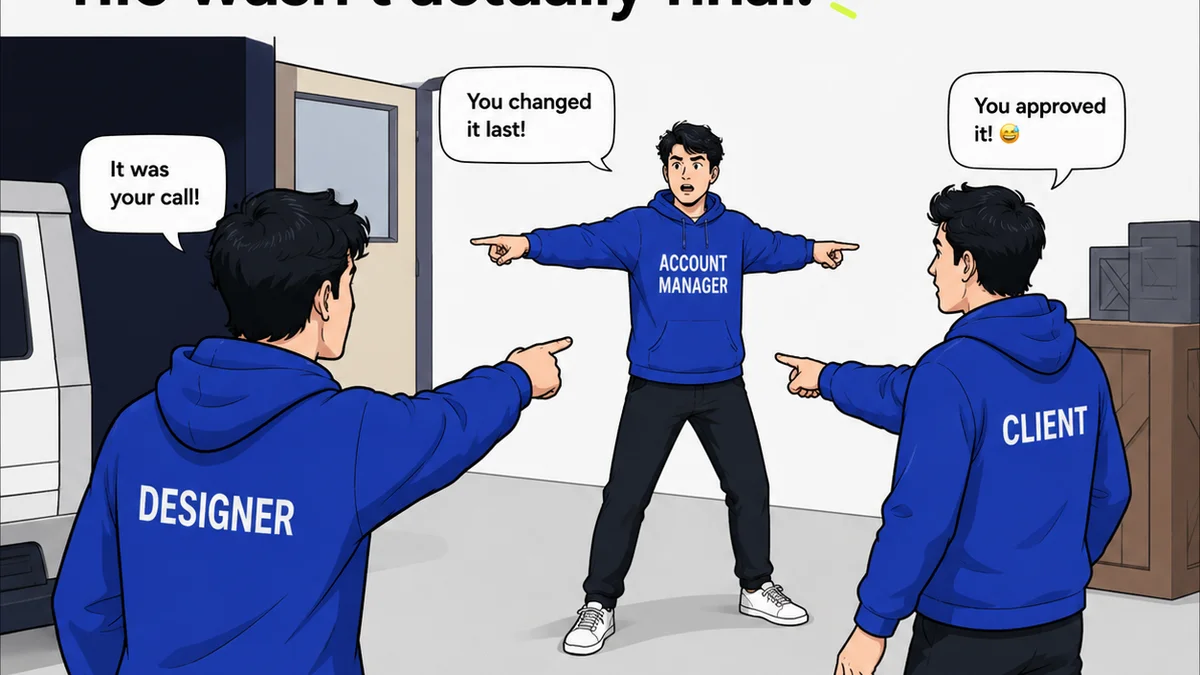
4. Lack of Formal Approval Workflows
Figma comments are great for discussion. They are terrible for formal sign-offs.
How do you get a definitive “approved” from a client using only comments?
You can’t. You end up with:
- Endless back-and-forth emails trying to confirm approval.
- Vague confirmations like “Looks good” buried in a comment thread.
- The risk of someone approving something they shouldn’t have.
There’s no audit trail. No clear record of who signed off, when, and on what specific version.
5. The Communication Breakdown
Figma is a design tool. It’s not a communication hub.
When feedback is scattered across design files, email threads, Slack messages, and meeting notes, crucial context gets lost.
Project managers struggle to consolidate feedback. Account managers can’t easily provide clients with status updates on feedback resolution. Creative directors can’t get a clear overview of the feedback landscape.
This disconnect breeds misunderstandings and delays. It makes managing client expectations nearly impossible.
Where Revue Fits In
Figma comments are essential for design-level iteration. They’re fantastic for the *design* process.
But creative agencies and in-house teams need more than just design iteration tools. They need a centralized hub for the *entire* client feedback and approval lifecycle.
Revue acts as that hub.
It’s where you can:
- Centralize ALL client feedback: Upload mockups, prototypes, videos, or documents. Clients and stakeholders provide feedback in one place, regardless of the file type.
- Manage Revisions Visibly: Track every version, every change, and link feedback directly to the specific iteration it relates to. No more orphaned comments or version confusion.
- Streamline Approvals: Implement clear, formal approval workflows. Get definitive sign-offs with a clear audit trail. Know exactly what’s approved and by whom.
- Maintain Project Context: Keep all communication, feedback, and decisions tied to the specific project and deliverable. Project managers and account teams have full visibility.
- Prevent Scope Creep: Distinguish between casual suggestions and formal change requests. Keep feedback structured and manageable.
Revue doesn’t replace Figma comments; it complements them. It elevates the entire feedback process from scattered conversations to a structured, transparent workflow.
6. The Hidden Cost of
Frequently asked questions
Can Figma comments replace a dedicated feedback tool?
For pure design iteration within a design team, Figma comments are excellent. However, for managing full client feedback cycles, formal approvals, version tracking across different file types, and maintaining project-wide context, they are insufficient. A dedicated tool like Revue is needed for these broader workflow requirements.
How does Revue handle different file types for feedback?
Revue supports a wide range of file types, including static images (JPG, PNG, GIF), design prototypes, PDFs, videos, and even documents. This allows clients to provide feedback on virtually any creative deliverable within a single, centralized platform.
Is Revue only for agencies, or can in-house teams use it?
Revue is designed for any team that manages creative projects and client or stakeholder feedback. This includes creative agencies, marketing departments, in-house design teams, and any group collaborating on visual or digital assets.
How does Revue improve client communication?
Revue provides a single source of truth for all feedback and approvals, eliminating the need to chase down information across emails, Slack, or multiple design files. This transparency and clarity lead to better client relationships, fewer misunderstandings, and more efficient project progress.