You're looking for a tool to manage creative feedback and approvals. You've probably stumbled upon GoVisually and, naturally, Revue. You're making a checklist, comparing features side-by-side. You're thinking, 'Which one has more buttons? Which one is cheaper?'
None of that is wrong. But it’s incomplete. Dangerously so.
The hard truth? Feature checklists are a terrible way to choose workflow software. They focus on the *what*, not the *why* or the *how*. They miss the core operational differences that actually impact your team's speed, quality, and sanity.
1. The Illusion of Feature Parity
GoVisually offers a set of tools for feedback and proofing. Revue offers a platform for centralized client feedback, revision management, and quality assurance. On the surface, they look similar. Both let you upload files, mark them up, and get approvals.
But the devil isn't in the markup tools. It's in the underlying workflow they support.
The Static vs. The Dynamic
GoVisually, like many proofing tools, excels at the static review of a single asset. You upload a JPEG, get comments, make changes, re-upload. It's a linear process, often focused on individual files.
This works fine for simple projects. But creative agencies and in-house teams juggle much more.
- Multiple asset types (video, web, print, audio).
- Complex revision histories.
- Cross-functional team dependencies.
- Client stakeholders with varying technical savvy.
- The need to track *why* a change was made, not just *what* changed.
This is where a dynamic, integrated approach becomes critical. A tool that doesn't just capture feedback but manages the entire revision lifecycle.
2. Feedback Capture: More Than Just Redlines
Sure, you can draw a red circle on a screenshot in many tools. But what happens next?
Does the feedback get lost in an email thread? Is it manually transcribed into a task list? Does the client have to remember exactly which version they commented on?
Context is Everything
Effective feedback capture requires context. Not just the visual markup, but:
- Who gave the feedback?
- When was it given?
- Which specific version of the asset is it for?
- What is the underlying request or rationale?
- Where does this feedback fit into the overall project scope?
GoVisually provides markup. Revue provides contextualized, actionable feedback tied directly to asset versions and project timelines.
The Problem with Scattered Feedback
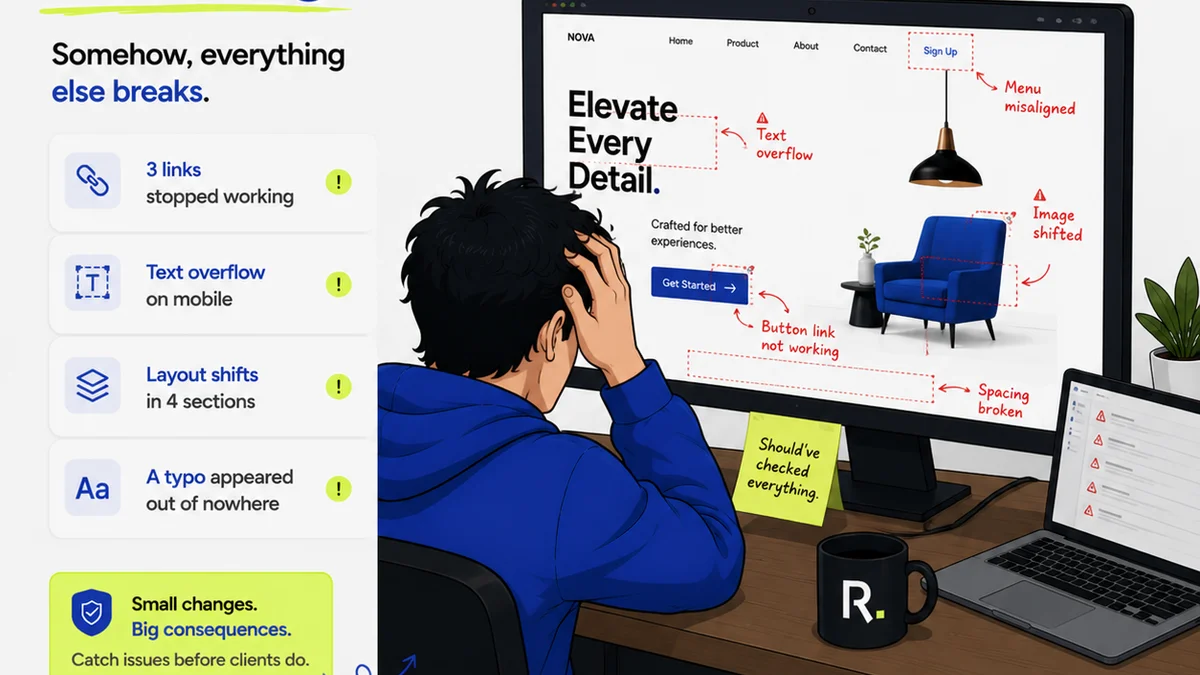
When feedback is scattered across email, Slack, Zoom calls, and random documents, it creates chaos. It leads to:
- Missed revisions.
- Duplicate work.
- Scope creep disguised as
Frequently asked questions
What's the main difference between Revue and GoVisually?
While both tools handle creative feedback, GoVisually focuses more on static asset proofing, whereas Revue is built for managing the entire revision lifecycle, centralizing feedback, tracking approvals, and ensuring quality across all asset types.
Is GoVisually good for video feedback?
GoVisually offers some video feedback capabilities. However, Revue is designed to handle various media types, including video, within a unified workflow for more comprehensive revision management.
Can Revue help with quality assurance?
Yes, Revue's structured approach to feedback and approvals, combined with its ability to track revision history, directly supports quality assurance by ensuring all feedback is addressed and signed off before final delivery.
Which tool is better for managing multiple client revisions?
Revue is generally better suited for managing complex, multi-stage revision cycles across multiple clients due to its integrated platform for feedback, version control, and approval tracking.