Everyone says Jira is the gold standard for project management. Agencies use it. In-house teams rely on it. You’ve probably heard it: “If you need to manage projects, just use Jira.”
None of that is wrong. But it’s incomplete.
Jira is built for software development. It excels at tracking bugs, sprints, and code releases. But creative workflows are fundamentally different. They’re visual, iterative, and heavily reliant on client input. Trying to force visual creative feedback into a bug-tracking system is like trying to paint a masterpiece with a wrench.
The Hard Truth: Jira Isn't Built for Creative Feedback
The core issue is Jira’s DNA. It’s designed around tickets, issues, and code commits. While it can be customized, its fundamental structure isn't optimized for the visual, subjective nature of creative work. This leads to friction, miscommunication, and ultimately, slower project delivery.
1. The Visual Bottleneck
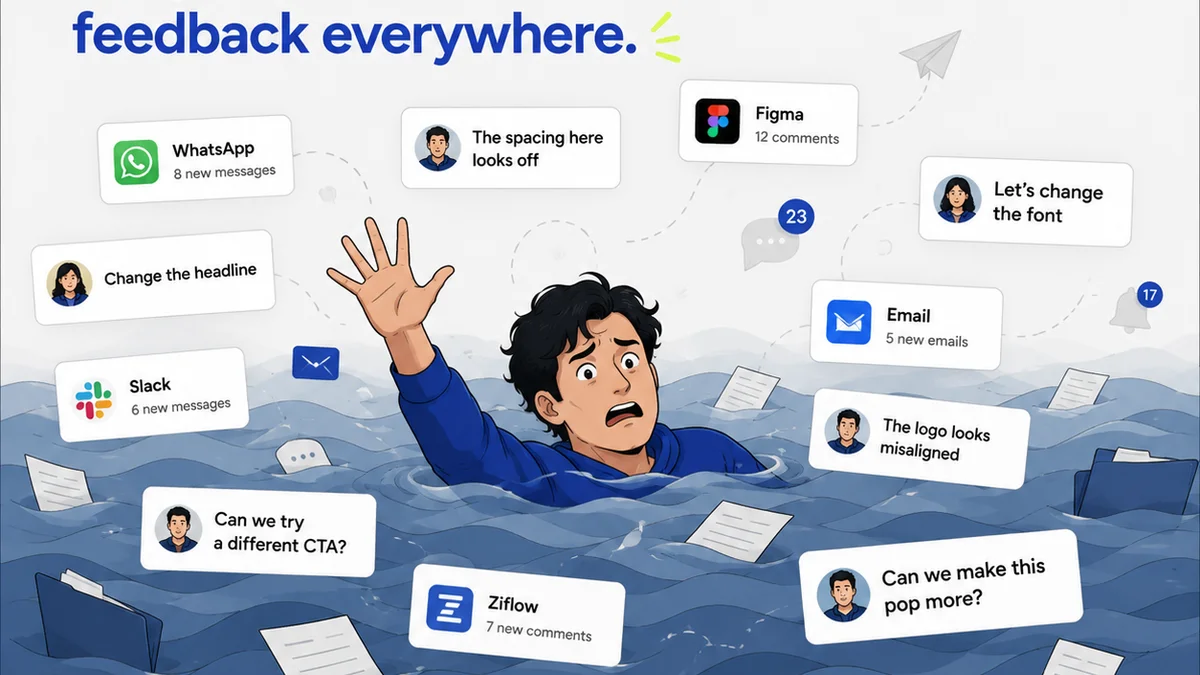
Creative projects live and die by what they look like. Designs, videos, ad copy – these are all tangible assets that require visual review. Jira, at its heart, is a text-based system. Attaching images or videos feels like an afterthought, and annotating them directly within the platform is clunky at best.
This forces teams into a workaround:
- Exporting assets.
- Uploading them to a separate platform (like Dropbox, Google Drive, or a cloud storage service).
- Sharing links via email or chat.
- Gathering feedback there.
- Manually transcribing that feedback back into Jira tickets.
This process is inefficient and error-prone. What happens when feedback is ambiguous? What if a client annotates a screenshot that’s two versions old? The disconnect between the asset and the task management tool creates a breeding ground for mistakes.
2. Client Collaboration Challenges
Clients aren't developers. They don't think in terms of tickets or sprints. They think in terms of
Frequently asked questions
Can Jira be customized for creative teams?
Yes, Jira can be customized with various plugins and workflows. However, its core structure is built for software development, meaning even customized setups can feel cumbersome for visual creative feedback compared to tools designed specifically for it.
What are the main differences between Jira and Revue for creative work?
Jira is primarily a task and bug tracking tool for software development. Revue is a platform built for visual creative feedback, revision management, and client approvals, focusing on streamlining the communication around creative assets.
Why is visual feedback important for creative projects?
Creative projects are inherently visual. Direct, contextual feedback on the actual designs, videos, or layouts is crucial for clarity, reducing misinterpretations, and ensuring the final output meets client expectations efficiently.
How does Revue help with client communication?
Revue centralizes all client feedback and project communication around the creative assets themselves. This provides a clear, auditable trail of discussions, revisions, and approvals, reducing the need for scattered emails and calls.