You've probably heard that Monday.com is the ultimate project management tool for agencies. And you've likely seen comparisons pitting it against other platforms, with Revue sometimes making an appearance. None of that is wrong. But it’s incomplete.
The real question isn't which tool is 'better' in a vacuum. It's about understanding the fundamental operational DNA of each platform and how that aligns with the specific, often messy, realities of creative production.
The Core Operational Divide
Monday.com presents itself as an all-in-one work OS. It’s designed to be flexible, adaptable, and capable of managing virtually any type of workflow. This flexibility is its strength, but also its potential weakness for specialized creative teams.
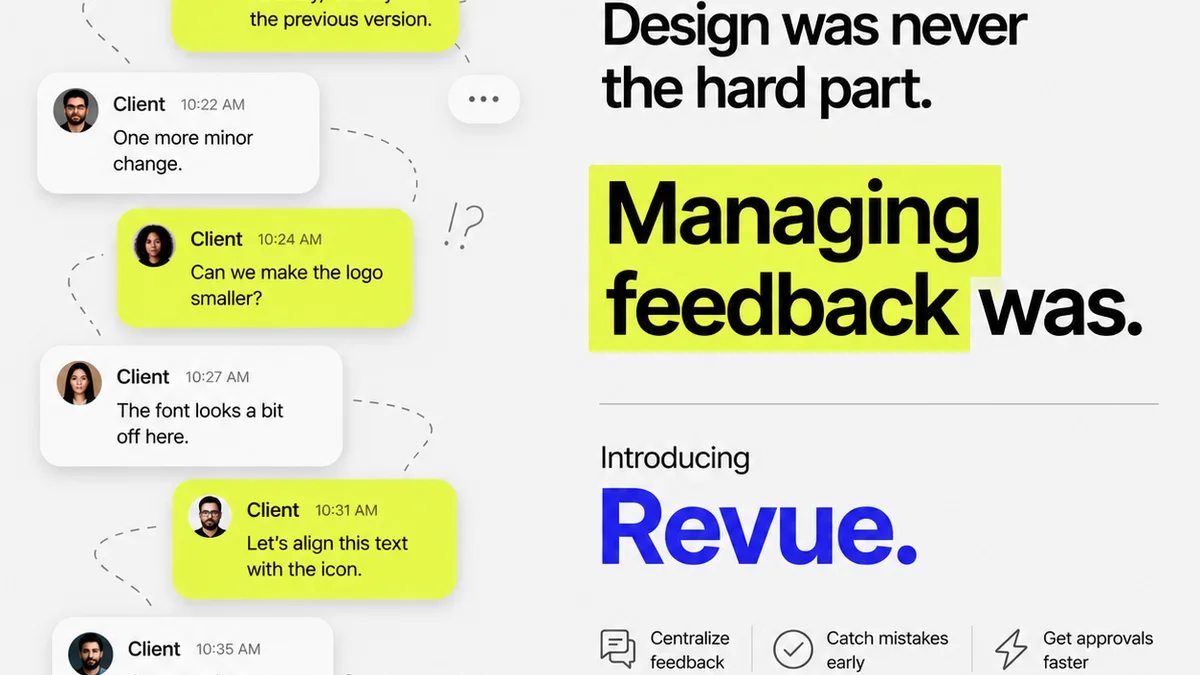
Revue, on the other hand, is purpose-built for creative feedback and approvals. It doesn’t try to be everything to everyone. Instead, it focuses intensely on solving a critical bottleneck: the chaotic, time-consuming process of client review.
Monday.com: The Swiss Army Knife
Monday.com excels at broad project tracking. Think:
- Client onboarding
- Internal task delegation
- Budget tracking
- Sales pipelines
- Marketing campaign planning
Its strength lies in its visual customization and automation capabilities. You can build dashboards, set up intricate workflows, and connect different departments. It’s a powerful hub for managing the *business* of agency operations.
Revue: The Precision Tool
Revue is engineered for the creative review cycle. Its core function is to streamline how clients and stakeholders provide feedback on visual assets.
This means:
- Centralized, contextual feedback directly on creative assets.
- Clear revision tracking and version control.
- Streamlined approval gates.
- Reduced email clutter and scattered communication.
It’s not about managing the entire agency’s P&L; it’s about ensuring the creative work itself moves smoothly from concept to final delivery without getting lost in translation or endless email chains.
Workflow Alignment: Where Do They Fit?
The assumption is that a single tool should manage everything. For agencies, this often leads to over-complicated systems or tools that miss the mark on critical creative processes.
Monday.com in the Agency Ecosystem
As a central command center, Monday.com can manage the overarching project timeline. It can track client communication touchpoints, budget, and resource allocation.
It's great for:
- Setting the project start and end dates.
- Assigning team members to phases.
- Tracking overall project health from a high level.
- Integrating with other business tools.
But when it comes to the granular, visual feedback loop on a piece of design or video, Monday.com’s generic task management can fall short. Commenting on a task doesn’t offer the visual context needed for precise creative critiques.
Revue's Role in Creative Delivery
Revue slots into the critical phase *after* the creative work is done and needs client eyes. It’s not for planning the project; it’s for perfecting the output.
Imagine a designer finishes a website mockup. Instead of emailing a JPG and waiting for a reply-all email chain with vague feedback like 'I don't like the blue,' the designer uploads it to Revue.
The client can then:
- Click directly on the blue section and type: 'This blue feels too corporate. Can we try something warmer?'
- Annotate a specific button that needs resizing.
- Approve the version with a single click.
This level of specificity and clarity is what accelerates approvals and reduces misinterpretations. It directly impacts the speed and quality of creative output.
The
Frequently asked questions
Can Monday.com handle creative feedback?
Yes, Monday.com can be configured to handle feedback through comments on tasks or items. However, it lacks the visual, contextual annotation features that specialized tools like Revue offer, making precise feedback on creative assets less efficient.
What is the primary difference between Revue and Monday.com for agencies?
Monday.com is a broad, flexible work OS for managing diverse projects and operations. Revue is a specialized tool focused specifically on streamlining the creative feedback, revision, and approval process for visual assets.
Which tool is better for internal creative reviews?
For internal creative reviews where precise visual annotation is key, Revue offers a more direct and efficient experience. Monday.com can track the review task, but the feedback mechanism itself is less optimized for visual critique.
Can I integrate Revue with Monday.com?
While direct, deep integrations might vary, you can often connect tools through Zapier or similar automation platforms. This allows you to, for example, update a project status in Monday.com when a creative asset is approved in Revue.