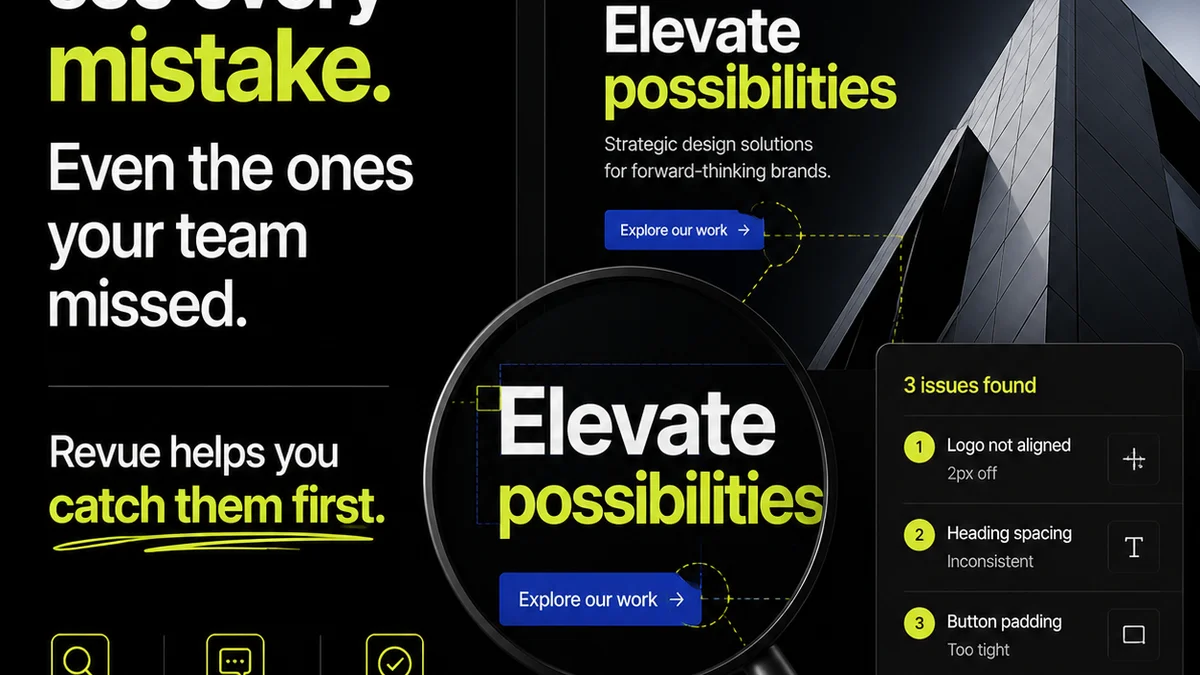
Everyone talks about shared creative workspace software as the magic bullet for remote teams. Just plug it in, and suddenly, collaboration flows, clients are happy, and projects magically finish on time.
None of that is wrong. But it’s incomplete.
The real truth is that the *type* of shared creative workspace software you choose, and *how* you implement it, makes all the difference. It's not just about having a place to store files; it’s about the operational efficiency it unlocks.
1. Centralized Feedback: The Single Source of Truth
The biggest bottleneck in creative projects isn't the design itself. It's the feedback loop. Endless email chains, scattered Slack messages, and scribbled notes on PDFs create chaos.
A truly effective shared creative workspace solves this by becoming the single source of truth for all client input. This means moving beyond simple file sharing.
Consolidated Communication
Look for software that can consolidate feedback directly on the creative asset. This eliminates the need to hunt through disparate communication channels.
- Comments attached to specific design elements.
- Version history clearly showing changes and approvals.
- Direct replies to comments, maintaining context.
This isn't just about convenience; it's about reducing misinterpretations and ensuring everyone is working from the same, updated brief. It cuts down on
Frequently asked questions
What is the primary benefit of shared creative workspace software?
The primary benefit is streamlining collaboration and client feedback by centralizing communication and assets, reducing misinterpretations and speeding up revision cycles.
How can shared creative workspace software improve client communication?
It improves client communication by providing a single platform for feedback, approvals, and version tracking, ensuring clarity and reducing the risk of missed instructions.
What are the key features to look for in revision management?
Look for features like version history, clear approval workflows, annotation tools directly on assets, and the ability to compare versions side-by-side.
How does this type of software help with quality assurance?
By centralizing feedback and approvals, it ensures that all stakeholders have seen and agreed upon the latest version, reducing the chance of errors or overlooked requirements before final delivery.