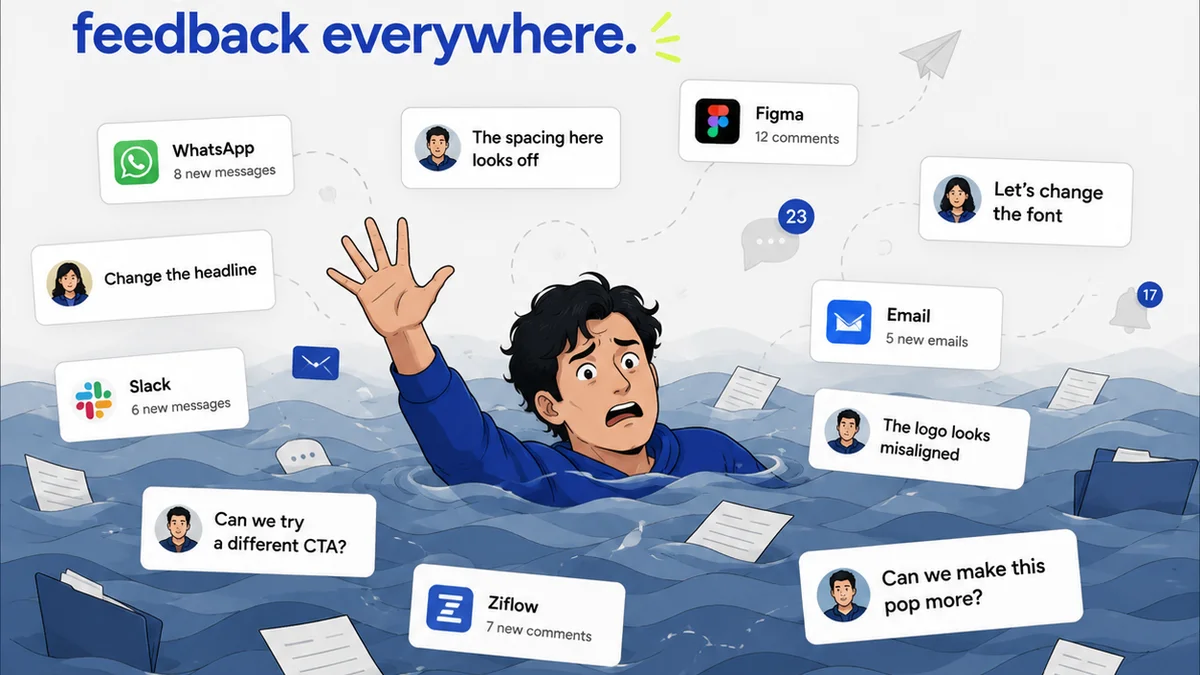
Everyone knows you need version control. That’s the easy part. Most creative teams understand they should be saving multiple file versions to avoid overwriting work or losing progress. They probably use a naming convention like project_v3_final_really_final_2.psd.
None of that is wrong. But it’s incomplete.
The hard truth? Relying on manual file naming and scattered cloud storage is a fragile house of cards. It’s a ticking time bomb for project chaos, client confusion, and missed deadlines. True version control is an operational system, not just a file-saving habit.
1. Beyond File Naming: The Core of Version Control
Think of version control as a systematic way to track and manage changes to your creative assets over time. It’s about having a clear, auditable history of every iteration, who made it, and why.
This isn’t just about preventing loss. It’s about:
- Accountability: Knowing who changed what and when.
- Rollback Capability: Easily reverting to a previous stable state if something goes wrong.
- Collaboration: Enabling multiple people to work on a project without stepping on each other’s toes.
- Auditing: Providing a clear record for client approvals and project history.
Why Manual Systems Fail
Manual versioning, even with a strict naming convention, is prone to human error. A misplaced underscore, a forgotten version number, or a sync issue can lead to the wrong file being used. It’s inefficient and stressful.
Consider the typical agency scenario:
- Designer A saves
logo_v5.ai. - Designer B downloads it, makes changes, saves
logo_v6.ai. - A client asks for a revision on
logo_v4.ai. - Where is
logo_v4.ai? Is it still accessible? Was it accidentally deleted?
This is where dedicated version control systems, even simple ones, start to show their value.
2. Types of Version Control Systems
Version control isn't a single tool; it's a concept with various implementations. For creative teams, we can broadly categorize them into:
a) Local Version Control Systems (LVCS)
This is the most basic form, where versioning happens on a single computer. Think of manually saving files with dates or version numbers, or using simple backup software.
Pros: Simple to understand for individuals.
Cons: No collaboration, high risk of data loss if the computer fails, no shared history.
b) Centralized Version Control Systems (CVCS)
Here, a single server stores all versioned files. Team members
Frequently asked questions
What is version control in simple terms?
Version control is a system that records changes to a file or set of files over time so that you can recall specific versions later. For creative teams, it means tracking every iteration of a design, video, or document.
Why is version control important for creative agencies?
It prevents accidental data loss, allows easy rollback to previous versions, improves team collaboration by providing a clear history, and enhances accountability by tracking who made what changes. This leads to fewer errors and smoother project delivery.
Can version control be used for non-code files like designs and videos?
Absolutely. While version control originated in software development, modern systems and approaches are well-suited for managing creative assets. Tools like Git can handle binary files, and dedicated creative asset management (DAM) systems often have built-in versioning.
What's the difference between version control and cloud storage like Google Drive or Dropbox?
Cloud storage primarily offers remote access and backup. Version control, on the other hand, is specifically designed to track *changes* and manage *history*. While cloud storage might offer basic version history, it lacks the robust tracking, branching, and merging capabilities of dedicated version control systems.