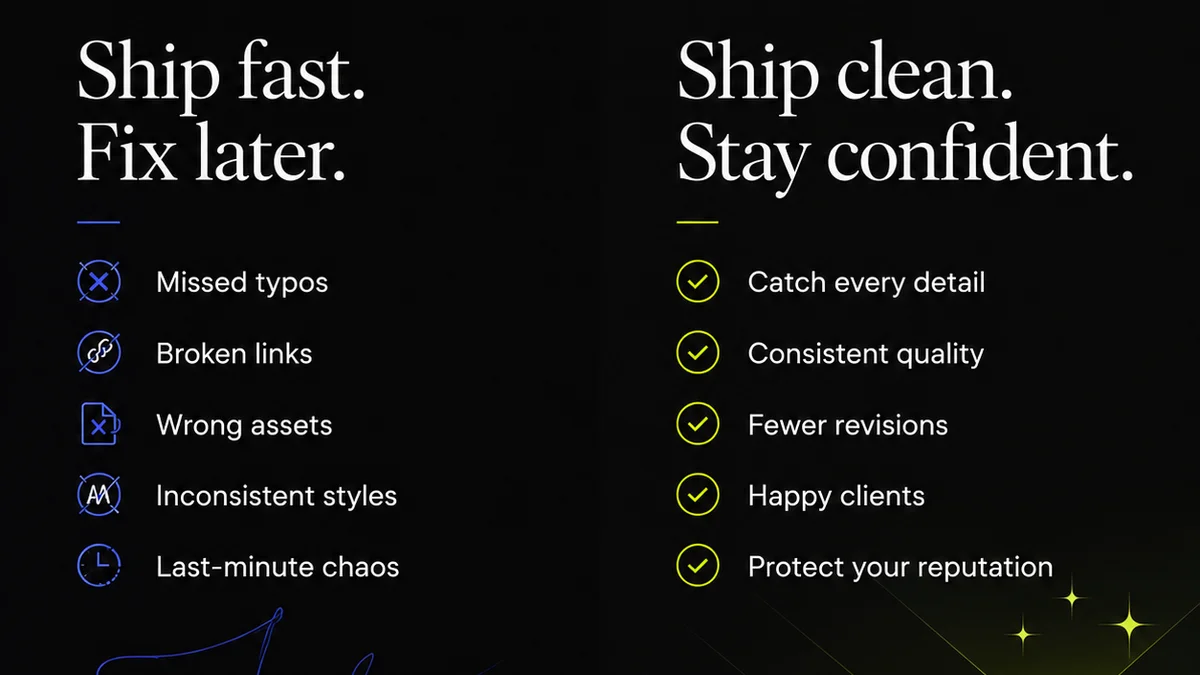
Everyone knows version control is important for code. It’s the bedrock of collaborative software development. But for creative teams, managing different versions of design files, videos, and other media often feels more like a disorganized scavenger hunt than a structured process. You probably think you have a handle on it: maybe a naming convention, maybe a shared drive with folders for 'Final' and 'Drafts'. None of that is wrong. But it’s incomplete.
The hard truth? Without a deliberate, systematic approach to version control for media, your agency is bleeding time, money, and sanity. You’re making mistakes, missing deadlines, and frustrating clients, all because your files are a mess.
1. The Illusion of 'Final'
The most common pitfall is the 'Final' folder. It’s a lie we tell ourselves. There’s rarely a truly final version on the first pass. There are always tweaks, client revisions, and last-minute changes. Relying on a 'Final' folder is a recipe for disaster. You end up sending out-of-date assets, or worse, overwriting a perfectly good draft with a client’s poorly conceived revision.
This isn't just about saving files. It's about understanding the iterative nature of creative work.
The Symptoms of a Weak 'Final' Strategy
- Sending the wrong file to print or to the client.
- Clients asking for
Frequently asked questions
What is version control for creative media?
Version control for creative media is a system for tracking and managing changes to digital assets like designs, videos, and audio files. It allows teams to revert to previous states, understand the history of changes, and collaborate more effectively without overwriting work.
Why is a simple 'Final' folder not enough?
A 'Final' folder creates a false sense of completion. It doesn't account for iterative revisions, client feedback loops, or the need to revert to earlier, better versions. This often leads to errors, confusion, and the delivery of outdated assets.
How can naming conventions help with version control?
Consistent naming conventions are a foundational element. They should include project identifiers, asset type, version numbers (e.g., v01, v02, vFINAL), and dates. This makes files easily identifiable and sortable, reducing ambiguity.
What are the benefits of centralized version control?
Centralized version control ensures all team members and stakeholders are working with the most up-to-date assets. It provides a single source of truth, reduces the risk of duplication or conflicting versions, and streamlines the review and approval process.
Can cloud storage solutions replace dedicated version control?
While cloud storage offers accessibility and some version history, it often lacks the granular control, branching capabilities, and workflow integration of dedicated version control systems. They are complementary tools, but not a direct replacement for robust versioning.