Everyone thinks the best virtual design review tools are about screen sharing and video calls. That’s not wrong. But it’s incomplete.
The real truth? The best tools cut through the noise to centralize feedback, track revisions, and guarantee quality. They’re not just about *seeing* the work; they’re about *managing* it.
1. Beyond the Hype: What Makes a Tool Truly Effective?
The market is flooded with collaboration software. Most promise a seamless workflow but deliver more chaos. They aim for ubiquitous connection, but often create distributed confusion.
What you actually need are tools that solve specific problems:
- Getting clear, actionable feedback.
- Tracking every single revision.
- Ensuring client or stakeholder approval is unambiguous.
- Maintaining a record for quality control.
This means looking past the bells and whistles. Focus on functionality that directly impacts your bottom line: time saved and errors avoided.
2. Centralized Feedback: The Foundation of Clarity
Scattered feedback is the death knell of efficient design reviews. Emails, Slack messages, random sticky notes on a shared drive – it’s a recipe for missed details and costly rework.
The Problem with Dispersed Feedback
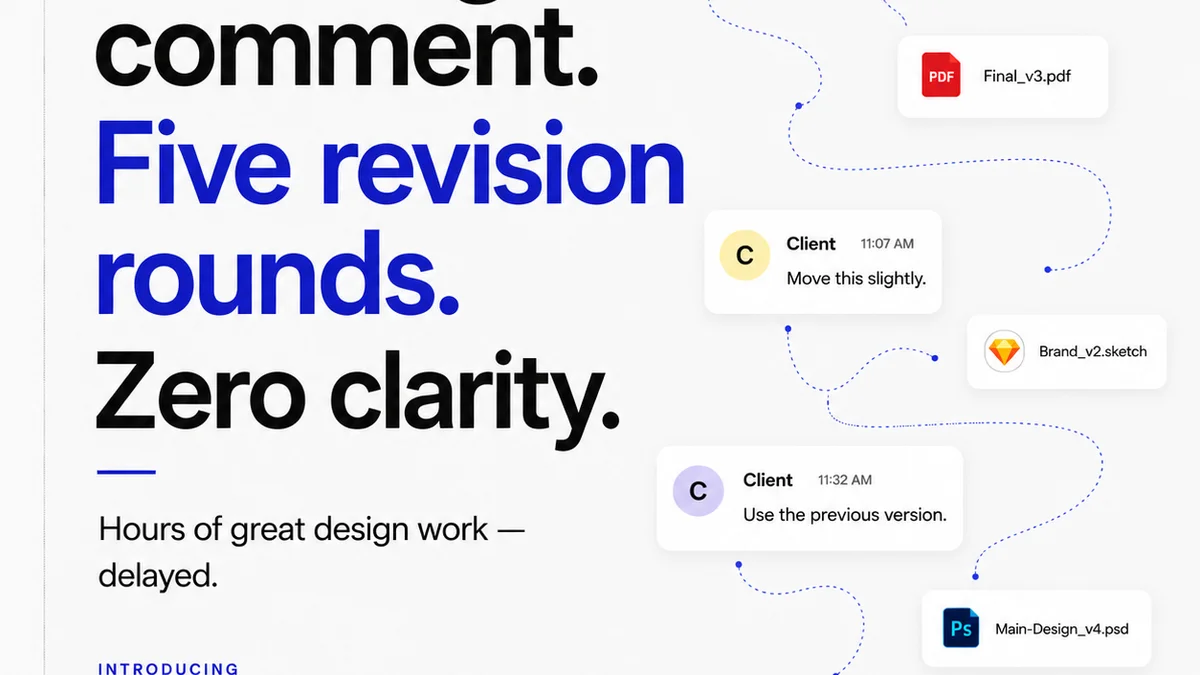
Imagine a client leaves a comment on a PDF, another via email, and a third in a Slack DM. Which one is the final word? Who’s responsible for tracking them all? You are, if you don’t have a system.
This fragmentation leads to:
- Wasted hours consolidating notes.
- Debates over conflicting feedback.
- The risk of overlooking critical comments.
- Frustrated designers and stressed project managers.
Annotation and Commenting Tools
The best virtual design review platforms offer integrated annotation. This means stakeholders can click directly on the design element they want to discuss and leave a comment.
Look for tools that support:
- Point-and-click annotation on static images, PDFs, and live prototypes.
- The ability to @mention team members or clients within comments.
- Clear visual indicators of where feedback exists.
- Categorization or tagging of comments (e.g.,
Frequently asked questions
What is the primary benefit of using specialized virtual design review tools?
The primary benefit is centralizing all feedback and communication related to a design project in one place. This eliminates confusion, reduces the risk of missed comments, and streamlines the revision process, ultimately saving time and preventing costly errors.
How do virtual design review tools help with client collaboration?
These tools provide a clear, visual way for clients to give feedback directly on the design. Features like annotation, version control, and approval tracking make the process transparent and efficient, improving client satisfaction and reducing back-and-forth.
Can virtual design review tools improve the quality of creative work?
Yes, by ensuring all feedback is captured, tracked, and addressed, and by providing a clear audit trail of revisions and approvals, these tools help maintain the integrity of the design and ensure it meets project objectives and quality standards.
Are these tools only for digital designs?
No, many virtual design review tools can handle various file types, including static images (JPG, PNG), PDFs, and even interactive prototypes. This makes them versatile for web, app, print, and other forms of creative output.