Everyone talks about visual annotation tools being essential for creative teams. They’re right. But they usually focus on the wrong things – like pixel-perfect markup or endless feature lists. That’s not the whole story.
The real value isn't the tool itself. It's how it integrates into your actual workflow, transforming chaotic client feedback into actionable tasks. It’s about clarity, accountability, and speed.
1. Beyond the Markup: Why Annotation Tools Matter
Visual annotation tools let stakeholders mark up designs, images, videos, and web pages directly. Think comments pinned to specific elements, redlines, and clear revision requests.
This seems obvious. But the common assumption is that any tool that *can* do this is good enough. That’s where agencies trip up.
The hard truth? The best annotation tools aren't just about making marks. They’re about making those marks *mean something* within your team’s process. They bridge the gap between a client’s vague “I don’t like it” and a designer’s precise “Change the kerning on the headline by 2pt and adjust the primary CTA color to #FF6B6B”.
Without a solid annotation workflow, even the most feature-rich tool becomes another digital graveyard for feedback. Emails get lost, Slack messages are buried, and version control becomes a nightmare. The result? Missed revisions, scope creep, and frustrated teams.
The Cost of Poor Feedback Management
What happens when annotation and feedback aren't managed effectively?
- Endless email chains with conflicting instructions.
- Misinterpreted feedback leading to wasted design hours.
- Client frustration over slow revision cycles.
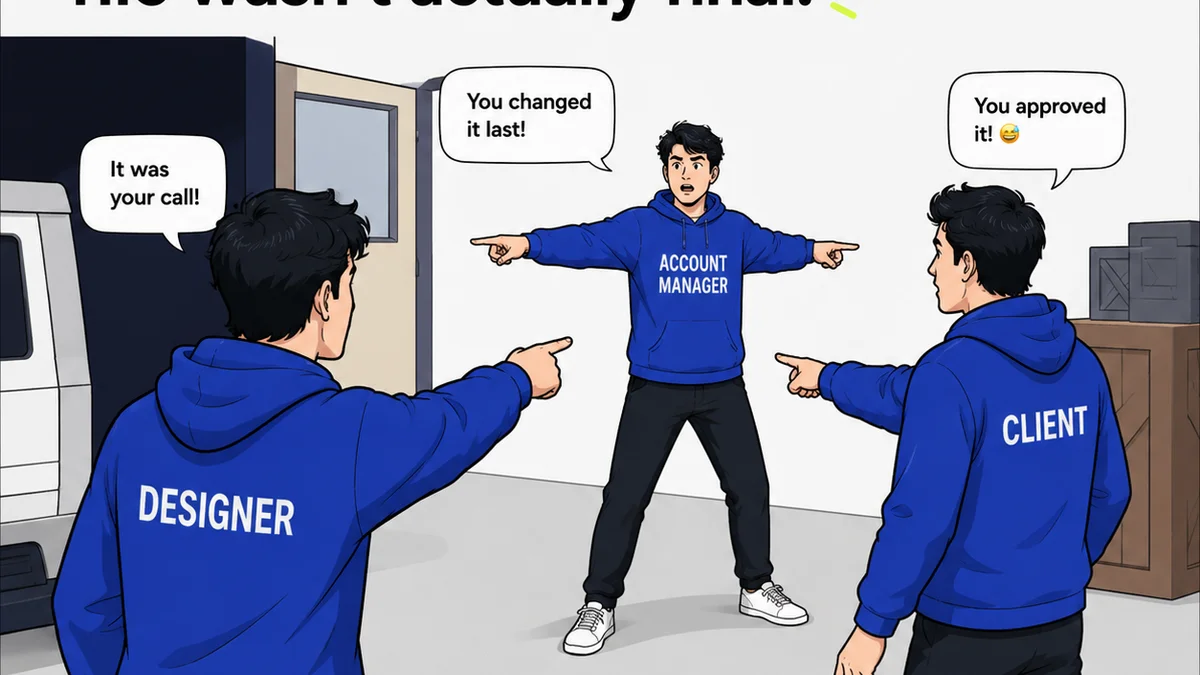
- Lack of clarity on who approved what, when.
- Difficulty tracking the history of changes.
- Scope creep disguised as “minor tweaks.”
These aren't just minor annoyances. They directly impact your bottom line and your team’s morale. This is why selecting the right visual annotation tool, and more importantly, implementing it correctly, is critical for US creative agencies.
2. Key Features That Actually Impact Workflow
Forget the bells and whistles. Focus on the features that streamline communication and accountability. These are the workhorses.
Clear, Contextual Feedback
The tool must allow users to attach comments directly to specific elements on the visual asset. This means:
- Point-and-click annotation: Easily select an area or element to comment on.
- Text and drawing tools: Allow for both written notes and visual markups (arrows, boxes, freehand drawings).
- Version comparison: The ability to see previous versions alongside the current one, with feedback clearly linked to each stage.
This context is non-negotiable. Without it, you’re back to deciphering vague instructions.
Centralized Communication Hub
Feedback shouldn't live in a dozen different places. A good annotation tool acts as a single source of truth.
- All feedback in one place: Comments, revisions, and approvals are logged within the tool, associated with the specific asset.
- User roles and permissions: Control who can comment, review, and approve.
- Notifications: Keep relevant team members informed of new feedback or status changes.
This centralization combats the scattered feedback problem that plagues so many agencies.
Revision and Approval Tracking
This is where the rubber meets the road. Can you easily see what’s been done and what’s next?
- Status updates: Mark feedback items as
Frequently asked questions
What is a visual annotation tool?
A visual annotation tool allows users to add comments, markups, and feedback directly onto visual assets like images, designs, videos, and web pages. This provides context and clarity for revisions.
Why are visual annotation tools important for creative agencies?
They centralize feedback, reduce miscommunication, speed up revision cycles, and improve accountability. This leads to more efficient project delivery and happier clients.
What are the key features to look for in an annotation tool?
Focus on contextual feedback (pinning comments, markups), centralized communication, clear revision and approval tracking, version comparison, and integration capabilities.
Can visual annotation tools integrate with other project management software?
Many modern annotation tools offer integrations with popular project management and design software, allowing for seamless data flow and a unified workflow.