Everyone knows you need to get feedback on creative work. It’s the bedrock of client service. You probably have a system for it, too. Maybe it’s a shared doc, a quick email thread, or even a Slack channel. None of that is wrong. But it’s incomplete.
The hard truth? Most creative teams treat visual feedback like a transaction. They collect it, they act on it, they move on. They miss the operational gaps that lead to endless revisions, scope creep, and unhappy clients. A truly effective visual feedback process needs structure. It needs a checklist.
1. The Assumption: Feedback is Just Notes
The common belief is that feedback is simply a list of comments. Redo this. Change that. Move it here. It’s straightforward enough, right?
Wrong.
Feedback is rarely just about the *what*. It’s about the *why*. It’s about context. It’s about the client’s internal pressures, their misinterpretations, and their evolving understanding of the project. Without a framework to capture this, you’re just guessing.
The Real Problem: Ambiguity and Misinterpretation
When feedback is unstructured, ambiguity thrives. Consider these classic scenarios:
- Vague Language: “Make it pop more.” “I don’t like the vibe.” “It feels a bit off.” What does this actually mean in terms of actionable design changes?
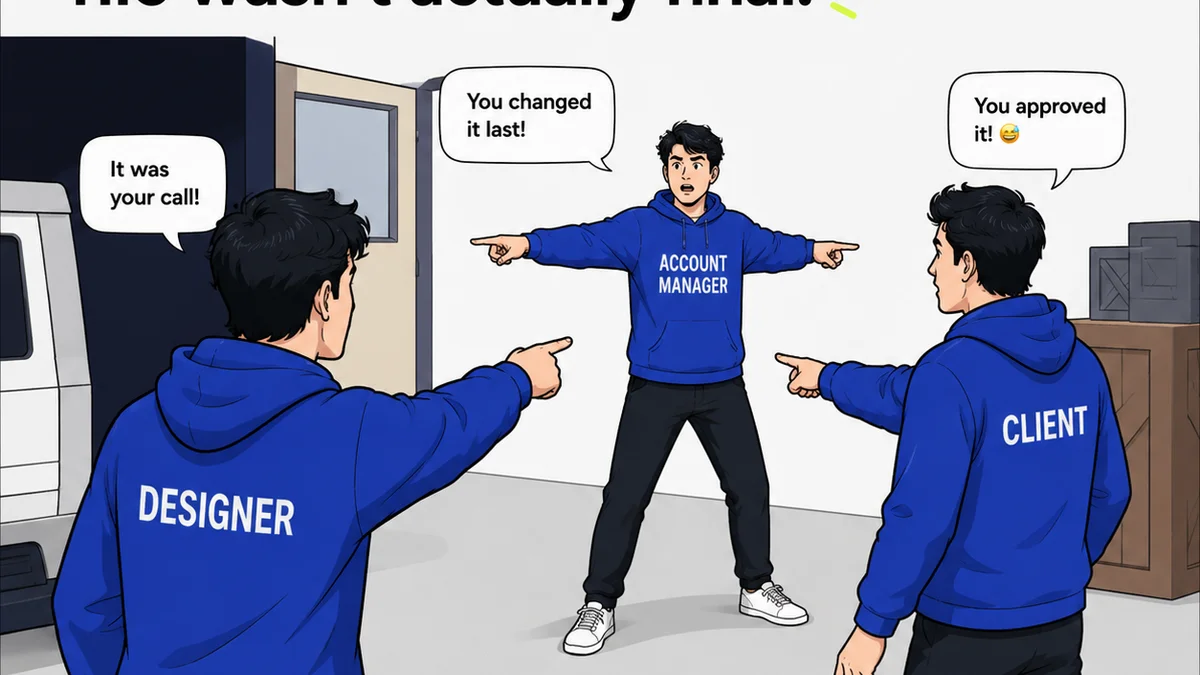
- Conflicting Inputs: Multiple stakeholders provide contradictory notes, leaving the team to arbitrate or guess the true priority.
- Lack of Context: Feedback is given without reference to the project goals, target audience, or brand guidelines.
- Emotional Responses: Clients reacting to personal preferences rather than strategic objectives.
This isn't just annoying; it’s expensive. Every hour spent deciphering vague feedback or redoing work based on misinterpretation is an hour lost on billable tasks.
2. The Deeper Truth: Feedback is a Process, Not a Post-it
Your visual feedback process is a critical touchpoint in the client lifecycle. Treating it as an afterthought invites chaos. A structured approach, guided by a checklist, transforms it from a potential bottleneck into a driver of clarity and efficiency.
This means defining upfront:
- Who provides feedback.
- What specific elements are up for review.
- When feedback is due.
- How feedback should be submitted.
- What criteria feedback should address.
This isn't about bureaucracy; it's about risk mitigation and quality assurance.
3. Building Your Visual Feedback Checklist
A comprehensive checklist goes beyond simply listing comments. It ensures that feedback is specific, actionable, and aligned with project objectives. Here’s what to build into yours:
3.1. Defining the Scope of Review
Before any feedback is given, clarity is paramount. The checklist should prompt reviewers to consider:
- Project Goals: Does the current iteration meet the stated objectives?
- Target Audience: Is it resonating with the intended user?
- Brand Alignment: Does it adhere to brand guidelines (tone, voice, visual identity)?
- Technical Requirements: Are there any functional or platform-specific constraints to consider?
- Deliverables: Does this piece align with the agreed-upon final deliverable format and specifications?
This section sets the strategic context. It shifts the conversation from subjective preference to objective evaluation.
3.2. Actionability Prompts
This is where you turn vague notions into concrete actions. Encourage reviewers to:
- Be Specific: Instead of “make it bigger,” ask “Specify the exact dimensions or percentage increase needed.”
- Provide Rationale: Ask “Why is this change necessary?” This uncovers underlying concerns.
- Suggest Solutions (Optional but helpful): If possible, prompt them to suggest how the change could be implemented.
- Reference Specific Elements: “On the hero image, please adjust the contrast on the text overlay.”
- Quantify: “Reduce the number of steps by one” or “Increase the font size by 2 points.”
A good checklist forces the reviewer to think critically about their input.
3.3. Stakeholder Clarity
Confusion about who has the final say is a major source of project delays. Your checklist should clarify:
- Primary Reviewer: Who is the main point of contact for feedback?
- Secondary Reviewers: Who else needs to weigh in, and what is their role?
- Approval Authority: Who has the ultimate sign-off?
- Feedback Deadlines: Clearly state when feedback is expected to avoid delays.
This prevents conflicting opinions from derailing the process.
3.4. Technical and Functional Checks
Depending on the project, specific technical considerations are vital. Include prompts for:
- Usability: Is the design intuitive and easy to navigate?
- Accessibility: Does it meet WCAG guidelines for contrast, font size, and navigation? (WCAG)
- Responsiveness: How does it render across different devices and screen sizes?
- Performance: Are image sizes optimized? Are there potential loading issues?
- Cross-Browser/Platform Compatibility: Does it function as expected on target browsers and platforms?
These checks are non-negotiable for a professional output.
3.5. Revision History and Version Control
A checklist can also serve as a record. Ensure your process includes:
- Timestamping: Every piece of feedback and every revision should be logged with a date and time.
- Version Tracking: Clearly label each iteration (e.g., v1.1, v1.2).
- Summary of Changes: A brief note summarizing the updates made based on feedback.
This creates an audit trail and prevents confusion about which version is current.
4. Implementing the Checklist: Practical Steps
A checklist is only useful if it’s used. Here’s how to integrate it effectively:
4.1. Make it Part of the Brief
Introduce the feedback process and the checklist during the project kickoff. Explain its purpose: to ensure clarity, efficiency, and the best possible outcome for their project.
4.2. Use a Dedicated Tool
Manual checklists are easily lost or ignored. Use a platform designed for creative workflow management. This ensures feedback is centralized, organized, and trackable.
Think about it: a shared document for feedback can quickly become a chaotic mess. Stakeholders can’t easily see what’s been addressed, what’s pending, or who said what. Version control becomes a nightmare.
4.3. Train Your Team and Clients
Onboarding is key. Ensure your internal team understands how to apply the checklist when receiving feedback, and how to prompt clients to use it when providing it.
For clients, a brief walkthrough demonstrating the tool and the checklist’s importance can preemptively address many common issues.
4.4. Iterate on the Checklist Itself
Your checklist isn't static. After projects, review what worked and what didn’t. Refine the prompts, add new considerations, and remove anything that proved redundant.
5. Where Revue Fits In
This is precisely why Revue was built. We saw agencies drowning in scattered feedback, struggling to track revisions, and losing valuable time deciphering ambiguous comments.
Revue provides a centralized hub for all your creative assets and client feedback. Our platform allows you to:
- Centralize Feedback: All comments are logged directly on the visual asset, eliminating email chains and scattered documents.
- Standardize Input: Use custom checklists and prompts to guide clients and stakeholders toward providing specific, actionable feedback.
- Manage Revisions: Track every version and every change, providing a clear audit trail for both your team and the client.
- Streamline Approvals: Clearly see the status of feedback and approvals, reducing back-and-forth and speeding up project completion.
- Ensure Quality: Integrated checklists help maintain brand consistency, technical standards, and project objective alignment.
Revue transforms the chaotic reality of feedback into a streamlined, transparent process. It’s not just about collecting notes; it’s about managing the entire feedback loop with precision.
6. Final Thought
Is your current feedback process truly serving your projects, or is it just adding to the noise? The difference between a smooth, successful project and one plagued by delays and miscommunication often hinges on the rigor of your feedback management.
A visual feedback checklist isn't just a document; it's a commitment to clarity, a shield against scope creep, and a foundation for delivering exceptional creative work, every single time.
Frequently asked questions
What is a visual feedback checklist?
A visual feedback checklist is a structured set of prompts and criteria used to guide clients and stakeholders when providing feedback on creative assets. It ensures feedback is specific, actionable, and aligned with project goals, rather than vague or subjective comments.
Why is a checklist better than just collecting notes?
A checklist forces reviewers to consider specific aspects of the design (e.g., brand alignment, usability, technical requirements) and provide rationale, reducing ambiguity and misinterpretation. It transforms feedback from a passive collection of comments into an active quality assurance step.
How can a checklist prevent scope creep?
By clearly defining what is being reviewed and prompting for specific, justifiable changes, a checklist helps differentiate between necessary revisions and requests that fall outside the original project scope. It creates a clear record of what was agreed upon.
Who should use a visual feedback checklist?
Anyone involved in providing or managing creative feedback. This includes agency teams (designers, project managers), clients, marketing teams, and any other stakeholders who need to review and approve creative work.
What are the key components of a good visual feedback checklist?
Key components include prompts for project goals, target audience, brand alignment, specific actionable requests with rationale, clarity on stakeholders and approval authority, and checks for technical and functional requirements like usability and accessibility.