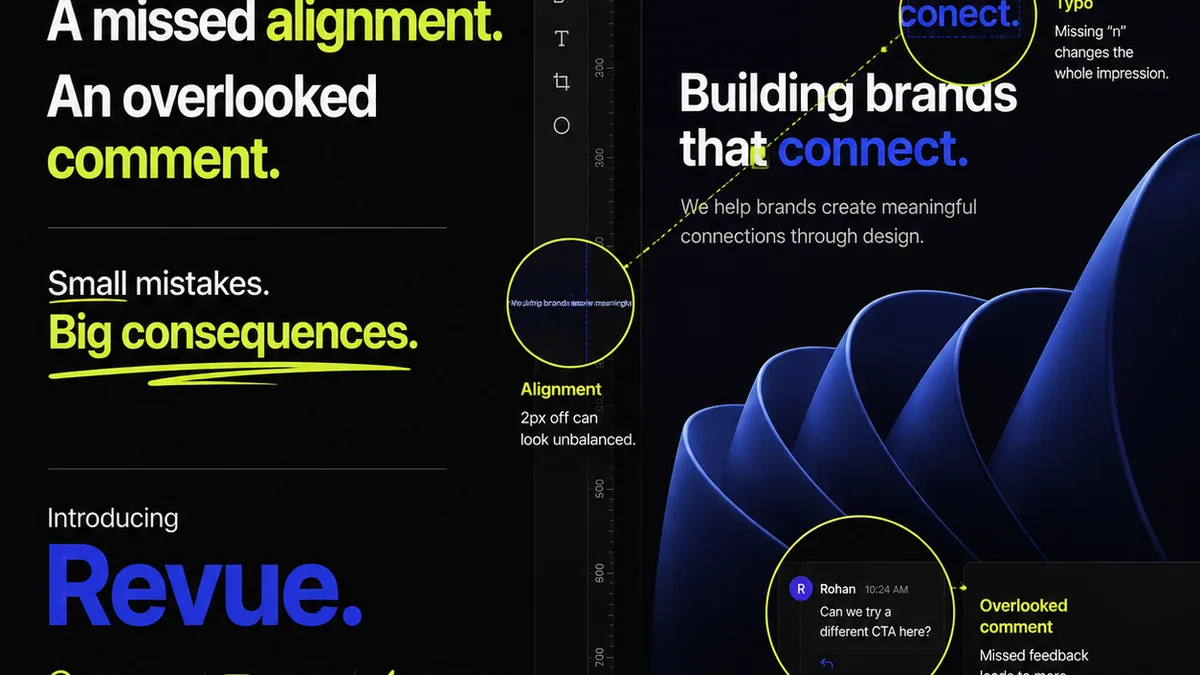
Everyone thinks they know what makes a good visual feedback tool. They picture a simple box to drop comments in, maybe a way to draw a circle around something. That’s not wrong. But it’s critically incomplete.
The hard truth? Most visual feedback tools are glorified digital sticky notes. They capture *what* needs changing, but rarely *why* or *how* it fits into the bigger picture. They create more noise than signal, burying critical context and slowing down the very process they’re meant to speed up.
1. Beyond the Red Pen: What Great Feedback Tools Actually Do
The best visual feedback tools do more than just let clients mark up designs. They act as a central nervous system for creative projects. They integrate feedback into the workflow, not just tack it on.
Context is King
Imagine a client leaves a comment. A good tool doesn't just show the comment; it shows:
- Who left the comment.
- When it was left.
- What version of the asset it pertains to.
- Any previous feedback on the same element.
- Who is assigned to address it.
This context is non-negotiable for efficient revisions.
Version Control is Non-Negotiable
How many times has a client approved a design, only for you to get feedback on an *older* version they were sent by mistake? Visual feedback tools must handle versioning seamlessly. You need to see:
- A clear history of all revisions.
- The ability to compare versions side-by-side.
- A definitive
Frequently asked questions
What's the difference between annotation and true visual feedback?
Annotation is simply marking up an image or PDF. True visual feedback tools integrate this markup into a structured workflow, providing version control, clear ownership, and historical context for each comment, making revisions more efficient.
Can visual feedback tools help with client communication?
Yes. By centralizing all feedback and revisions, they reduce back-and-forth emails and ensure everyone is working from the latest approved version. This transparency builds trust and clarity with clients.
Are visual feedback tools only for designers?
No. While designers use them daily, stakeholders, clients, project managers, and even QA teams benefit from a clear, visual way to provide and track feedback on creative assets.
How do visual feedback tools integrate with existing workflows?
Many tools offer integrations with popular project management software, cloud storage, and design applications. The goal is to fit into your existing process, not force you into a new one.