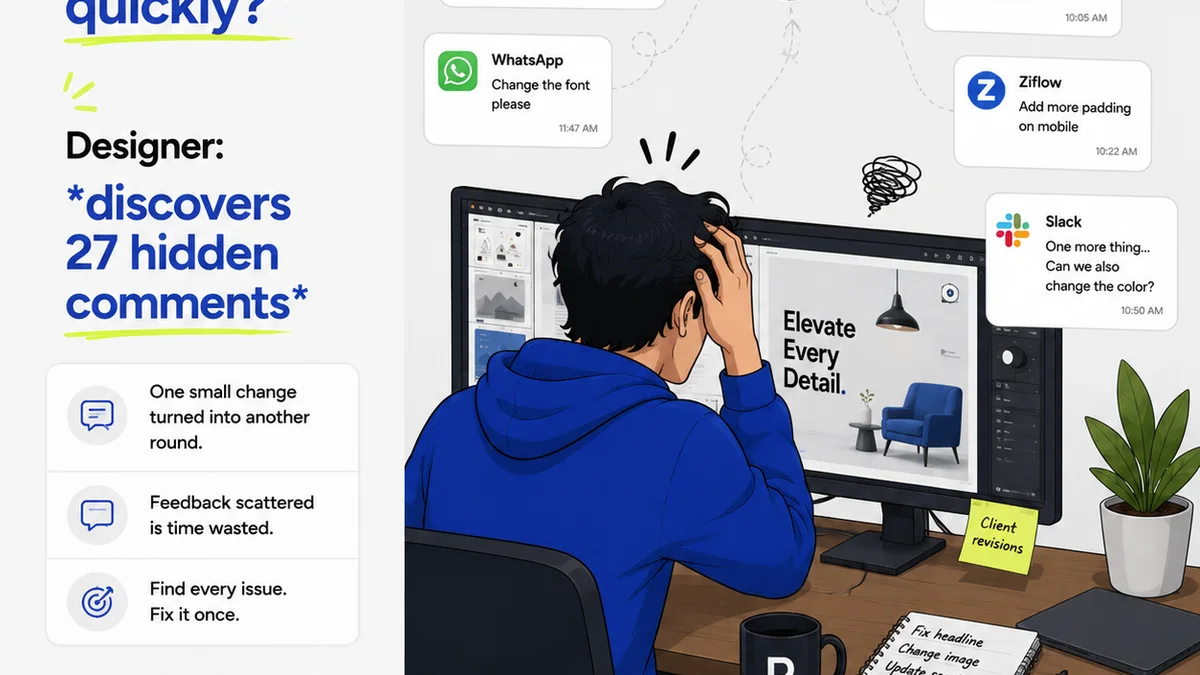
Everyone knows that clear communication is key to a successful creative project. You’ve probably heard it a million times: get feedback early, be specific, and keep it organized. None of that is wrong. But it’s incomplete.
The hard truth is that most visual feedback workflows are broken, not because the advice is bad, but because the tools and processes don't support the reality of creative collaboration. You end up with scattered emails, lost comments, and endless back-and-forth that kills momentum and erodes client trust. It’s a recipe for missed deadlines and unhappy teams.
Let's dive into what actually works.
1. Define Your Feedback Channels and Protocols
The first step to a better visual feedback workflow is acknowledging that not all feedback is created equal, and not all channels are suited for all types of input. Throwing every comment into one bucket is a mistake.
Think about the different types of feedback you receive:
- High-level strategic input
- Detailed aesthetic critiques
- Technical implementation notes
- Legal or compliance approvals
Each requires a different approach. Strategic feedback might be best discussed in a live meeting. Technical details might need a dedicated Slack channel or a structured document. Aesthetic critiques, however, are where most of the friction happens, especially with visual assets.
The Myth of the 'Single Source of Truth' Email Chain
Many teams rely on email chains for all feedback. This is a disaster waiting to happen. Emails get buried, attachments are versioned incorrectly, and crucial context is lost between replies.
A more effective visual feedback workflow uses dedicated tools. For visual assets like designs, videos, or websites, this means using platforms designed for annotation and contextual comments. This keeps feedback tied directly to the element being discussed, eliminating ambiguity.
Establishing Clear Roles and Responsibilities
Who is authorized to give feedback? Who has final approval? Without this clarity, you’ll get conflicting opinions from multiple stakeholders, leading to endless revisions.
Document this upfront. Define:
- Key stakeholders for feedback
- The primary approver
- The process for escalating or resolving conflicting feedback
This prevents
Frequently asked questions
What is a visual feedback workflow?
A visual feedback workflow is a structured process for gathering, organizing, and acting on feedback related to visual assets such as designs, mockups, videos, or websites. It aims to streamline communication and ensure clarity during the review and revision stages of a creative project.
Why is a clear visual feedback process important?
A clear process prevents miscommunication, reduces the number of revision cycles, saves time and resources, improves client satisfaction, and ensures the final creative output meets project goals and quality standards.
How can I make client feedback more specific?
Encourage clients to use annotation tools that link comments directly to specific elements on the visual asset. Ask clarifying questions, and request they explain the 'why' behind their suggestions. Setting clear project goals and design briefs upfront also helps guide feedback.
What are common mistakes in visual feedback?
Common mistakes include using unstructured channels like email for all feedback, lacking clear approval processes, not defining stakeholder roles, providing vague or subjective comments, and failing to centralize all feedback in one accessible location.