Most design agency leaders think accessibility is about making websites usable for people with disabilities. And that’s not wrong. Not even close.
But it’s incomplete. Dramatically so.
The real truth? Accessibility is a fundamental pillar of high-quality design and robust client service. It’s about building better, more resilient, and more profitable businesses.
1. The Myth of 'Niche' Accessibility
There’s a lingering assumption that accessibility is a niche concern, an add-on for specific projects, or something only large corporations need to worry about for legal compliance.
This thinking is a growth inhibitor.
Accessibility is Universal Design
At its core, accessible design is simply good design. It’s about creating experiences that are usable by the widest range of people, under the widest range of circumstances. Think about it:
- High contrast text is easier to read in bright sunlight.
- Clear navigation helps everyone, not just someone with a cognitive impairment.
- Captions on videos benefit people in noisy environments or those who are deaf or hard of hearing.
- Keyboard navigation is a lifesaver for power users, not just those who can't use a mouse.
This isn't about accommodating a few; it's about enhancing the experience for many.
Beyond Compliance: The Business Case
While legal requirements are a driver, focusing solely on compliance misses the bigger picture. Agencies that embrace accessibility proactively build a reputation for thoughtful, inclusive work. This attracts clients who value quality and forward-thinking partnerships.
It also reduces the risk of costly redesigns and legal challenges down the line.
2. The Hidden Costs of Inaccessible Design
Ignoring accessibility doesn't save money. It costs you money, and potentially a lot of it.
The problems manifest in ways agencies often overlook.
Rework and Revisions
When a client’s end-users can’t access or use the final product, guess who gets the call? Your agency. This leads to unexpected, often unpaid, rounds of revisions. It’s frustrating for you and the client.
Damaged Reputation
Word gets around. An agency known for producing inaccessible work will struggle to attract clients who are increasingly aware of these issues. This can limit your agency’s growth trajectory.
Missed Market Opportunities
By not designing accessibly, you're effectively excluding a significant portion of the potential user base. For your clients, this means lost customers and revenue. For your agency, it means missed opportunities to showcase your problem-solving skills on a broader scale.
Legal Exposure
The legal landscape around digital accessibility is only getting more robust. Lawsuits are increasing, and the settlements can be substantial. Proactive accessibility is risk mitigation.
3. Integrating Accessibility into Your Workflow
Making accessibility a core part of your process, rather than an afterthought, is where the real strategic advantage lies. It requires a shift in mindset and a few practical adjustments.
Start with Strategy
When you’re kicking off a project, ask the right questions:
- Who is the target audience?
- Are there specific accessibility needs we should consider?
- What are the client's goals related to inclusivity?
Incorporate accessibility requirements into the initial brief and scope of work.
Design with Intent
This means:
- Using semantic HTML structure from the start.
- Choosing color palettes with sufficient contrast.
- Designing clear, logical navigation.
- Ensuring interactive elements are easily identifiable and usable.
- Planning for alternative text for images.
Train your designers on accessibility best practices. Make it part of their design toolkit.
Develop with Standards
For development teams, this involves:
- Implementing ARIA (Accessible Rich Internet Applications) roles and properties where needed.
- Ensuring all functionality is keyboard accessible.
- Providing captions and transcripts for media.
- Testing with screen readers and other assistive technologies.
This isn't just about checking boxes; it’s about building a robust, usable product for everyone.
Test Thoroughly
Automated tools are a good starting point, but they can’t catch everything. Manual testing is crucial.
- Test with keyboard navigation.
- Test with screen readers (NVDA, JAWS, VoiceOver).
- Test with different zoom levels.
- Involve users with disabilities if possible.
This is where you catch the subtle issues that automated checkers miss.
4. Where Revue Fits In
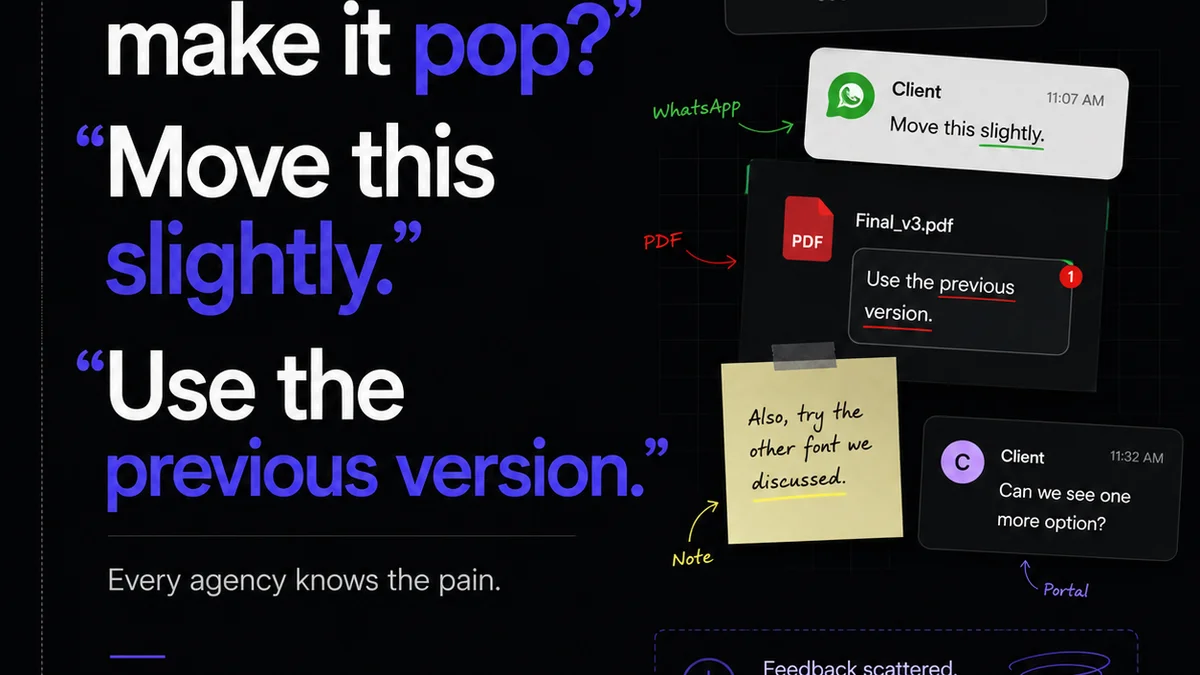
Managing client feedback and revisions can be a black hole for accessibility issues. A messy, unstructured feedback loop can lead to crucial details being missed or misinterpreted.
Revue streamlines this chaos.
Centralized Feedback
Instead of chasing down emails and Slack messages, all client feedback lives in one place. This means accessibility comments or concerns are documented and visible to the entire team. No more
Frequently asked questions
What is digital accessibility?
Digital accessibility means designing and developing websites, apps, and other digital products so that people with disabilities can use them. This includes people with visual, auditory, motor, and cognitive impairments.
Is accessibility just a legal requirement?
While legal compliance is a significant driver, accessibility is also a best practice for inclusive design. It enhances user experience for everyone, expands market reach, and builds a positive brand reputation.
How can a small agency afford to focus on accessibility?
Integrating accessibility into your existing workflow from the start is more cost-effective than retrofitting. Training your team on basic principles and using accessible tools can make a big difference without a massive investment.
What are the benefits of accessible design for a business?
Benefits include reaching a wider audience, improving SEO, enhancing brand reputation, reducing legal risks, and creating better user experiences that can lead to higher conversion rates and customer loyalty.