Everyone agrees accessibility is important. And everyone agrees it takes time. That’s the conventional wisdom, right? Add in extra testing, specialized knowledge, and more complex design considerations, and suddenly your agile workflow feels more like a bureaucratic crawl.
None of that is wrong. But it’s incomplete.
The hard truth? Accessibility isn’t a separate, tacked-on phase. It’s a fundamental aspect of good design and development that, when integrated properly, can actually *streamline* your process and *prevent* costly rework down the line. It’s not about adding more steps; it’s about changing how you approach existing ones.
1. Rethink Accessibility: It’s Not Just About Compliance
Many teams treat accessibility like a compliance checklist. Get the WCAG score, pass the automated tests, and you’re done. This mindset leads to a reactive approach, often discovered late in the project when changes are expensive and time-consuming.
True accessibility is about inclusive design. It’s about understanding that your audience isn’t a monolith. It’s about building experiences that work for as many people as possible, regardless of their abilities or the context in which they’re accessing your work.
It’s About User Experience for Everyone
When you design with accessibility in mind from the start, you’re not just accommodating disabilities. You’re improving the experience for:
- Users on slow internet connections (clear, semantic HTML loads faster).
- Users in bright sunlight (good color contrast matters everywhere).
- Users who are multitasking or have cognitive load (clear navigation and structure help everyone focus).
- Users with temporary impairments (like a broken arm).
- Users who prefer different input methods.
This broader perspective shifts accessibility from a burden to a benefit. It forces clarity, structure, and thoughtful execution—all hallmarks of high-quality design.
2. Integrate, Don’t Isolate: Embedding Accessibility Early
The biggest time sink is addressing accessibility as an afterthought. This means:
- Reworking UI elements that weren’t designed with sufficient contrast.
- Rebuilding navigation that isn’t keyboard-friendly.
- Rewriting copy that isn’t clear or descriptive.
- Fixing complex interactions that break screen readers.
These aren’t minor tweaks. They’re often fundamental changes that require significant developer and designer effort, blowing up timelines and budgets.
The Design Phase is Your First Line of Defense
Accessibility considerations should be baked into your design process. This means:
- Wireframing with Structure: Think about logical content flow and information hierarchy from the very first sketch. This naturally leads to semantic HTML later.
- Prototyping with Interaction: Test key navigation paths with keyboard-only simulations. Ensure interactive elements have clear focus states.
- Specifying with Clarity: Define color contrast ratios, focus indicator styles, and ARIA roles directly in your design specs. Don’t leave it to chance.
- Content Strategy: Plan for descriptive alt text for images and clear, concise headings from the outset.
When these decisions are made upfront, they become part of the design DNA, not an overlay.
The Development Phase Needs It Too
Developers need to understand that accessible code is robust code. This includes:
- Using semantic HTML5 elements correctly.
- Implementing ARIA attributes judiciously where native elements fall short.
- Ensuring interactive elements are focusable and operable via keyboard.
- Testing with assistive technologies during development, not just at the end.
This isn’t about slowing down development; it’s about building it right the first time. Accessible code is often cleaner, more maintainable, and more resilient.
3. Equip Your Team: Knowledge and Tools
Lack of knowledge is a major barrier to integrating accessibility efficiently. Your team needs the right skills and the right tools.
Training is Non-Negotiable
You don’t need every team member to be an accessibility expert, but everyone needs a foundational understanding. This includes:
- Designers: Understanding color contrast, focus states, touch target sizes, and semantic structure.
- Developers: Understanding semantic HTML, ARIA, keyboard navigation, and common assistive technology behaviors.
- Content Creators: Understanding clear language, heading structure, and image descriptions.
- QA Testers: Knowing how to perform basic manual accessibility checks and use testing tools.
Invest in workshops, online courses, or bring in consultants for targeted training. Make it a continuous learning process.
Leverage Smart Tools
Manual checks are essential, but they’re not always the most efficient. Integrate tools into your workflow:
- Design Tools: Plugins for Figma, Sketch, and Adobe XD can check color contrast and suggest improvements during the design phase.
- Browser Extensions: Tools like axe DevTools or WAVE can provide instant feedback during development and testing.
- Automated Testing: Integrate accessibility linters and testing frameworks into your CI/CD pipeline to catch issues automatically. This catches low-hanging fruit before human testers even see it.
- Code Editors: Plugins can highlight potential accessibility issues as code is written.
The goal isn't to rely solely on tools, but to use them to augment human expertise and catch common errors quickly, freeing up your team to focus on more complex issues.
4. Streamline Feedback and Revisions
Client feedback is a necessary part of the creative process. But when it comes to accessibility, miscommunication or lack of clarity can lead to significant delays and scope creep.
Centralize Communication
Scattered feedback across emails, Slack channels, and random documents is a recipe for disaster. This is especially true for accessibility concerns, which can be technical and require precise understanding.
When feedback is centralized, you have a single source of truth. Everyone can see what’s been discussed, what decisions have been made, and what the current status is.
Visibility into Revisions
Understanding the history of changes is crucial. If an accessibility issue is introduced during a revision, having a clear audit trail helps pinpoint when and why it happened. This allows for faster correction and prevents the same mistakes from recurring.
Quality Assurance is Key
A robust QA process should include dedicated accessibility checks. This isn’t just about automated scans; it’s about manual testing by individuals who understand the nuances of assistive technologies and user needs.
By having a clear, documented process for feedback, revisions, and QA, you ensure that accessibility requirements are consistently met and that potential issues are identified and resolved efficiently, without derailing your project schedule.
Where Revue Fits In
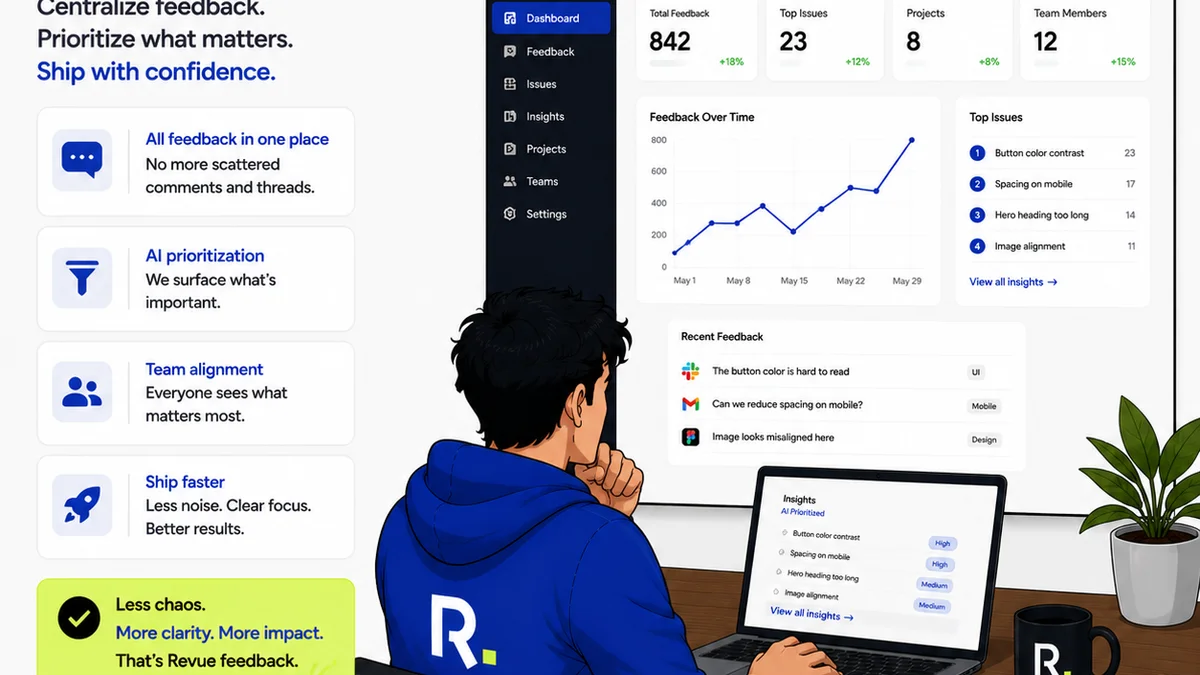
Managing the creative process, especially with multiple stakeholders and complex requirements like accessibility, can quickly become chaotic. Scattered feedback, unclear revision histories, and missed quality checks are common culprits for delays.
Revue acts as a central hub for your creative workflow. It allows you to:
- Centralize Client Feedback: All comments, annotations, and discussions happen in one place, directly on the creative asset. This ensures no feedback gets lost and everyone is on the same page, including specific accessibility notes.
- Manage Revisions and Approvals: Track every version of a creative asset, see who approved what and when, and understand the complete revision history. This clarity is vital for identifying when accessibility issues might have been introduced or resolved.
- Run Quality Checks: Integrate accessibility checks into your defined review cycles. Ensure that accessibility requirements are part of the sign-off process, not an optional add-on.
By providing a structured, transparent platform, Revue helps your team stay aligned, reduce miscommunication, and move through the feedback and approval process more efficiently, making it easier to integrate accessibility without adding friction.
Final Thought
Is accessibility truly slowing your team down, or is it the *way* you're trying to implement it? If accessibility is an add-on, a last-minute scramble, or a mystery to your team, then yes, it will feel like a burden. But if it’s woven into the fabric of your design and development process, treated as a core tenet of quality and user experience, it becomes a driver of better, more robust work—delivered on time.
The question isn't whether you can afford to make accessibility a priority. The question is whether you can afford *not* to, when the cost of ignoring it means alienating a significant portion of your audience and facing expensive fixes later.
Frequently asked questions
How can I make accessibility a priority without delaying project timelines?
Integrate accessibility considerations from the very beginning of the design and development process. Equip your team with training and tools, and centralize feedback to avoid last-minute issues.
What are the most common accessibility mistakes that cause delays?
Treating accessibility as an afterthought, failing to plan for semantic structure early on, and not having clear communication channels for feedback are major causes of delays and rework.
Do I need specialized tools for accessibility?
While not strictly mandatory, specialized tools for design, development, and QA can significantly streamline the process by catching common issues early and providing instant feedback.
How does centralized feedback help with accessibility?
Centralizing feedback ensures that all discussions, decisions, and specific accessibility requirements are documented in one place, reducing miscommunication and making it easier to track progress and address concerns.
Is accessibility only for users with disabilities?
No. Designing for accessibility often results in a better user experience for everyone, including users with temporary impairments, those on slow connections, or individuals who are multitasking.