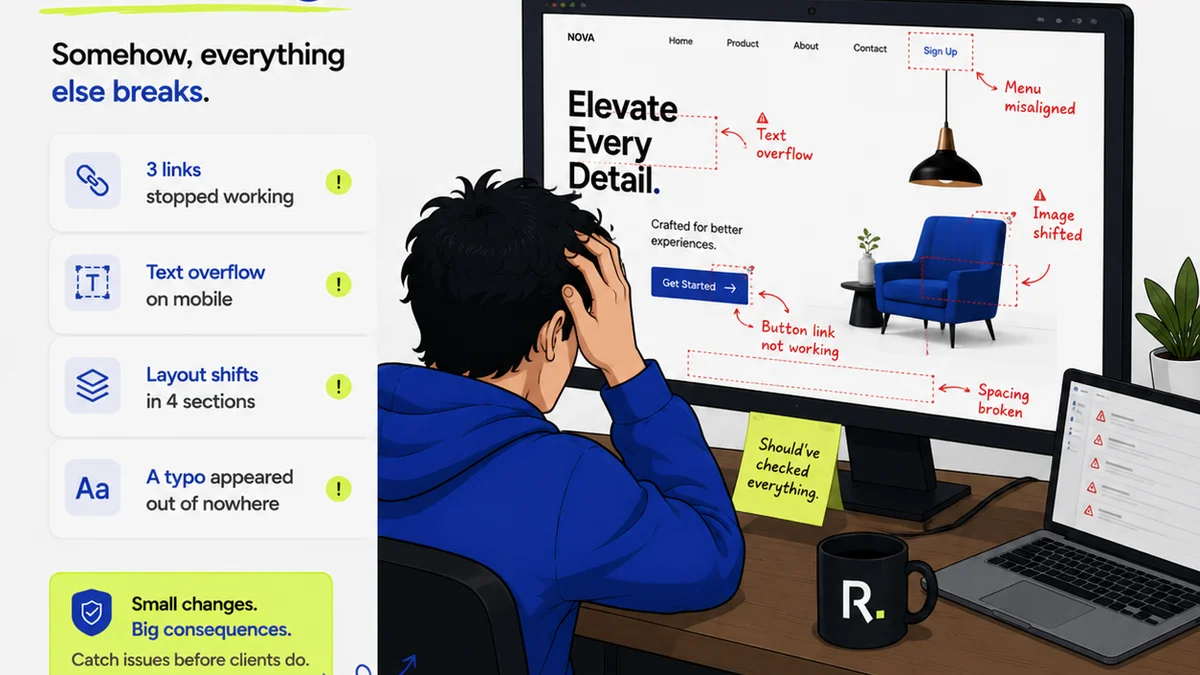
Everyone talks about automation in creative workflows. They say AI is taking over, tools will handle everything, and designers will just hit 'go'. None of that is wrong. But it’s incomplete.
The hard truth is that most creative automation isn't about AI replacing humans. It's about leveraging smart tools to eliminate tedious, repetitive tasks so your US-based creative teams can focus on what truly matters: brilliant ideas and flawless execution.
1. Automating Repetitive Design Tasks
Think about the daily grind for designers. Resizing assets for different platforms. Applying brand guidelines consistently across dozens of variations. Generating boilerplate text or placeholder images. These aren't creative challenges; they're operational hurdles.
Adobe's ecosystem offers powerful solutions, often built into the tools you already use, that chip away at this drudgery. The goal isn't to replace creative decision-making, but to automate the mechanical steps that surround it.
Content-Aware Fill and Generative Fill
Adobe Photoshop's Content-Aware Fill has been a time-saver for years, intelligently removing objects. But Generative Fill, powered by Adobe Firefly, takes this further. Need to extend a background? Add an object? Remove something complex? Generative Fill can do it with simple text prompts, dramatically reducing manual editing time for tasks that used to take hours.
Variable Fonts
If your team works with branding that requires many weights and styles of a typeface, variable fonts are a game-changer. Instead of managing dozens of individual font files, a single variable font file can contain a spectrum of weights, widths, and other properties. This streamlines font management and can even reduce file sizes.
Adobe Fonts offers a growing library of variable fonts, making them accessible directly within your Creative Cloud apps.
Batch Processing and Actions
For tasks that need to be applied to many files—like resizing images, applying watermarks, or converting formats—Adobe Photoshop's Actions feature is invaluable. You can record a series of steps once and then run that
Frequently asked questions
What are the most common repetitive tasks in creative workflows?
Common repetitive tasks include resizing assets for multiple platforms, applying consistent branding, generating variations of designs, managing font files, and performing batch image processing like resizing or format conversion.
How does Adobe Firefly contribute to creative automation?
Adobe Firefly, integrated into tools like Photoshop, uses generative AI to automate complex image manipulation tasks. Features like Generative Fill allow users to add, remove, or extend content based on text prompts, significantly reducing manual editing time.
Can Adobe automation tools help with brand consistency?
Yes, tools like Variable Fonts streamline font management and ensure consistent typographic styles. Adobe InDesign's features for creating and managing master pages, styles, and libraries also contribute to maintaining brand consistency across projects.
Are there specific Adobe tools for automating video editing tasks?
Adobe Premiere Pro offers features like automated transcription, text-based editing (which allows editing video by editing the transcript), and Essential Graphics templates that can automate parts of the video production workflow, especially for title cards and lower thirds.