Everyone says Adobe Creative Cloud is the professional standard, and Canva is the easy-to-use tool for non-designers. And that’s not wrong. But it’s incomplete.
The deeper truth is that the choice between Adobe and Canva isn't just about software capabilities. It's about your team's workflow, the complexity of your projects, and how you manage feedback and approvals.
1. The Feature Divide: More Than Just Tools
Adobe's suite—Photoshop, Illustrator, InDesign, After Effects—is a sprawling ecosystem designed for deep, pixel-level control and complex tasks. Think intricate photo manipulation, vector illustration, multi-page document layout, and motion graphics.
Canva, on the other hand, excels at speed and accessibility. It’s built for rapid creation of social media graphics, presentations, simple marketing collateral, and basic video edits. Its strength lies in templates, a vast library of assets, and an intuitive drag-and-drop interface.
Adobe's Edge: Precision and Power
- Unrivaled control over every design element.
- Industry-standard file formats and compatibility.
- Robust tools for print production, advanced typography, and complex compositions.
- Integration across a suite of specialized applications.
Canva's Edge: Speed and Simplicity
- Vast template library for quick starts.
- Easy collaboration and sharing.
- Built-in stock photos, icons, and fonts.
- Accessible to users with minimal design training.
For an agency handling high-stakes client work requiring bespoke visuals and meticulous execution, Adobe's depth is non-negotiable. For an in-house team needing to churn out consistent social media assets or internal presentations quickly, Canva’s efficiency is a game-changer.
2. Workflow Integration: Where the Rubber Meets the Road
This is where the real divergence occurs. How does each tool fit into your agency’s day-to-day operations?
Adobe tools are often part of a more structured, multi-stage creative process. Designers work in specialized apps, hand off files, and rely on version control and clear handoffs.
Canva promotes a more fluid, collaborative, and often flatter workflow. Multiple users can edit the same design simultaneously, making it ideal for team-based content creation or client self-service (with guardrails).
Managing Revisions: The Bottleneck
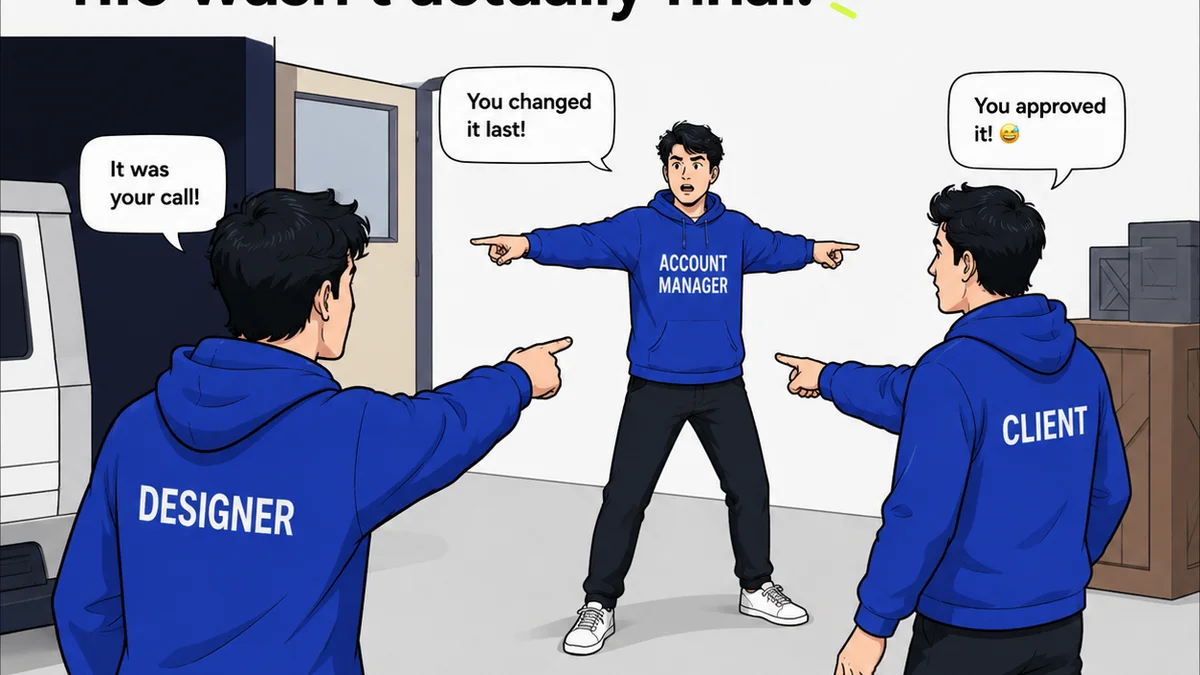
This is a critical point. Adobe workflows often involve exporting files, sending them via email or cloud storage, and receiving feedback in disparate documents or emails. This can lead to confusion, lost comments, and endless revision cycles.
Canva's built-in commenting and real-time collaboration can streamline this. However, for complex projects, feedback can still become fragmented if not managed properly.
Approvals: The End Goal
Getting client sign-off is the ultimate goal. Adobe's ecosystem doesn't have a native, unified approval system. This often requires third-party tools or manual tracking.
Canva's sharing features, particularly for review, offer a more integrated experience. Clients can comment directly on the design, and you can track versions more easily within the platform.
3. Cost and Scalability: Beyond the Monthly Bill
Let's talk money. Adobe's Creative Cloud subscription can be a significant investment, especially for smaller teams or individual freelancers. Pricing is per user, per app, or for the entire suite.
Canva offers a generous free tier, with paid plans (Pro and Enterprise) unlocking more features, assets, and team management capabilities. For many, Canva Pro offers a compelling feature set at a lower price point than comparable Adobe subscriptions.
When Does Adobe Make Financial Sense?
- Your team requires specialized tools (e.g., high-end video editing, complex 3D rendering).
- You need absolute brand control and unique asset creation.
- Client deliverables are complex and require professional print or digital output standards.
- Your team is already proficient with Adobe applications.
When Does Canva Make Financial Sense?
- You need to produce a high volume of marketing collateral quickly.
- Your team includes members with varying design skill levels.
- Brand templates and guided design are crucial for consistency.
- Budget is a primary constraint, but professional output is still needed.
The
Frequently asked questions
Can Canva replace Adobe Creative Cloud for professional agencies?
For certain tasks and teams, yes. Canva is excellent for rapid marketing collateral, social media, and presentations. However, for complex graphic design, photo manipulation, vector illustration, or professional print production, Adobe's suite offers depth and control that Canva currently doesn't match.
What is the primary difference in workflow between Adobe and Canva?
Adobe tools typically support a more specialized, multi-step workflow where individual designers use specific applications for detailed tasks, often involving manual file handoffs. Canva promotes a more fluid, collaborative, and accessible workflow, allowing multiple users to contribute to designs more directly within a single platform.
Which tool is better for client feedback and approvals?
Canva offers more integrated commenting and version tracking within its platform, which can simplify feedback loops for simpler projects. Adobe's ecosystem often relies on external tools or manual processes for feedback and approvals, which can be more fragmented but allows for more control over the review process for complex deliverables.
Is Canva cheaper than Adobe for agencies?
Generally, yes. Canva's free tier is robust, and its paid plans are significantly less expensive than Adobe Creative Cloud subscriptions, especially for teams needing multiple licenses. However, the 'cheaper' option depends on the specific tools and features your agency absolutely requires.