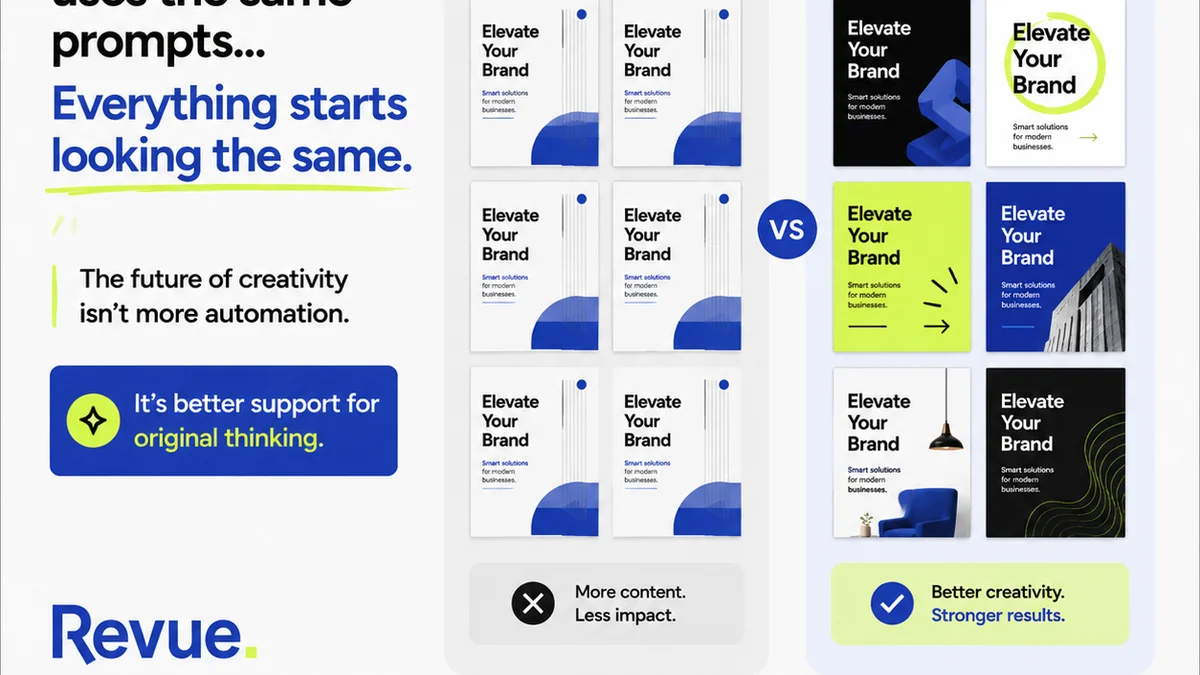
Everyone talks about agency workflow templates. They’re presented as magic bullets, the secret sauce to unlock perfect project delivery, happy clients, and overflowing inboxes. None of that is wrong. But it’s incomplete.
The real truth? A template is only as good as the thinking behind it. Without a deep understanding of your agency’s specific needs, even the most polished template becomes just another piece of digital clutter.
This isn't about finding the *perfect* template. It's about building the *right* template for your agency. Let's break down what that actually looks like.
1. The Myth of the One-Size-Fits-All
You’ve probably seen them: downloadable PDFs, elaborate spreadsheets, even entire Notion dashboards promising to solve all your agency’s workflow woes. They promise efficiency, clarity, and a smooth ride from brief to final delivery.
And yes, they can be a starting point. A good template can standardize processes, reduce errors, and save time.
But here’s the contrarian take: blindly adopting a generic template can actively *harm* your workflow.
Why?
- It ignores your unique client types.
- It doesn't account for your team’s specific skill sets.
- It fails to address your agency’s historical bottlenecks.
- It can create more work to adapt it than to build something custom.
Your agency is not like every other agency. Your clients have different needs. Your team has different strengths. A template needs to reflect that reality, not try to force you into its pre-defined box.
2. Deconstructing Your Ideal Workflow
Before you even think about templates, you need to map your current process. Be brutally honest.
Map Every Step
Start at the very beginning. What happens when a new lead comes in? How is a project brief created? Who signs off on it?
Then, trace the entire lifecycle of a project:
- Discovery & Briefing
- Strategy & Planning
- Creative Development (Design, Copy, etc.)
- Internal Review & Revisions
- Client Presentation & Feedback
- Client Revisions & Approvals
- Quality Assurance (QA)
- Final Delivery
- Post-Project Analysis
For each stage, document:
- Who is responsible?
- What are the key inputs?
- What are the key outputs?
- What tools are used?
- What are the typical pain points or delays?
This isn't a one-time exercise. Your workflow will evolve.
Identify Bottlenecks and Friction Points
Where do projects get stuck? Where does communication break down? Where are revisions causing endless back-and-forth?
Common culprits include:
- Unclear briefs
- Ambiguous feedback
- Lack of a single source of truth for assets and approvals
- Overlapping responsibilities
- Insufficient QA
- Scope creep
Pinpointing these issues is crucial for building a template that actually solves problems, not just documents them.
3. Core Components of an Effective Agency Workflow Template
Once you understand your unique process and pain points, you can start building your template. Think of it as a blueprint for consistency and efficiency.
Project Intake & Onboarding
This is where clarity is paramount. Your template should define:
- Lead Qualification Criteria: What makes a good fit?
- Client Briefing Questionnaire: Standard questions to gather essential project details.
- Proposal & SOW Process: Outline steps for scope, timeline, and budget.
- Contract & Kick-off Meeting Checklist: Ensure all parties are aligned from day one.
Project Planning & Scoping
This phase sets the foundation for success. Your template should cover:
- Project Phases & Milestones: Clearly defined stages and deliverables.
- Resource Allocation: Assigning team members and estimating time.
- Risk Assessment: Identifying potential challenges and mitigation strategies.
- Communication Plan: How and when stakeholders will communicate.
Creative Development & Review Cycles
This is often the most iterative part. A good template will structure this effectively:
- Briefing & Creative Brief Template: Ensuring clarity before work begins.
- Internal Review Process: Who reviews, what criteria are used, how feedback is logged.
- Client Feedback Structure: Guidelines for clients on providing actionable feedback.
- Revision Tracking: How changes are logged, approved, and implemented.
This is where clear revision management is key. Vague feedback like “make it pop” is the enemy. Your template should guide both your team and the client toward specific, actionable input.
Quality Assurance & Delivery
Don't let a great project fall apart at the finish line.
- QA Checklist: Covering technical specs, brand consistency, functionality, and client requirements.
- File Naming Conventions: Standardizing how assets are named.
- Delivery Protocol: How final files are packaged and handed over.
- Client Acceptance Form: Formal sign-off to close the loop.
Post-Project Evaluation
Learn and improve.
- Project Retrospective Template: What went well? What could be improved?
- Client Satisfaction Survey: Gather feedback on the overall experience.
4. Choosing the Right Tools for Your Template
A template isn't just a document; it’s a system. The tools you use will either amplify your template’s effectiveness or undermine it.
Project Management Software
Tools like Asana, Monday.com, or Jira are essential for tracking tasks, deadlines, and progress. Your template should inform how you set up projects within these tools.
Communication Platforms
Slack, Microsoft Teams, or similar platforms facilitate real-time communication. Ensure your template defines communication protocols.
Document Collaboration
Google Workspace or Microsoft 365 are standard for collaborative document creation and sharing. Version control is critical here.
Design & Creative Tools
Figma, Adobe Creative Cloud, or Sketch are where the magic happens. Your workflow needs to integrate smoothly with these.
Feedback & Approval Platforms
This is where things often get messy. Spreadsheets, endless email threads, and scattered comments lead to confusion. A dedicated platform can centralize feedback, streamline revisions, and provide a clear audit trail.
Where Revue Fits In
This is precisely why tools like Revue exist. Trying to manage client feedback, track revisions, and ensure quality checks through email chains and shared docs is a recipe for disaster.
Revue acts as the central nervous system for your creative workflow. It provides a single source of truth for all client feedback, making it clear exactly what needs to be done, who approved what, and when.
Imagine this:
- All client comments and annotations are in one place, tied to specific project assets.
- Revision history is automatically tracked, so you always know the latest version and what changes were made.
- Approvals are explicit and auditable, removing ambiguity.
- Quality assurance steps can be built directly into the workflow.
This isn't about adding another tool; it's about integrating a critical function into your existing workflow template with clarity and control. It turns the chaotic
Frequently asked questions
What is an agency workflow template?
An agency workflow template is a standardized set of steps, checklists, and guidelines designed to manage projects efficiently from start to finish. It helps ensure consistency, reduces errors, and streamlines communication within the agency and with clients.
Why is a custom workflow template better than a generic one?
Generic templates often fail to account for an agency's unique client types, team skills, and specific operational challenges. A custom template, built from understanding your agency's specific needs and pain points, is far more effective at solving real problems and improving efficiency.
What are the key stages in a typical agency workflow?
Key stages generally include Project Intake & Onboarding, Project Planning & Scoping, Creative Development & Review Cycles, Quality Assurance & Delivery, and Post-Project Evaluation. Each stage has specific tasks and deliverables.
How can technology improve agency workflows?
Technology, particularly project management and feedback/approval platforms, can centralize information, automate tasks, improve communication, track progress, and provide clear audit trails, significantly enhancing workflow efficiency and reducing errors.
How often should an agency review its workflow template?
Agencies should review their workflow templates regularly, at least annually, or whenever significant changes occur, such as onboarding new client types, adopting new tools, or identifying persistent bottlenecks. Continuous improvement is key.