Everyone’s talking about AI in design. They say it’s going to automate everything, replace designers, and churn out generic assets. None of that is wrong. But it’s incomplete.
The real story is how AI can augment your team, streamline tedious tasks, and unlock new creative avenues. It’s not about replacement; it’s about elevation.
This isn't about chasing trends. It's about building a practical, step-by-step framework to leverage AI effectively in your agency or in-house team.
1. Understand the Landscape: Beyond the Hype
Before you can implement AI, you need to know what’s actually available and what it can realistically do. Forget the science fiction. Focus on the tools and capabilities that solve actual problems in the design process.
AI in design generally falls into a few key areas:
- Generative AI: Creating new content (images, text, code) based on prompts.
- AI-Powered Editing: Tools that automate adjustments, retouching, or style transfers.
- Predictive Analytics: Analyzing data to forecast trends or user behavior.
- Workflow Automation: AI assisting in project management, asset organization, or client communication.
The current excitement is largely around generative AI, but don't overlook the power of AI in refining existing work or streamlining operations.
The Hard Truth: AI is a Tool, Not a Magic Wand
AI tools require human direction and curation. They learn from existing data, which means quality and bias are inherent. Your role as a designer or creative lead shifts from pure creation to strategic prompting, critical evaluation, and ethical oversight.
2. Identify Pain Points: Where Can AI Help MOST?
Don't implement AI for AI's sake. Look critically at your current workflow. Where are the bottlenecks? What tasks are repetitive, time-consuming, or prone to human error?
Consider these common areas:
- Ideation and Moodboarding: Generating initial concepts or visual inspiration quickly.
- Asset Creation: Producing variations of graphics, icons, or background elements.
- Content Generation: Drafting copy for mockups, social media posts, or ad variations.
- Image Editing and Retouching: Automating background removal, color correction, or upscaling.
- Repetitive Design Tasks: Resizing assets for different platforms, creating multiple ad banners.
- Client Feedback Synthesis: Summarizing long comment threads (though this is still nascent).
Which of these drain your team's energy or slow down project delivery?
Start Small, Think Big
Pick one or two specific pain points that AI can demonstrably address. Trying to overhaul everything at once is a recipe for chaos. Focus on a quick win that builds confidence and understanding.
3. Select the Right Tools: Practical Choices
The AI tool market is exploding. It’s easy to get lost. Focus on tools that are:
- Accessible: Easy to learn and integrate into your existing software stack.
- Reliable: Producing consistent, usable output.
- Ethical: Transparent about their data sources and usage.
- Cost-Effective: Providing a clear ROI for your investment.
For visual generation, tools like Midjourney, DALL-E, or Stable Diffusion are popular. For text, consider Jasper, Copy.ai, or even advanced LLMs like GPT-4. For workflow, look at AI features within existing Adobe Creative Cloud apps or specialized platforms.
Prompt Engineering: The New Skill
The quality of your AI output is directly tied to the quality of your prompts. Learn the art of crafting clear, specific, and iterative prompts. This involves:
- Defining the desired style, mood, and subject matter.
- Specifying technical details like aspect ratio, resolution, and color palette.
- Using negative prompts to exclude unwanted elements.
- Iterating based on initial results.
This isn't just typing a sentence; it's a dialogue with the machine.
4. Integrate Thoughtfully: Workflow, Not Disruption
AI should enhance, not derail, your established processes. Integration means understanding how AI output fits into your existing steps.
Phase 1: Exploration and Augmentation
Use AI tools for:
- Brainstorming: Rapidly generating mood boards or initial visual concepts.
- Drafting: Creating placeholder text or preliminary graphics.
- Asset Generation: Producing background elements or texture variations.
The output here is a starting point, not the final product. It’s a way to speed up the early stages.
Phase 2: Refinement and Iteration
Once you have a direction, use AI to assist in refinement. This could mean:
- Upscaling low-resolution AI-generated images.
- Automating background removal for product shots.
- Generating variations of a design element.
Crucially, the human designer remains in control, making the final decisions and applying their expertise.
Phase 3: Quality Control and Finalization
This is where human oversight is non-negotiable. Review AI-generated elements for:
- Brand Consistency: Does it align with brand guidelines?
- Accuracy: Are there any factual errors or nonsensical elements?
- Originality: Does it feel derivative or uninspired?
- Ethical Considerations: Are there any unintended biases or problematic representations?
AI can help with some aspects of quality checks, like ensuring consistent formatting, but the critical judgment remains with your team.
5. Train Your Team: Skill Up, Not Out
Your team needs to understand AI, not fear it. Provide training on:
- Prompt Engineering: How to effectively communicate with AI tools.
- Tool Proficiency: Hands-on practice with selected AI platforms.
- Critical Evaluation: How to assess AI output for quality, bias, and relevance.
- Ethical Guidelines: Establishing clear rules for AI usage.
Foster a culture of experimentation and learning. Encourage team members to share their discoveries and best practices.
The New Designer Skillset
The best designers will be those who can effectively collaborate with AI, leveraging its speed and generative power while applying their strategic thinking, aesthetic judgment, and understanding of human communication.
Where Revue Fits In
Implementing AI doesn't eliminate the need for robust project management and clear communication. In fact, it amplifies it.
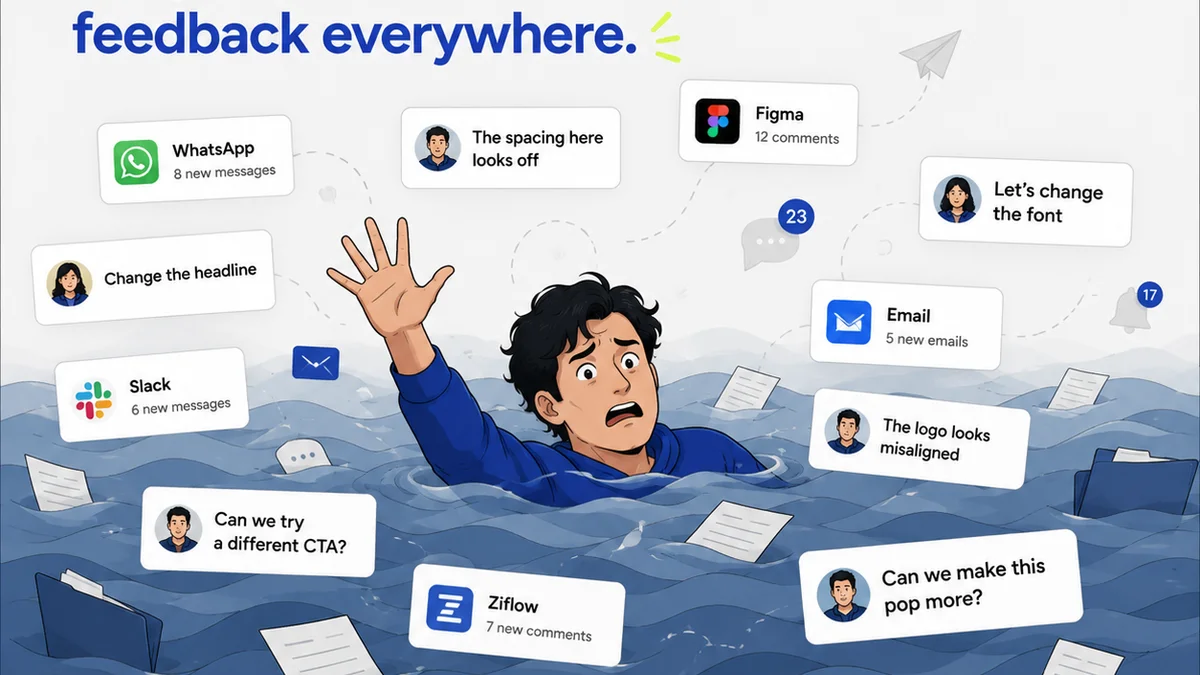
As your team generates more variations, explores more concepts, and relies on AI-assisted outputs, the need for centralized feedback and clear revision tracking becomes paramount. Revue provides that essential layer of control.
- Centralized Feedback: Ensure all AI-generated concepts and client revisions are captured in one place, preventing lost iterations and confusion.
- Revision Visibility: Track every change, whether human-driven or AI-assisted, with clear version history.
- Approval Workflows: Streamline the approval process for AI-generated assets, ensuring sign-off at the right stages.
- Quality Checks: Maintain brand integrity and project standards by having a clear process for reviewing and approving all creative output, AI-assisted or not.
Revue helps you manage the *outcome* of AI-driven creativity, ensuring efficiency and clarity even as your tools evolve.
Final Thought
AI is not a passive technology. It requires active engagement, critical thinking, and strategic implementation. The agencies and teams that thrive won't be those that simply adopt the latest AI tool, but those that build a thoughtful framework around it. How will you guide your team's AI journey?
Frequently asked questions
What are the biggest benefits of using AI in design?
AI can significantly speed up ideation, automate repetitive tasks like asset creation and editing, generate variations quickly, and help synthesize large amounts of information, ultimately freeing up designers for more strategic and creative work.
How do I choose the right AI tools for my design team?
Focus on tools that are accessible, reliable, ethical, and cost-effective. Consider your specific pain points and workflow needs. Start with a few key tools rather than trying to adopt everything at once.
Is prompt engineering a difficult skill to learn?
Prompt engineering is a skill that improves with practice. It involves learning to communicate clearly and precisely with AI models. While it requires learning and iteration, it's highly accessible and crucial for getting quality results from generative AI.
How does AI change the role of a designer?
AI augments, rather than replaces, the designer. The role shifts towards strategic prompting, critical evaluation of AI output, ethical oversight, and integrating AI-generated elements into a cohesive final product. It emphasizes curation and direction over pure manual creation.