The hype around AI for design is deafening. You see it everywhere: "Transform your workflow! Automate creativity! Unlock infinite possibilities!" It’s easy to assume all you need is the newest generative art tool or a smart plugin. That’s the narrative.
None of that is wrong. But it’s incomplete.
The hard truth? The tools that *really* matter for AI in design aren't just the AI generators themselves. They’re the operational bedrock that lets you integrate AI effectively, manage its output, and keep your team and clients happy.
1. The AI Engine: Your Generative Playground
Let’s start with the obvious. You need AI tools that generate and manipulate creative assets. This is where the magic is supposed to happen. But “AI tools” is a broad category.
Generative Image Platforms
These are the DALL-E’s, Midjourney’s, and Stable Diffusion’s of the world. They turn text prompts into visuals. They’re powerful for ideation, mood boards, and even final assets if used skillfully.
AI-Powered Editing Suites
Think Adobe Photoshop’s Generative Fill or Luminar Neo. These tools embed AI into existing workflows, making tasks like background removal, object manipulation, or upscaling faster and more intuitive.
Specialized AI Tools
This could be anything from AI copywriting tools for taglines to AI video generators or even AI-powered music composition tools. The key is identifying what *kind* of AI assistance your design process needs most.
The assumption here is you just pick one and go. That's a mistake.
- You need to understand the strengths and weaknesses of each platform.
- Prompt engineering is a skill, not a button press.
- Output quality varies wildly.
These generative tools are the engine. But an engine without a chassis, transmission, and steering wheel is useless.
2. The Central Nervous System: Feedback & Collaboration
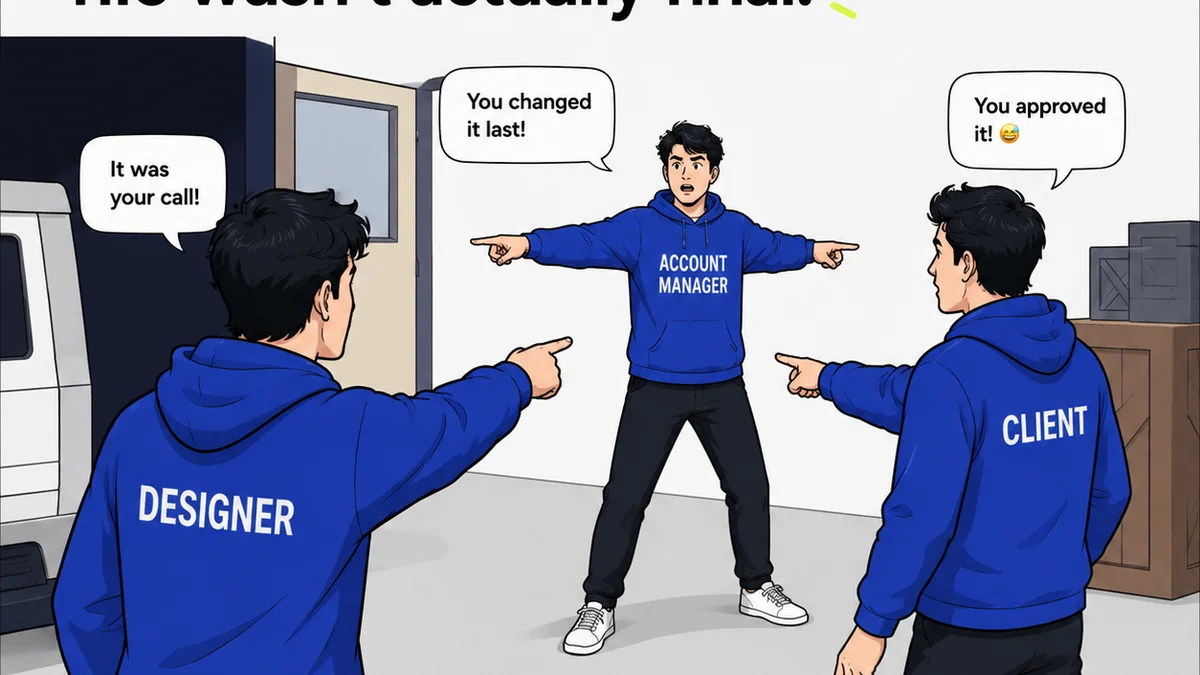
This is where most agencies stumble. You can generate a thousand stunning images, but if you can’t get clear, actionable feedback from your client, or if your team can’t collaborate effectively on the AI-generated assets, you’ve wasted everyone’s time.
Centralized Feedback Platforms
Scattered email threads, Slack messages, and random PDF annotations are the enemy of efficient design. You need a single source of truth for all client comments, stakeholder approvals, and internal reviews.
Version Control & Audit Trails
When you’re iterating on AI-generated concepts, knowing which version is which, who approved what, and when, is critical. You can’t afford ambiguity.
Real-time Collaboration Tools
For teams working with AI, the ability to share, comment on, and iterate on AI outputs in a shared space is paramount. This isn’t just about convenience; it’s about speed and accuracy.
The assumption is that talking is enough. It’s not.
- Misinterpreted feedback leads to endless revisions.
- Lost comments mean missed opportunities for improvement.
- Lack of clarity on approvals stalls projects.
Your AI tools might be smart, but your feedback loop needs to be smarter.
3. The Quality Control Gate: Revision & Approval Workflows
AI can accelerate the *creation* of assets, but it doesn’t automatically guarantee quality or brand alignment. That requires robust workflow management.
Structured Revision Cycles
Define clear stages for feedback, revision, and final approval. AI can help generate options, but the human element is crucial for selecting the *right* option and refining it to meet strategic goals.
Approval Tracking
Who signed off on that AI-generated logo concept? Was it the CMO, the brand manager, or a junior marketing assistant? You need to know. Automated tracking ensures you have a clear record, protecting your agency and your client.
Brand Guideline Integration
How do you ensure AI-generated visuals consistently adhere to brand guidelines? This requires a system that can flag deviations or provide AI tools with context about approved brand elements.
The assumption is AI output is inherently good. It’s not.
- AI can hallucinate brand elements.
- It can generate generic or off-brand concepts if not properly guided.
- Human oversight is non-negotiable for strategic creative work.
You need a system to manage the *process*, not just the pixels.
4. The Knowledge Repository: Asset Management & Training
AI-generated assets, like any other creative work, need to be organized, searchable, and reusable. Furthermore, your team needs to be trained on how to use these new tools effectively and ethically.
Digital Asset Management (DAM)
A well-organized DAM is essential. You need to store, tag, and retrieve AI-generated assets, along with their associated prompts and metadata, for future reference or reuse.
Prompt Libraries
As your team develops effective prompts for specific styles or outcomes, cataloging them becomes invaluable. This builds institutional knowledge and ensures consistency.
Team Training & Ethical Guidelines
AI is new territory. Your team needs training not just on *how* to use the tools, but on the ethical implications, copyright considerations, and best practices for integrating AI into client work.
The assumption is everyone will figure it out on their own. This is inefficient and risky.
- Inconsistent prompting leads to unpredictable results.
- Lack of understanding of AI limitations can lead to client dissatisfaction.
- Ignoring ethical concerns can damage your agency’s reputation.
Build a system that captures and shares knowledge, rather than letting it evaporate.
5. The Integration Layer: Workflow Automation
The true power of AI in design comes not from isolated tools, but from how they connect to your existing processes.
API Integrations
Can your AI tools connect to your project management software? Your DAM? Your client communication platform? Seamless integration is key to avoiding manual data transfer and context switching.
Custom Workflows
Develop specific workflows for AI-assisted projects. How does an AI-generated concept move from ideation to client presentation? Mapping this out ensures AI enhances, rather than disrupts, your process.
Data Analysis & Reporting
Track the time saved, the number of revisions reduced, or the client satisfaction scores related to AI-assisted projects. This data justifies investment and identifies areas for improvement.
The assumption is AI is a bolt-on feature. It’s not.
- Manual handoffs create bottlenecks.
- Disjointed tools lead to fragmented experiences.
- Lack of performance data means you can’t prove ROI.
Think of AI as a component to be integrated, not a standalone solution.
Where Revue Fits In
This is precisely why tools like Revue are indispensable when incorporating AI into your design process. While AI tools generate the creative output, Revue provides the essential framework for managing the chaos that can ensue.
Imagine generating multiple AI-driven concepts for a client. Instead of endless email chains or scattered Slack messages, you upload them to Revue. Clients can then provide precise, contextual feedback directly on the visuals. Stakeholders can approve specific versions with a single click, creating an irrefutable audit trail.
Revue centralizes all this communication and decision-making. It ensures that the rapid ideation facilitated by AI doesn’t lead to a breakdown in clarity or accountability. You maintain visibility on revisions, track approvals seamlessly, and can even run quality checks against client briefs, ensuring the AI-assisted work still meets strategic objectives. It’s the operational glue that makes AI-powered creativity manageable and profitable.
Final Thought
AI is not a magic wand that eliminates the need for process, strategy, or human oversight in design. It’s a powerful amplifier. The real question isn't just
Frequently asked questions
What are the most important AI tools for design agencies?
While generative AI platforms like Midjourney or DALL-E are exciting, the most crucial tools for agencies are those that manage feedback, streamline revisions, track approvals, and organize assets. These operational tools ensure AI-generated work is effectively integrated into client projects and agency workflows.
How can agencies ensure AI-generated designs align with brand guidelines?
This requires a combination of skilled prompt engineering, human oversight during the review process, and robust asset management systems. Tools that allow for the storage and easy retrieval of brand assets and guidelines, alongside AI output, are essential. Human review is critical to catch any off-brand elements AI might produce.
Is prompt engineering a necessary skill for designers using AI?
Yes, prompt engineering is a critical skill. The quality and relevance of AI-generated output are directly tied to the clarity and specificity of the prompts used. Designers need to learn how to communicate effectively with AI to achieve desired results, rather than expecting generic outputs.
How does AI impact the revision process for design projects?
AI can speed up the generation of multiple options, potentially reducing the number of 'draft' revisions. However, it doesn't eliminate the need for clear feedback and approval processes. Tools that centralize communication are vital to manage revisions on AI-generated concepts efficiently.