Everyone’s talking about AI in design. The promise is a future where tedious tasks vanish, creativity flows unimpeded, and output doubles overnight. Sounds great, right?
None of that is wrong. But it’s incomplete.
The hard truth is that for many agencies and in-house teams, jumping into AI tools without a plan hasn’t sped things up. It’s added a new layer of complexity, confusion, and—you guessed it—slowdown.
The real win isn’t just *using* AI. It’s using AI in a way that actually *enhances* your existing workflow, not just bolting it on.
1. The Illusion of Instant Speed
Many AI tools are designed for individual use. Think ChatGPT for copy, Midjourney for image concepts, or AI-powered editing features within existing software.
On the surface, this seems like a direct path to faster results. A designer needs a placeholder image? Prompt an AI. A copywriter needs a headline variation? Ask the AI.
But what happens when that AI-generated asset needs to be integrated into a larger project? Or when the client has feedback on an AI-generated concept that’s fundamentally different from what a human designer would have produced?
This is where the illusion shatters.
The Bottleneck Isn't Creation, It's Integration and Iteration
The bottleneck in creative work rarely lies in the initial generation of an idea or asset. It’s in the messy middle:
- Getting accurate, actionable feedback.
- Managing multiple revision rounds.
- Ensuring consistency across a project.
- Getting final approvals.
- Maintaining brand integrity.
AI tools, especially when used in isolation, can actually *exacerbate* these issues. They can generate more options, more variations, and more starting points than ever before. But without a system to manage them, you’re just drowning in more raw material.
2. Define Your AI Strategy, Not Just Your AI Tools
The first mistake agencies make is adopting tools without a clear strategy. You see a shiny new AI feature and think, “We need that!”
Stop. Think.
What problem are you actually trying to solve with AI? Be specific.
- Are you trying to speed up initial concepting?
- Are you looking to automate repetitive design tasks?
- Are you aiming to generate multiple copy variations for A/B testing?
- Are you trying to streamline client communication by providing faster mockups?
Your strategy dictates your toolset, not the other way around.
Map AI to Your Workflow Stages
Consider where AI can genuinely add value without disrupting your core processes. It’s not about replacing humans; it’s about augmenting them at specific points.
- Discovery & Research: AI can analyze trends, summarize competitor activity, or even help brainstorm initial project briefs.
- Concepting & Ideation: Generating mood boards, visual style explorations, or multiple copy angles quickly.
- Production: Automating background removal, upscaling images, generating simple graphic elements, or drafting initial copy blocks.
- Review & Refinement: Identifying accessibility issues, checking brand guideline adherence (with proper setup), or summarizing lengthy feedback.
The key is to identify the *exact* task AI can perform better, faster, or more consistently than a human, and integrate it there.
3. Standardize Your AI Inputs and Outputs
This is crucial. If every designer is prompting an AI image generator differently, you’ll get wildly inconsistent results. If every copywriter is using ChatGPT with a different tone prompt, your brand voice will fracture.
You need standards, even for AI.
Develop AI Playbooks
For common AI applications, create simple, clear guidelines:
- Prompt Libraries: Document effective prompts for specific tasks (e.g., “Prompt for generating social media ad variations,” “Prompt for drafting email subject lines”).
- Style Guides for AI: Define parameters for AI image generation (aspect ratios, color palettes, artistic styles to favor or avoid). For text, define tone, vocabulary, and essential brand messaging points.
- Output Formats: Specify how AI-generated assets should be delivered and named.
- Review Checklists: Create explicit steps for human review of AI outputs. What must the designer or copywriter check before passing it on?
This creates a baseline of quality and consistency. It ensures that AI-generated content doesn’t look or feel like it came from a completely different source.
4. The Human Element Remains Non-Negotiable
This is the part everyone gets wrong. They think AI replaces human judgment. It doesn’t.
AI is a tool. A powerful one, yes. But a tool nonetheless.
Your team’s expertise, taste, strategic thinking, and understanding of the client’s business are what make creative work effective.
AI for Augmentation, Not Automation
Think of AI as a tireless junior assistant. It can do a lot of legwork, generate options, and handle repetitive tasks. But it lacks context, nuance, and strategic foresight.
- Strategic Direction: Humans define the strategy, the goals, and the overarching message.
- Critical Evaluation: Humans assess whether AI outputs align with the brief, the brand, and the client’s objectives.
- Client Empathy: Humans understand client needs, build relationships, and navigate complex stakeholder dynamics.
- Creative Judgment: Humans make the final call on what *feels* right, what resonates, and what truly elevates a piece of work.
Your team’s role shifts from pure creation to curation, strategy, and refinement. They become the directors of the AI orchestra, not just individual musicians.
5. Establish Clear Feedback Loops for AI-Generated Work
This is where most teams stumble. If you’re using AI for concepts, how do you get client feedback on those concepts? If an AI generates copy, how does the client approve it?
The problem is that AI outputs often lack the context needed for clear feedback. A client might say, “I don’t like this image,” without specifying *why* in a way that’s useful for refining the AI prompt or for a human designer to interpret.
Use Centralized Platforms for AI Feedback
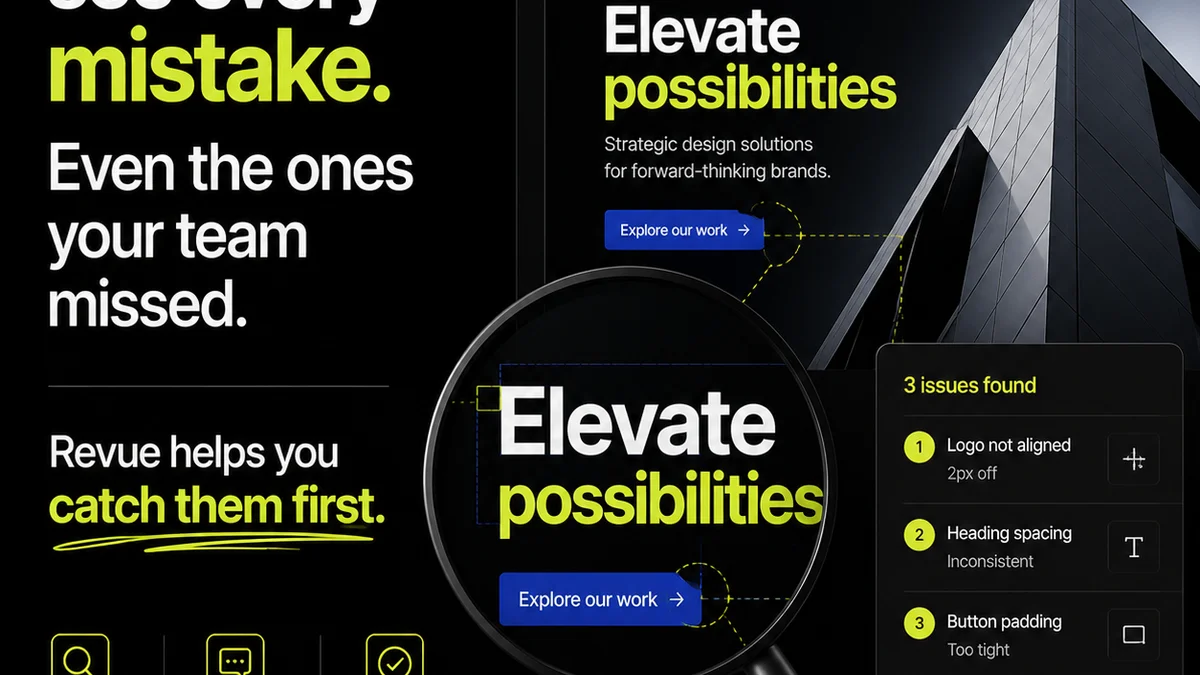
This is precisely why a tool like Revue becomes indispensable when integrating AI.
When AI generates visual concepts, copy options, or even early-stage wireframes, you need a single source of truth to:
- Upload and Organize AI Outputs: Keep all generated assets in one accessible place.
- Gather Consolidated Feedback: Allow clients and stakeholders to comment directly on specific elements of the AI output. No more scattered email threads or Slack messages.
- Track Revisions Transparently: See which AI-generated options were presented, what feedback was given, and how the assets were iterated upon (whether by AI or human).
- Manage Approvals: Clearly mark when an AI-assisted piece of work has received final sign-off.
- Maintain Quality Checks: Ensure that the final output, even if AI-assisted, meets all project and brand standards before delivery.
Revue bridges the gap between AI's rapid generation and the structured process required for client collaboration and final delivery. It ensures that AI-driven speed doesn't lead to chaotic revisions or missed approvals.
6. Train Your Team, Not Just Your AI
You can have the best AI tools in the world, but if your team doesn’t know how to use them effectively, they’re just expensive toys.
Training needs to go beyond basic button-pushing.
Focus on Prompt Engineering and Critical Evaluation
Your team needs to understand:
- The Art of the Prompt: How to craft clear, specific, and effective prompts to get the desired output from AI tools. This is a skill in itself.
- Understanding AI Limitations: Knowing what AI can and cannot do well, and when to rely on human expertise instead.
- Ethical Considerations: Discussing copyright, bias, and responsible AI usage.
- Integration Techniques: How to seamlessly incorporate AI-generated elements into existing design software and workflows.
This isn't a one-off session. It's an ongoing process as AI technology evolves. Foster a culture of learning and experimentation.
Final Thought
AI is here to stay, and its capabilities will only grow. Resisting it is futile. Ignoring it is a competitive disadvantage.
But adopting it blindly guarantees a mess.
The agencies and teams that win will be those who treat AI not as a magic wand, but as a powerful, sometimes unpredictable, new tool in their arsenal. They’ll build systems around it, define clear processes, and always, always prioritize human judgment and strategic oversight.
The question isn't *if* you should use AI. It's *how* you’ll use it to make your team faster, smarter, and more effective, without sacrificing quality or sanity.
Frequently asked questions
How can AI help a design team be more productive?
AI can automate repetitive tasks like background removal or image upscaling, speed up initial concepting by generating multiple variations quickly, and assist in research or data analysis, freeing up designers to focus on strategic and creative aspects of their work.
What are the biggest risks of using AI in design without a plan?
The biggest risks include inconsistent outputs, a fractured brand voice, increased complexity in managing revisions, wasted time iterating on AI-generated concepts that miss the mark, and a general slowdown due to lack of integration and clear processes.
How do I ensure AI-generated content aligns with my brand guidelines?
Develop specific AI playbooks that include style guides for AI generation (e.g., preferred color palettes, artistic styles) and document essential brand messaging points. Critically, ensure human designers review and refine all AI outputs to guarantee brand adherence and quality.
What is 'prompt engineering' and why is it important for designers?
Prompt engineering is the skill of crafting clear, specific, and effective instructions (prompts) for AI tools to generate desired outputs. For designers, it's crucial for getting consistent, high-quality results from AI image generators, text generators, and other creative AI tools.
How does a platform like Revue help manage AI-assisted design projects?
Revue centralizes AI-generated assets for feedback and approval, preventing scattered communication. It provides a clear audit trail for revisions, ensures quality checks are performed on AI-assisted work, and maintains transparency throughout the client collaboration process.