Everyone’s talking about AI in graphic design. They say it’s going to automate everything, replace designers, and churn out infinite logos in seconds.
None of that is wrong. But it’s incomplete.
The real story isn’t about AI *replacing* designers. It’s about AI *augmenting* designers. It’s about workflow. It’s about efficiency. It’s about the tedious tasks you’ve always hated.
The hard truth is that AI isn’t the magic wand conjuring perfect designs out of thin air. It’s a powerful tool. Like Photoshop. Like Illustrator. Like a really fast intern who never sleeps but occasionally hallucinates.
Mastering AI for design isn't about learning to prompt better. It's about understanding its limitations and integrating it into your existing process to eliminate drudgery and amplify your creativity.
1. Understanding AI's Current Capabilities (and Limitations)
Let’s be clear: AI image generators are impressive. They can create stunning visuals from text prompts. They can explore styles you might never have considered.
But they are not artists. They don’t understand context, brand strategy, or client objectives. They don’t read a brief and grasp the underlying business problem.
What they *can* do:
- Generate mood board elements.
- Explore visual concepts rapidly.
- Create background textures or abstract elements.
- Suggest color palettes.
- Automate repetitive tasks like resizing or basic image cleanup.
- Assist in copywriting for taglines or body text.
What they *can't* do (yet):
- Develop a brand strategy.
- Understand nuanced client feedback.
- Ensure brand consistency across a campaign.
- Deliver final, production-ready assets without human oversight.
- Replace strategic thinking and creative problem-solving.
Think of it as a super-powered assistant. It can fetch and carry, explore and suggest. But you’re still the director. You’re still the strategist. You’re still the one making the final calls.
2. The Designer's Role: From Creator to Curator and Strategist
The rise of AI doesn’t diminish the designer’s role; it elevates it. Your job shifts from pure creation to a blend of curation, strategy, and sophisticated execution.
Your value becomes less about the hours spent rendering a pixel-perfect element and more about your ability to:
- Define the Problem: Understand the client’s business goals and translate them into visual objectives. This is the strategic foundation AI cannot replicate.
- Guide the AI: Craft effective prompts, but more importantly, know when and how to use AI-generated outputs. You’re directing the tool, not just accepting its first output.
- Curate and Refine: Sift through AI-generated options, identify the most promising directions, and bring them to life with your expertise. This involves selecting the right AI output and then refining it using traditional design tools.
- Ensure Brand Integrity: Make sure any AI-assisted work aligns perfectly with brand guidelines, tone, and strategic intent. This requires a deep understanding of branding principles.
- Deliver the Final Product: Take raw AI outputs and polish them into professional, production-ready assets. This includes technical execution, file preparation, and ensuring usability.
This shift requires a new skillset. It’s about critical evaluation, strategic thinking, and wielding AI as a productivity enhancer, not a crutch.
3. Practical Integration: Streamlining Your Workflow with AI
The real power of AI for designers lies in its ability to shave time off the most time-consuming, least creative parts of the job. Let’s talk practical application.
Concepting and Ideation
Staring at a blank canvas? AI can help break the ice.
Use tools like Midjourney or DALL-E to rapidly generate visual ideas based on your brief. Don’t expect finished pieces. Expect inspiration. Expect variations on a theme. Think of it as a digital brainstorming partner on steroids.
Feed it keywords, styles, and concepts. See what comes back. This can unlock unexpected visual directions you might not have considered.
Asset Generation and Modification
Need a dozen variations of a background pattern? Or a specific texture? AI can do that quickly.
Tools can generate unique textures, patterns, and even simple illustrations. You can also use AI for:
- Upscaling low-resolution images.
- Removing backgrounds with impressive accuracy.
- Colorizing black and white photos.
- Generating placeholder imagery for mockups.
The key is to use these as starting points, not final deliverables. They still need your touch to integrate seamlessly.
Repetitive Tasks Automation
This is where AI truly shines for efficiency.
Imagine resizing a campaign across 20 different platforms. Or cleaning up thousands of product photos. AI can be trained or prompted to handle these tasks with remarkable speed.
Look for AI features within your existing software (like Adobe Photoshop’s Generative Fill) or dedicated tools that specialize in batch processing.
Copywriting Assistance
Design isn’t just visuals. It’s also words.
AI can help draft taglines, headlines, or even basic body copy based on your prompts. This is especially useful for internal creative teams working on multiple projects simultaneously.
Again, treat this as a first draft. Your human touch is needed for tone, nuance, and brand voice alignment.
4. Choosing the Right AI Tools
The AI landscape is exploding. It’s easy to get overwhelmed.
Focus on tools that solve specific problems in your workflow. Don’t chase every new shiny object.
Consider these categories:
- Image Generation: Midjourney, DALL-E 3, Stable Diffusion. (Best for ideation and asset exploration).
- AI-Powered Design Software: Adobe Photoshop (Generative Fill, Remove Background), Canva (Magic Design). (Best for integrating AI into existing design processes).
- Specialized Tools: Tools for background removal, upscaling, colorization, or even AI-driven font pairing.
- AI Writing Assistants: Jasper, Copy.ai, ChatGPT. (For copywriting support).
Start small. Pick one tool that addresses a major pain point. Learn it deeply. Then expand.
5. Where Revue Fits In
All this AI-powered creativity and efficiency needs a home. It needs a system to manage the chaos and ensure clarity.
This is where Revue becomes essential.
When you’re iterating rapidly with AI-generated concepts, you need a central place to:
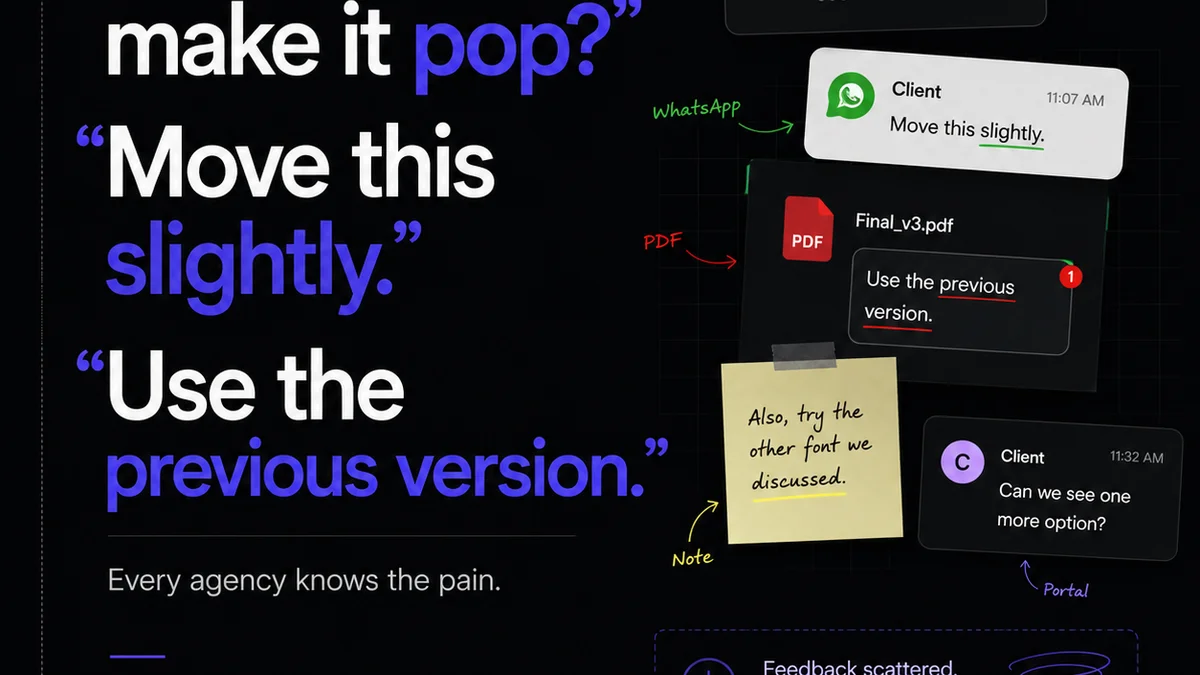
- Gather Feedback: Store all your AI explorations and client feedback in one place. No more scattered emails or Slack messages.
- Manage Revisions: Track every version, every iteration, and every stakeholder’s input. See exactly what changed and why.
- Gain Approval Visibility: Ensure stakeholders are seeing the latest versions and providing timely approvals. Reduce bottlenecks.
- Maintain Quality Control: Keep a clear record of the creative process, ensuring the final output meets strategic objectives and brand standards, even when AI is involved.
AI generates possibilities. Revue manages the process, ensuring those possibilities translate into approved, high-quality work that actually meets client needs.
6. The Future is Augmented, Not Automated
The fear that AI will replace designers is understandable. But it misses the point.
The tools that will win are the ones that empower designers, not replace them. The ones that handle the grunt work, freeing up human creativity for strategy, empathy, and truly novel ideas.
Your ability to think critically, understand a brief, and connect with a client is more valuable than ever. AI can help you execute faster, explore wider, and work smarter.
It’s not about being replaced. It’s about being amplified.
Final Thought
As AI capabilities continue to evolve at breakneck speed, what’s the single most important skill a graphic designer needs to cultivate to thrive in this new era?
Frequently asked questions
Can AI truly replace graphic designers?
No, AI cannot replace the strategic thinking, creative problem-solving, and nuanced understanding of client needs that human designers bring. AI is a powerful tool for augmentation and efficiency, not a complete replacement.
What are the best AI tools for graphic design ideation?
For ideation, tools like Midjourney, DALL-E 3, and Stable Diffusion are excellent for rapidly generating visual concepts and exploring different styles based on text prompts.
How can AI help with repetitive design tasks?
AI excels at automating repetitive tasks such as resizing images for different platforms, background removal, upscaling low-resolution assets, and generating variations of patterns or textures.
Do I need to be a programmer to use AI for design?
No, most AI tools for designers are user-friendly and rely on natural language prompts or intuitive interfaces. While understanding prompt engineering can be beneficial, it's not the same as traditional programming.
How does a tool like Revue help when using AI in design?
Revue helps centralize feedback, manage revisions, and track approvals for AI-generated or AI-assisted designs, ensuring clarity and quality control throughout the project lifecycle.