Everyone’s asking: Will AI replace graphic designers? The breathless headlines scream yes. The cautious whispers say maybe. The fear is palpable.
But none of that is the whole story. It’s incomplete. Here’s the hard truth: AI isn't coming for your job. It's coming for the *tasks* that don't require your best thinking.
1. AI as a Powerful Assistant, Not a Replacement
Think of AI as the ultimate intern. It can churn through repetitive tasks at lightning speed. It can generate variations. It can even suggest layouts based on data.
But it lacks:
- Strategic thinking
- Deep client empathy
- Cultural nuance
- True creative problem-solving
- The ability to understand unspoken needs
AI can generate a logo. It can't understand the brand's soul or the client's long-term vision.
The Speed vs. Substance Trade-off
Yes, AI can produce work faster. But is it the *right* work? Is it strategically sound? Does it connect with the target audience on an emotional level?
This is where human designers shine. We translate business goals into visual language. We understand the 'why' behind the 'what'.
2. The Shifting Landscape of Design Skills
The demand for pure execution is shrinking. The demand for strategic insight is growing.
What does this mean for designers?
- Mastering AI Tools: Learn to prompt effectively. Understand the capabilities and limitations of tools like Midjourney, DALL-E, and Adobe Firefly.
- Elevating Strategy: Focus on client discovery, brand positioning, and user experience. These are areas AI can't replicate.
- Developing Critical Thinking: Be the gatekeeper of quality and strategic alignment. AI outputs need human curation and refinement.
- Cultivating Soft Skills: Communication, collaboration, and client management become even more critical.
Your value isn't just in making things look good. It's in making the *right* things look good, for the *right* reasons.
The Rise of the Design Technologist
We're seeing a new breed of creative emerge: the design technologist. They blend design skills with a deep understanding of technology, including AI.
They can leverage AI to prototype faster, explore more options, and integrate design with development workflows seamlessly.
3. Understanding AI's Limitations in Design
AI models are trained on existing data. This means they often perpetuate biases and trends.
They struggle with:
- Originality beyond remixing
- Contextual understanding of complex briefs
- Ethical considerations in visual communication
- Capturing genuine human emotion
- Brand consistency across a vast array of touchpoints without human oversight
A human designer can push boundaries. We can create something truly novel. We can challenge conventions.
The 'Black Box' Problem
Often, we don't fully understand *how* an AI arrived at a particular output. This lack of transparency is a major hurdle for professional design, where rationale and process are key.
You need to be able to explain your design decisions to a client. You need to justify them strategically. An AI can't do that for you.
4. Where AI Excels (and Where You Should Let It)
AI is fantastic for:
- Generating initial concepts: Rapidly explore dozens of visual directions.
- Creating variations: Quickly iterate on a chosen concept.
- Automating repetitive tasks: Resizing images, removing backgrounds, basic color correction.
- Data visualization: Turning complex data into understandable charts (though interpretation is still human).
- Personalization at scale: Dynamically adjusting creative elements for different user segments.
Use AI to augment your workflow, not replace your brain.
The Power of Prompt Engineering
Learning to communicate effectively with AI is a new, vital skill. It requires clarity, specificity, and an understanding of how these models interpret language.
Good prompting requires design thinking. You need to know what you want before you can ask for it.
5. Where Revue Fits In
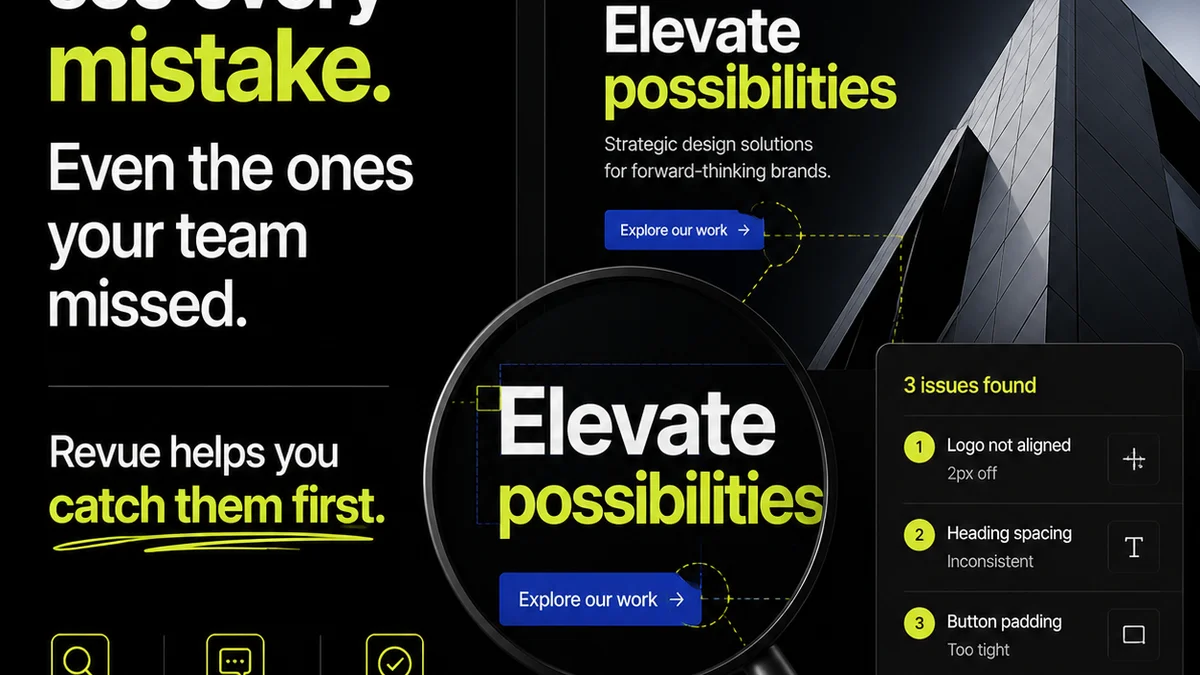
As AI accelerates the creation of design options, managing feedback and revisions becomes even more critical. This is where a centralized platform like Revue becomes indispensable.
You can:
- Centralize all feedback: Keep client comments, stakeholder input, and internal reviews in one place, linked directly to the creative assets. No more hunting through endless email chains or Slack messages.
- Gain revision visibility: Track every iteration, every change, and the reasoning behind it. This creates a clear audit trail, essential when dealing with multiple AI-generated options and human refinements.
- Streamline approvals: Ensure all necessary parties sign off on the final creative, reducing bottlenecks and misunderstandings.
- Maintain quality control: Use the structured workflow to ensure that AI-assisted designs still meet strategic goals and brand standards before final delivery.
Revue helps you manage the *human* side of the design process—the strategy, the collaboration, the approval—which becomes even more complex when AI is part of the equation.
6. The Future is Collaborative
The most successful designers won't be those who resist AI, but those who learn to collaborate with it.
Imagine a workflow:
- Client Brief & Strategy: Human-led discovery and strategic alignment.
- AI Concept Generation: Use AI to explore a wide visual landscape based on strategic parameters.
- Human Curation & Refinement: Select the most promising AI outputs and apply expert judgment, creativity, and brand knowledge.
- Iterative Design: Use AI for variations and task automation, guided by human direction.
- Feedback & Approval: Manage the process efficiently using tools like Revue.
- Final Polish: Human designers ensure the output is strategically sound, emotionally resonant, and technically perfect.
This isn't about AI doing the work. It's about AI empowering designers to do *better*, more strategic work.
The Enduring Value of Human Creativity
AI can mimic. It can synthesize. It can generate. But it cannot *feel*. It cannot truly *understand* the human experience.
The art of design is about connection. It's about empathy. It's about solving human problems with visual solutions.
These are inherently human endeavors.
Final Thought
Will AI replace graphic designers? No. But it will absolutely change what it means to *be* a graphic designer. The question isn't if AI will impact your work, but how you will adapt and thrive in this new era. Are you ready to evolve?
Frequently asked questions
Can AI create original graphic designs?
AI can generate novel visual outputs by combining and remixing existing data. However, true originality that pushes creative boundaries or stems from deep conceptual understanding is still largely the domain of human designers.
What skills should graphic designers focus on to stay relevant with AI?
Designers should focus on strategic thinking, client empathy, complex problem-solving, prompt engineering for AI tools, critical evaluation of AI outputs, and strong communication and collaboration skills.
How can AI tools benefit a graphic design workflow?
AI tools can significantly speed up tasks like generating initial concepts, creating variations, automating repetitive edits, and performing basic image manipulations, freeing up designers for more strategic and creative work.
Will AI make graphic design jobs obsolete?
It's unlikely AI will make graphic design jobs obsolete. Instead, AI is poised to transform the role, automating routine tasks and shifting the focus towards higher-level strategy, creativity, and human-centric problem-solving.