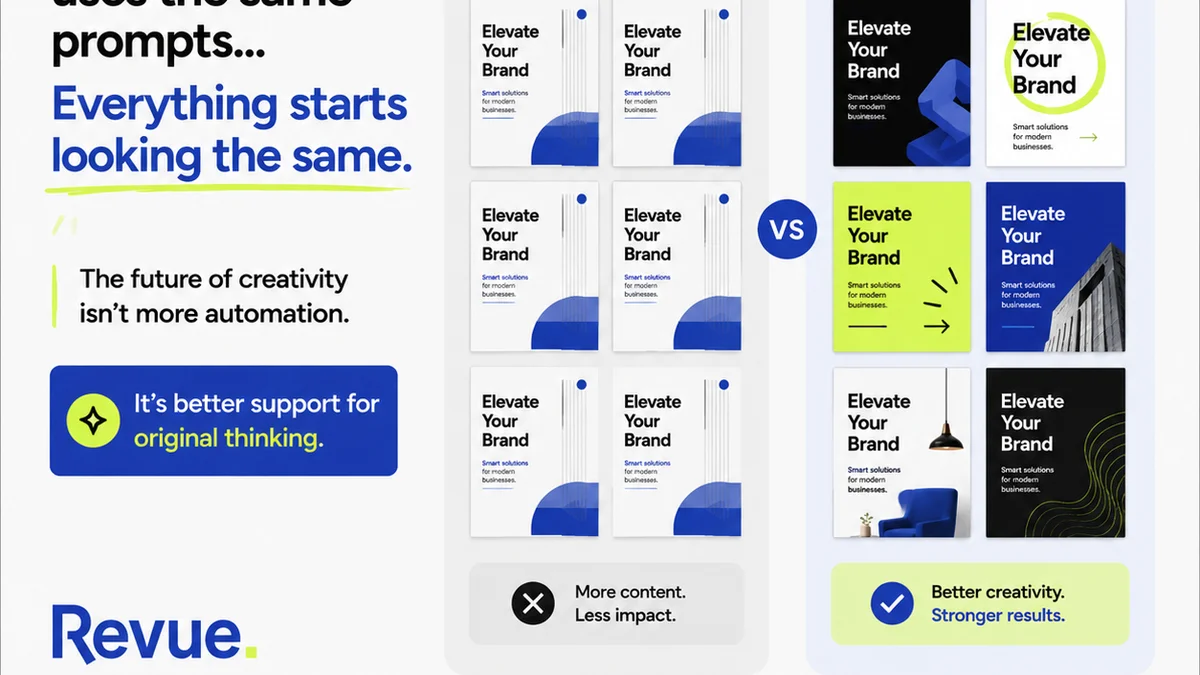
Everyone's talking about AI in creative. They say it'll automate repetitive tasks. That it'll speed things up. None of that is wrong. But it’s incomplete.
The real story of AI in creative operations, especially in layout quality assurance (QA), isn't just about speed. It’s about a fundamental shift in how we define and achieve accuracy.
1. The Illusion of Manual Perfection
For years, layout QA has been a human-driven process. Pixel-perfect checks, font consistency, color adherence, spacing minutiae. It’s tedious, prone to fatigue, and frankly, not the best use of a senior designer’s time. We assume that because a human looked at it, it's been checked thoroughly.
But even the sharpest eyes miss things. Especially after the tenth round of revisions.
The Fatigue Factor
Consider the sheer volume of assets a typical agency or in-house team produces. Websites, social media campaigns, print collateral, presentations. Each requires meticulous checking.
Human attention spans are finite. What a designer catches in the first hour, they might miss in the fifth.
Subjectivity Creep
What constitutes a 'minor' deviation? Where's the line between a stylistic choice and an error?
These judgments, while necessary, can introduce inconsistency. Different reviewers might have different standards, leading to subjective QA that’s hard to track and improve.
The Cost of Delays
Missed errors don't just mean a quick fix. They mean:
- Extended revision cycles.
- Delayed client approvals.
- Potential reprints or re-launches.
- Damaged client trust.
The cost of a single missed error can ripple through an entire project timeline and budget.
2. AI: Beyond Basic Automation
AI-powered tools are starting to enter the layout QA space. At first glance, they seem like simple automation. Upload a PDF, get a report. But the real power lies in their ability to do more than just spot differences.
Algorithmic Precision
AI doesn't get tired. It doesn't have bad days. It can compare design files against specifications with unwavering accuracy.
This means consistency in checks, every single time. No more guessing if the spacing is *exactly* right.
Pattern Recognition for Errors
Advanced AI can learn to identify patterns of common errors. Things like:
- Inconsistent typography across different screens.
- Color profile mismatches in print assets.
- Alignment issues that are subtle but pervasive.
- Incorrect image resolutions for specific outputs.
It’s not just about finding a single misplaced element; it’s about identifying systemic issues.
Bridging the Gap Between Design and Dev
Many AI QA tools can directly compare a designed mockup (e.g., Figma, Sketch) with the developed webpage or app. This catches discrepancies that often slip through traditional QA, especially those related to responsive design or interactive elements.
This is where AI moves from simple checking to proactive quality assurance.
3. Practical Applications in Layout QA
So, how does this actually look in a real workflow? It's not about replacing designers, but augmenting their capabilities.
Automated Visual Regression Testing
For web and app design, AI can automatically compare new builds against previous versions or approved mockups. It flags any visual changes, ensuring that only intended updates have been made.
This is crucial for maintaining brand consistency and preventing accidental regressions.
Brand Guideline Enforcement
AI can be trained on your brand guidelines. It can then scan new assets to ensure:
- Correct logo usage.
- Adherence to color palettes.
- Approved font families and sizes.
- Consistent spacing and layout grids.
This frees up brand managers and senior designers to focus on strategic creative direction, not policing basic rules.
Accessibility Checks
While not strictly 'layout,' AI is increasingly used to flag accessibility issues that impact layout. This includes checking for sufficient color contrast or ensuring that interactive elements have adequate spacing and are logically ordered for screen readers.
Tools like WCAG provide the standards, and AI can help verify adherence.
Pre-flight Checks for Print
For print designers, AI can automate many pre-flight checks traditionally done manually. This includes:
- Bleed and trim checks.
- Color mode verification (CMYK vs. RGB).
- Resolution checks for images.
- Font embedding verification.
This drastically reduces the chance of costly print errors.
4. The Human Element Remains Critical
Let's be clear: AI isn't a magic bullet. It's a powerful tool, but it doesn't replace human judgment entirely. In fact, it elevates its importance.
Context and Nuance
AI can spot a misplaced comma. It can't tell you if that comma *should* be there for stylistic effect, or if a particular shade of blue is *emotionally* right for the brand in a specific context.
That requires a creative director's eye.
Strategic Oversight
AI handles the granular, repetitive checks. This frees up your creative leads to focus on the bigger picture:
- Does the layout serve the strategic goal?
- Is the creative compelling and on-brand?
- Are we pushing boundaries appropriately?
The human role shifts from meticulous checker to strategic approver.
Defining the Rules
AI needs to be told what to look for. Someone still needs to define the brand guidelines, the accessibility standards, and the desired layout specifications.
This is a strategic task, best handled by experienced creative professionals.
5. Where Revue Fits In
Managing the output of AI-powered QA, alongside human feedback, requires a centralized system. This is where Revue excels.
Instead of scattered feedback in emails, Slack messages, or random documents, Revue provides a single source of truth for all client feedback and internal comments.
Centralized Feedback
When AI flags an issue, or a designer spots something subjective, all comments and annotations live within Revue. This creates a clear, trackable history of every decision and revision.
Revision and Approval Visibility
Revue makes it easy to see exactly what has been changed between versions. This is critical when integrating AI-identified fixes with human-approved adjustments.
You can visually compare versions and understand the impact of every change.
Streamlined Quality Checks
By integrating AI-driven checks with manual reviews, teams can build more robust quality assurance processes. AI handles the objective, repeatable checks, while humans focus on subjective quality and strategic alignment.
Revue ensures that all this feedback, from both AI-generated reports and human reviewers, is captured and managed efficiently.
6. Final Thought
AI is not just a tool to make layout QA faster. It’s a catalyst for redefining what quality means in creative work. It pushes us to be more precise in our specifications and more strategic in our oversight.
Are you ready to leverage AI not just to catch errors, but to elevate your entire creative quality standard?
Frequently asked questions
Can AI completely replace human QA testers for layout?
No, AI excels at objective, repetitive checks like pixel matching and guideline adherence. However, human judgment is still essential for subjective aspects like brand feel, strategic alignment, and creative nuance.
What types of layout errors is AI best at catching?
AI is highly effective at detecting visual regressions, inconsistencies in typography and spacing, color profile mismatches, incorrect image resolutions, and adherence to predefined brand guidelines or layout specifications.
How can AI improve the speed of layout QA?
By automating time-consuming, repetitive checks, AI significantly speeds up the initial QA process, allowing human reviewers to focus on more complex issues and strategic approvals.
Does implementing AI for layout QA require significant technical expertise?
While some AI tools require integration, many modern platforms are designed for user-friendliness. The primary need is defining clear specifications and guidelines for the AI to follow, which is a strategic, not just technical, task.
How does AI in layout QA impact client communication?
AI can provide objective reports on deviations, leading to more precise communication with clients about specific issues. It also reduces the likelihood of errors reaching the client, improving overall satisfaction and trust.