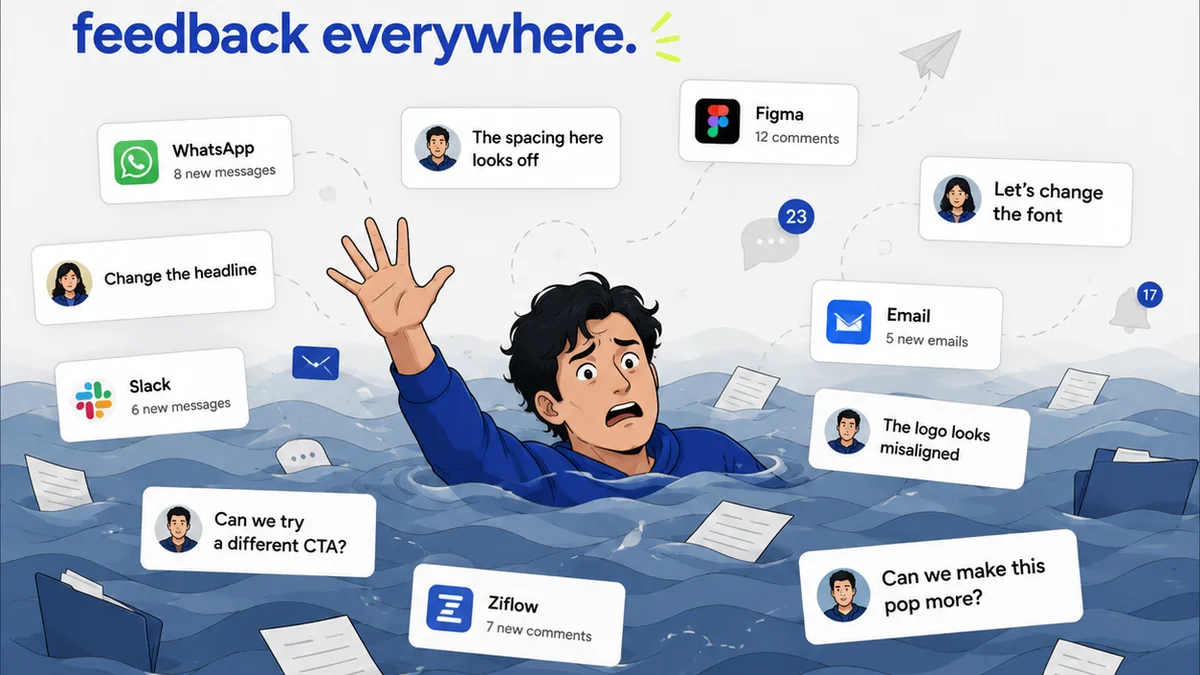
Everyone agrees that a well-organized digital asset library is crucial for enterprise creative teams. You’ve probably heard it a thousand times: use clear naming conventions, implement a logical folder structure, and tag everything meticulously. None of that is wrong. But it’s incomplete.
The hard truth is that most enterprise asset management strategies fail not because of poor taxonomy, but because they ignore the human element and the inherent chaos of creative workflows. A perfect system on paper crumbles when faced with tight deadlines, cross-functional collaboration, and the sheer volume of iteration. True asset management excellence is about building systems that *support* the creative process, not just catalogue its outputs.
1. The Illusion of Centralization: Why Your Shared Drive Fails
The default for many is a sprawling network drive or a cloud storage folder. It feels centralized, right?
Wrong. It’s a digital dumpster.
It’s a place where final assets mingle with drafts, where version control is a prayer, and where finding that one specific logo variation from six months ago feels like an archaeological dig. This isn’t centralization; it’s a bottleneck disguised as a solution.
The Symptoms of a Failing System
- Endless searching for the right file.
- Multiple versions of the same asset circulating, leading to errors.
- Brand inconsistency due to outdated or incorrect assets being used.
- Wasted time by designers, marketers, and account managers.
- Difficulty onboarding new team members who can’t find what they need.
- Fear of deleting anything, leading to exponential data bloat.
This chaos isn't just frustrating; it's expensive. Time spent searching is billable time lost or overhead increased. Mistakes made with incorrect assets can lead to costly re-dos or even brand damage.
2. Defining
Frequently asked questions
What's the difference between a DAM and simple cloud storage?
Simple cloud storage (like Dropbox or Google Drive) is primarily for file sharing and backup. A Digital Asset Management (DAM) system is purpose-built for creative assets, offering advanced features like metadata management, version control, workflow automation, granular permissions, and integration with creative tools, making it far more robust for managing brand assets.
How do I get buy-in for a new asset management system?
Focus on the pain points the current system causes: wasted time, errors, brand inconsistency. Quantify the potential time savings and risk reduction. Demonstrate how a new system will directly benefit different stakeholders (designers, marketers, legal, sales) and ultimately improve the bottom line.
Is a DAM system overkill for a small creative team?
Not necessarily. Even smaller teams can benefit from structured asset management. While a full-blown enterprise DAM might be too complex, adopting core DAM principles—like robust metadata, clear versioning, and controlled access—using more streamlined tools can still provide significant advantages.
How often should we audit our digital assets?
Regular audits are crucial. For active, frequently used assets, quarterly reviews might be sufficient. For less critical or archival assets, an annual audit can help identify redundancies, outdated files, and opportunities for optimization. The key is consistency.