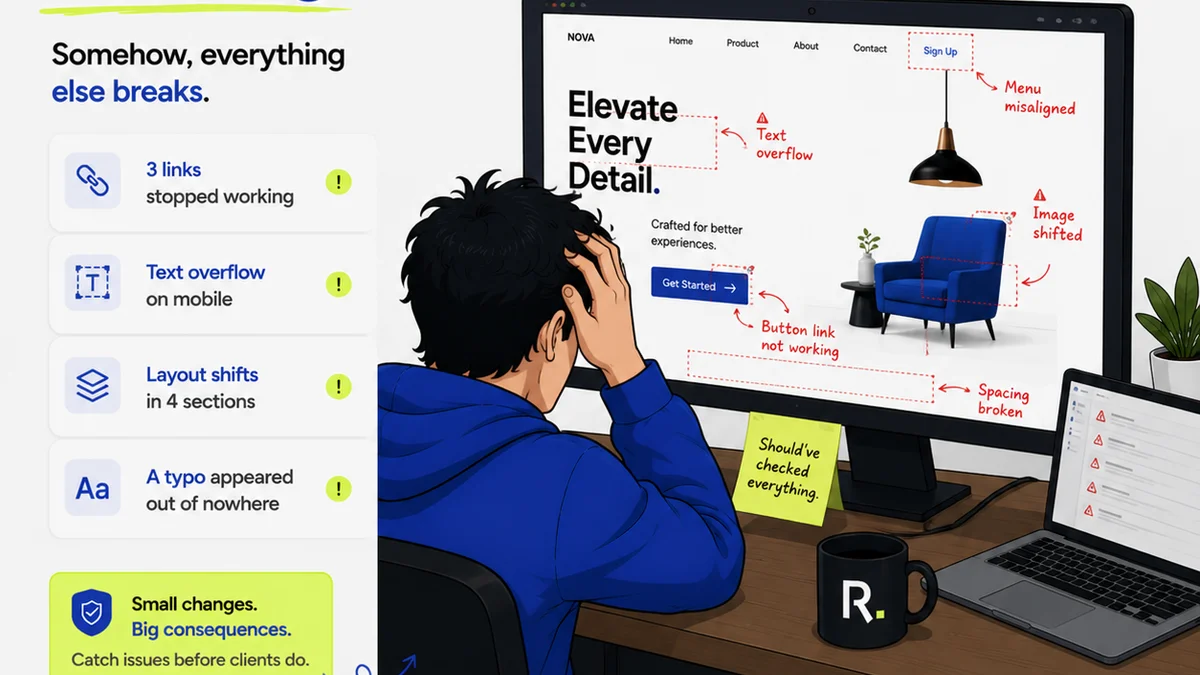
Everyone knows you need to manage your creative assets. It’s practically a cliché in the agency world: “We need a better system for our files.” You’ve probably heard it. You might have even said it yourself.
None of that is wrong. But it’s incomplete.
The real hard truth is that “better asset management” isn’t a single software solution or a hastily created folder structure. It’s a deliberate, repeatable framework. A process that dictates how assets are created, stored, versioned, approved, and delivered. Without this framework, you’re just rearranging deck chairs on the Titanic.
This article lays out a step-by-step framework you can implement today. It’s designed for the messy reality of creative agencies and in-house teams.
1. Define Your Asset Types and Taxonomy
Before you can manage anything, you need to know what you’re managing and how it should be categorized. This is your foundation.
What are you storing?
List out every type of asset your team produces or handles. Think broadly.
- Logos (final, variations, black & white)
- Brand guidelines (PDFs, editable files)
- Photography (hero shots, product shots, lifestyle)
- Videography (final cuts, raw footage, B-roll)
- Illustrations and icons
- Website assets (graphics, banners, wireframes)
- Social media assets (posts, stories, ads)
- Presentation decks
- Copywriting assets (final copy, drafts)
- Project documentation (briefs, contracts, reports)
Build your taxonomy
This is your organizational logic. How will you group and name these assets? A common mistake is over-complication or under-definition. Aim for clear, consistent rules.
A good starting point: [ClientAbbreviation]_[ProjectName]_[AssetType]_[Version]_[Status]
ACME_Q3Campaign_HeroImage_v3_FINALACME_Q3Campaign_Logo_v1_DRAFTXYZ_WebsiteRedesign_IconSet_v2_APPROVED
Keep it simple. Document the rules. Enforce them.
2. Establish Clear Naming Conventions
This builds directly on your taxonomy. Naming conventions are the specific rules for how each file is labeled. Consistency here is non-negotiable.
Why it matters
Imagine searching for a client logo and finding dozens of files named “logo.ai,” “logo_final.ai,” “logo_final_final.ai,” “logo_really_final.ai.” It’s chaos. Clear naming conventions make files searchable and understandable at a glance.
Key elements of a good convention:
- Uniqueness: Every file name should be unique.
- Descriptiveness: The name should tell you what the file is.
- Consistency: Use the same format for every file.
- Version Control: Clearly indicate revisions.
- Status Indicators: Show if it’s a draft, for review, or final.
Your taxonomy provides the structure; your naming conventions provide the labels within that structure.
3. Implement Version Control
This is where many teams falter. Thinking “final_v2” is enough is a dangerous assumption.
The problem with ad-hoc versioning
Manual versioning is prone to error. Files get overwritten. The wrong version gets sent to a client. It’s a recipe for rework and missed deadlines.
You need a system that tracks changes automatically or with minimal friction.
What a real system looks like:
- Sequential numbering: Use clear version numbers (e.g., v1, v2, v3).
- Major vs. Minor Revisions: Distinguish significant changes from small tweaks.
- Status Tracking: Mark versions as DRAFT, FOR REVIEW, APPROVED, REJECTED.
- Audit Trail: Who made what changes, and when?
This isn’t just about preventing mistakes; it’s about having a clear history of creative evolution.
4. Define Approval Workflows
Assets aren’t truly managed until they’re approved. This is a critical bottleneck for many agencies.
The illusion of approval
A client saying “Looks good” in an email isn’t a formal approval. It’s a vague signal that can lead to scope creep and future disputes.
You need a structured process for seeking and recording client sign-off.
Steps for a robust workflow:
- Clear Submission: Package assets clearly for review.
- Centralized Feedback: Gather all feedback in one place, not scattered across emails and Slack.
- Formal Sign-off: Require explicit approval within a dedicated tool or process.
- Version Linking: Ensure the approved asset is directly linked to the approval record.
This eliminates “he said, she said” and provides irrefutable proof of agreement.
5. Centralize Your Storage
Scattered files across hard drives, cloud folders, and email inboxes are a ticking time bomb.
The myth of the shared drive
While better than individual silos, a generic shared drive often lacks the specific features needed for creative asset management. Searching is clunky, permissions can be a nightmare, and version history is often non-existent or poorly implemented.
You need a single source of truth.
What to look for in a central system:
- Easy Search and Filtering: Find what you need quickly.
- Version History: Access previous iterations.
- Access Control: Manage who can view, edit, or download.
- Integration: Connects with other tools you use.
- Audit Trails: Track activity for accountability.
Centralization isn’t just about convenience; it’s about security and efficiency.
6. Manage Access and Permissions
Not everyone needs access to everything. Uncontrolled access leads to accidental deletions, unauthorized use, and security risks.
The danger of the “all-access” pass
Giving everyone broad permissions is a shortcut that creates long-term problems. Junior designers shouldn’t be able to delete final client logos. Clients shouldn’t be able to download raw project files unless explicitly permitted.
Best practices for permissions:
- Role-Based Access: Define roles (Admin, Editor, Viewer, Client) and assign permissions accordingly.
- Project-Specific Access: Grant access only to assets relevant to a particular project.
- Clear Onboarding/Offboarding: Ensure new team members get the right access and departing members lose it immediately.
- Regular Audits: Periodically review who has access to what.
Granular control protects your valuable assets and maintains workflow integrity.
7. Automate Where Possible
Manual processes are bottlenecks. Look for opportunities to automate repetitive tasks.
The human error factor
Every manual step is a potential point of failure. Renaming files, uploading to the correct folder, notifying stakeholders – these are all tasks that can be error-prone and time-consuming.
Areas for automation:
- File Naming: Pre-set rules that apply automatically.
- Folder Structure: Auto-creation of project folders.
- Notifications: Alerts for new feedback or approvals.
- Asset Archiving: Moving old projects to a separate archive.
Automation frees up your team to focus on creative work, not administrative overhead.
Where Revue Fits In
Implementing a robust asset management framework requires tools that support the process, not just store files. This is where Revue excels.
Revue provides a centralized hub for your creative projects. Instead of files scattered across email threads and generic cloud storage, all project assets and their associated feedback live in one place.
Centralized Feedback: Upload assets directly into Revue. Clients and stakeholders can leave precise, contextual feedback directly on the visual. No more deciphering vague email comments.
Revision and Approval Visibility: Track every version of an asset. See who provided feedback, who approved what, and when. This creates an undeniable audit trail, streamlining the approval process and preventing disputes.
Quality Checks: By having all assets and feedback in one structured environment, you can ensure that all necessary revisions are made and that the final output meets all requirements before delivery.
Revue helps operationalize your asset management framework, turning a theoretical process into a practical, efficient workflow.
Final Thought
Asset management isn’t a chore to be avoided; it’s a strategic imperative. It’s the engine that drives efficiency, reduces errors, and ensures client satisfaction.
Are you building a system, or just collecting files?
Frequently asked questions
What is the most important part of an asset management framework?
Consistency. Whether it's naming conventions, version control, or approval workflows, sticking to a defined process is key. Without consistency, any system will break down.
How do I get clients to adopt a new asset management process?
Make it easy for them. Centralize feedback in one tool like Revue, provide clear instructions, and demonstrate how it saves them time and reduces confusion. Highlight the benefits of clear approvals and fewer revision rounds.
Can a shared drive be part of an asset management system?
Yes, but it's rarely sufficient on its own. A shared drive can be the storage location, but it typically lacks robust version control, clear approval tracking, and granular permissions needed for effective creative asset management. It needs to be supplemented by a dedicated process and potentially other tools.
How often should I review and update my asset management framework?
At least annually, or whenever your team's needs or tools change significantly. Processes can become outdated. Regular reviews ensure your framework remains efficient and effective for your current operations.