You think your team’s Figma workflow is humming along. You’re hitting deadlines, clients are signing off, and the designs look great. That’s the assumption, right? That your process is solid because the output is acceptable.
None of that is wrong. But it’s incomplete. The hard truth is that a passable output often masks deep inefficiencies. You’re working harder, not smarter. And the cost isn't just billable hours; it's burnout, missed opportunities, and client friction.
It’s time to stop assuming and start auditing. An audit isn't about finding blame; it's about finding friction points. It’s about understanding where time leaks out of your process, where communication breaks down, and where collaboration falters. Here’s how to do it, step-by-step.
1. Map Your Current State (The Literal Truth)
Before you can fix anything, you need to see what you’re actually doing. Not what you *think* you’re doing, or what your onboarding documentation *says* you’re doing. What’s happening on the ground, day-to-day?
Grab your team. Set up a whiteboard or a shared digital canvas. Walk through a typical project lifecycle from kickoff to final handoff. Every single step.
The Kickoff Chaos
- Initial client brief interpretation
- Internal briefing and Q&A
- Setting up the Figma file structure
- Defining roles and responsibilities
- Establishing file naming conventions and versioning protocols
The Design Grind
- Wireframing and initial concepting
- Component creation and library management
- Prototyping interactions
- Iterating based on internal reviews
- Managing design versions and branches
The Feedback Frenzy
- Gathering client feedback (email, calls, Slack, meetings?)
- Consolidating disparate feedback
- Translating feedback into actionable design changes
- Communicating changes back to the client
- Managing revision rounds
The Final Polish and Handoff
- Final client approval process
- Quality assurance checks (style guides, accessibility, consistency)
- Preparing assets for development
- Handoff to developers (Zeplin, Avocode, direct Figma?)
- Post-handoff support and bug fixing
Be brutally honest. If feedback often comes in via a chaotic Slack thread, write that down. If version control is a manual, error-prone process, document it. This isn't about judgment; it's about raw data.
2. Identify the Symptoms of a Strained Workflow
Once you have your map, look for the red flags. These are the signs that your workflow, while perhaps producing results, is causing undue stress and inefficiency.
Think about the common complaints you hear. Or the ones you stifle yourself.
- Endless Revision Cycles: Are you going back and forth on the same points repeatedly? Is feedback vague or contradictory?
- Scope Creep: Are projects consistently expanding beyond the initial brief without clear change orders or compensation?
- Communication Breakdowns: Is feedback getting lost? Are team members duplicating effort because they don't know what others are doing?
- Lost Time: Do designers spend more time wrangling files, searching for assets, or waiting for feedback than actually designing?
- Client Frustration: Are clients confused about the process, the number of revisions, or the final deliverables?
- Developer Delays: Are developers struggling to interpret designs, missing assets, or encountering inconsistencies during handoff?
- Team Burnout: Are your designers consistently working late, feeling overwhelmed, or showing signs of fatigue?
If you tick off more than a couple of these, your workflow is likely costing you more than you realize.
3. Pinpoint the Root Causes
Symptoms are easy to spot. The real work is digging into *why* they’re happening. This is where you get strategic.
Feedback Fragmentation
Assumption: Clients give feedback. Hard Truth: Clients give feedback *everywhere*. Email, Slack, Zoom calls, project management tools, even carrier pigeons.
This fragmentation is a killer. It means someone has to manually consolidate it. That’s time wasted. Worse, it’s easy to miss something critical.
Audit Questions:
- Where does client feedback originate?
- Who is responsible for consolidating it?
- How is feedback tracked and assigned?
- Is there a single source of truth for approved changes?
Version Control Nightmares
Assumption: We save versions. Hard Truth: Manual versioning is a disaster waiting to happen.
Copying files, renaming them with dates and initials (`project_v3_final_john_edit_20231027.fig`), hoping you’re working on the right one… it’s a recipe for disaster. Mistakes are inevitable.
Audit Questions:
- How are different versions of a Figma file managed?
- Who is responsible for creating and naming new versions?
- Is there a clear process for reverting to previous versions if needed?
- How are developers notified of new, approved versions?
Lack of Clear Handoff Protocols
Assumption: We hand off designs. Hard Truth: Handoff is often an afterthought, leading to developer friction.
A beautiful design means nothing if developers can’t build it efficiently. Vague specs, missing assets, or inconsistent styling can derail even the best design.
Audit Questions:
- What tools are used for design handoff?
- Are design systems and style guides rigorously maintained and referenced?
- What specific information is provided to developers at handoff (specs, assets, interactive prototypes)?
- Is there a process for developer questions *after* handoff?
Undefined Roles and Responsibilities
Assumption: Everyone knows their job. Hard Truth: Ambiguity breeds inefficiency.
When it’s unclear who owns a specific task – whether it’s consolidating feedback, updating a component, or getting final sign-off – things fall through the cracks. This leads to duplication of effort or tasks being missed entirely.
Audit Questions:
- Who is the primary point of contact for client feedback?
- Who is responsible for implementing feedback?
- Who gives final approval on designs before handoff?
- Is there a clear understanding of who manages the Figma file and its structure?
4. Implement Targeted Improvements
Now that you’ve identified the pain points, it’s time to implement solutions. Focus on the areas that yield the biggest impact.
Centralize Feedback
Stop the madness of scattered feedback. Implement a single platform where all client comments are logged, discussed, and tracked.
This requires discipline. Train your clients (gently) on the preferred method. Make it easy for them, but firm.
Standardize Version Control
Leverage Figma’s branching or use a dedicated tool. The goal is a clear, auditable history of design changes. Eliminate manual file renaming and ad-hoc saving.
Ensure everyone on the team understands the chosen system and adheres to it strictly.
Formalize Handoff
Create a checklist for design handoffs. Ensure all necessary assets, specs, and documentation are included. Use tools that provide clear measurement and export options.
A well-documented handoff reduces back-and-forth with developers, saving everyone time and reducing frustration.
Clarify Roles
Document who is responsible for each stage of the workflow. Use RACI charts (Responsible, Accountable, Consulted, Informed) if necessary. Ensure clear ownership for feedback consolidation, design implementation, and final approvals.
Where Revue Fits In
Managing feedback, revisions, and approvals is a critical part of any design workflow. It’s also a major source of friction if not handled correctly.
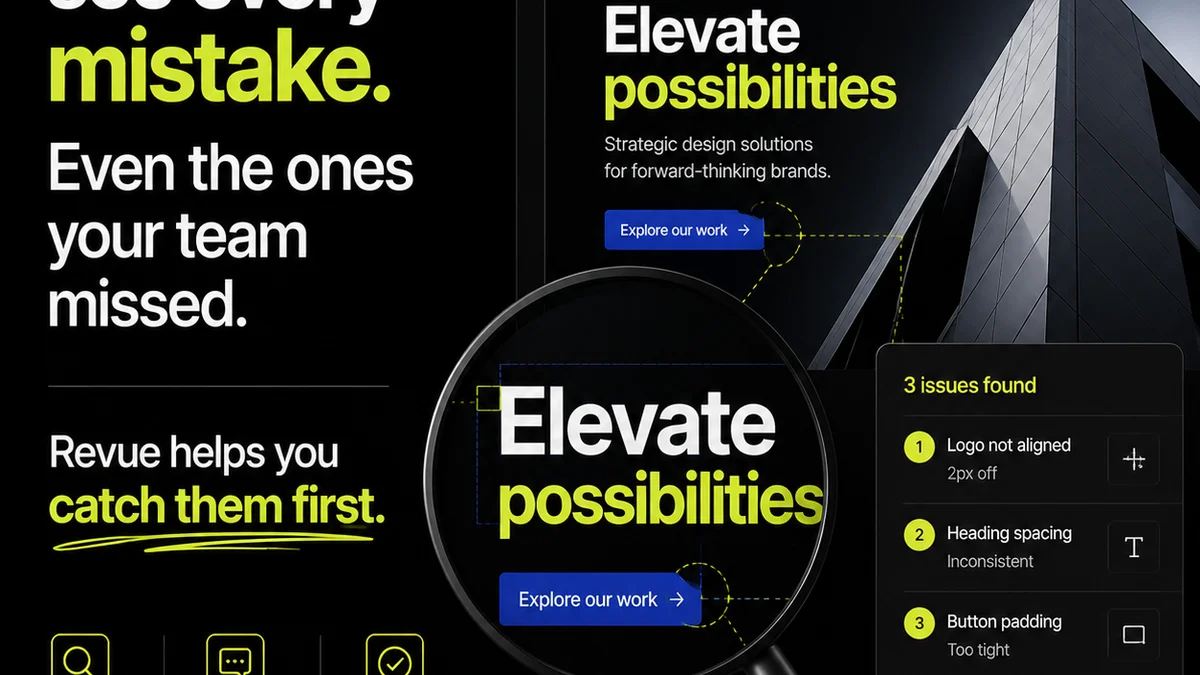
Revue acts as your central hub for this entire process. Instead of chasing feedback across emails, Slack channels, and Zoom recordings, you can capture it directly within the platform. Every comment is logged against a specific version of the design, creating an undeniable audit trail.
This means:
- Centralized Feedback: All comments live in one place, tied to the specific design version. No more digging.
- Clear Revision History: Track every iteration, every approval, and every change request. Visibility for everyone.
- Streamlined Approvals: Get clear sign-offs directly on the work, reducing ambiguity and speeding up the process.
- Quality Assurance: Easily perform checks against requirements and previous versions, ensuring consistency and adherence to client needs.
By bringing structure to client feedback and approvals, Revue helps eliminate the chaos that often plagues Figma workflows, allowing your team to focus on what they do best: creating great work.
5. Measure and Iterate
An audit isn't a one-time event. It's the start of continuous improvement.
After implementing changes, monitor your key metrics. Are revision cycles shorter? Is client communication clearer? Is developer handoff smoother?
Gather feedback from your team. What’s working? What’s still clunky? Adjust your processes as needed. The goal is an agile, efficient workflow that supports your team and delights your clients.
Final Thought
Your Figma workflow is a living system. It needs regular attention, not just when things break. By committing to regular audits and continuous iteration, you move beyond simply delivering designs to delivering exceptional client experiences, built on a foundation of operational excellence. What’s one small change you can make to your Figma process this week?
Frequently asked questions
What is a Figma workflow audit?
A Figma workflow audit is a systematic review of your team's process for using Figma, from project kickoff to final design handoff. It aims to identify inefficiencies, communication breakdowns, and areas for improvement.
Why is auditing my Figma workflow important?
Auditing helps uncover hidden costs in time and resources caused by inefficient processes. It leads to faster project completion, reduced team stress, better client communication, and improved design quality.
How often should I audit my Figma workflow?
It's beneficial to conduct a formal audit quarterly or semi-annually. However, continuously monitoring for symptoms of inefficiency and making small iterative improvements should be an ongoing practice.
What are common signs of a problematic Figma workflow?
Common signs include endless revision cycles, lost feedback, difficulty managing file versions, unclear roles, communication breakdowns, and delays in developer handoff.
Can Revue help with Figma workflow issues?
Yes, Revue centralizes client feedback, tracks revisions and approvals, and provides a clear audit trail, directly addressing common friction points in Figma workflows related to communication and version management.