Everyone thinks proofing software is just about catching typos. That’s the surface-level stuff. The real power lies deeper, in streamlining your entire creative workflow and building client trust.
The hard truth? The best proofing software for publications isn't just a digital red pen. It's a central nervous system for your entire review and approval process.
1. The Myth of the 'Final' PDF
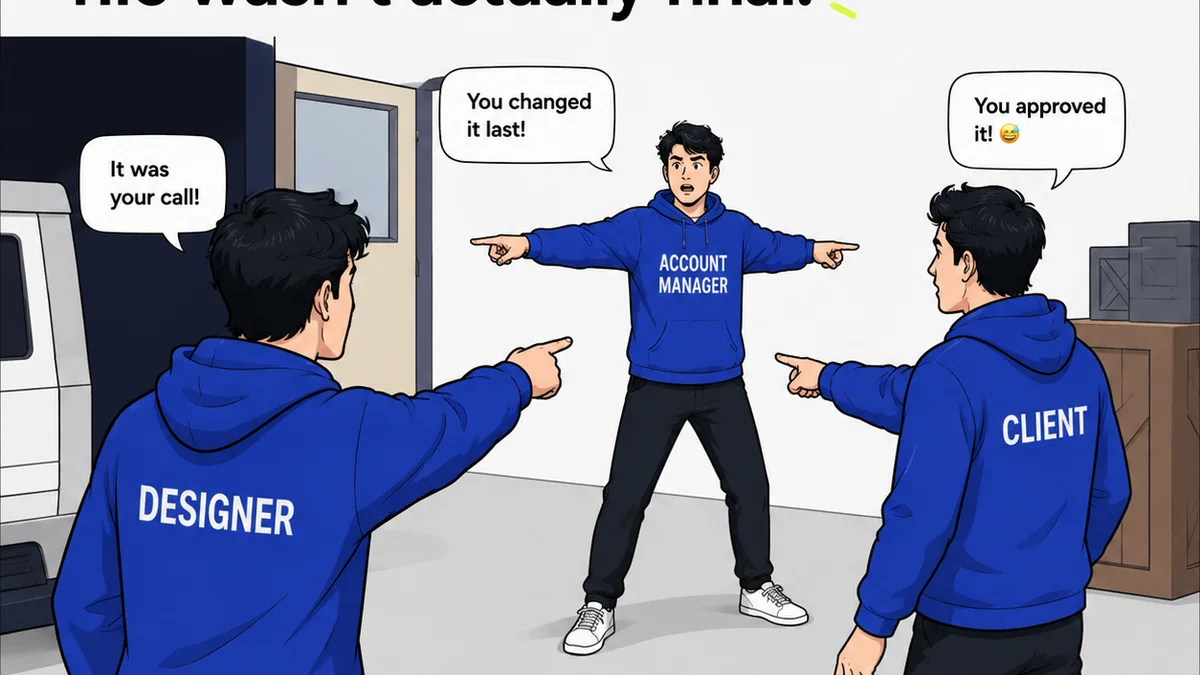
You send a PDF. The client marks it up. You send a new PDF. Repeat until everyone is exhausted. This is the default, and it’s broken.
It’s a manual, error-prone cycle that breeds confusion. Who has the latest version? Did they see that comment? Was that change actually made?
This approach breaks down fast, especially with multiple stakeholders or complex documents like magazines, reports, or books.
The Real Problem: Version Control Chaos
Every new PDF is a fresh opportunity for miscommunication. Comments get lost, edits are missed, and crucial details slip through the cracks.
This isn't just inefficient; it's a direct threat to your publication's quality and your client relationships.
2. What 'Best' Actually Means for Publications
When we talk about the best proofing software for publications, we're not just looking for spelling and grammar checks. We're looking for tools that solve workflow problems.
This means features that address:
- Centralized feedback collection
- Clear revision tracking
- Streamlined approval workflows
- Version control that actually works
- Audit trails for accountability
It’s about moving beyond simple proofreading to robust project management.
Key Features to Look For
Think about the entire lifecycle of your publication's review process. Does the software support it?
- Annotation Tools: Beyond basic text comments, look for drawing tools, strike-throughs, and the ability to attach files.
- Version Comparison: See exactly what changed between revisions at a glance.
- User Roles & Permissions: Control who can review, comment, and approve.
- Task Management: Assign specific feedback items to team members.
- Integrations: Does it play well with your existing design and project management tools?
- Mobile Accessibility: Can reviewers provide feedback on the go?
A tool that only does half the job creates more work, not less.
3. Beyond PDFs: Interactive Proofing
Static PDFs are a relic. Modern proofing software handles dynamic content and interactive elements far better.
This is critical for digital publications, websites, and even interactive reports. You need to see the design as it will appear, with all its interactive components.
Web-Based Proofing
Tools that allow for online proofing directly in a browser are superior. They offer a more accurate representation of the final product.
This includes proofing for:
- Websites and landing pages
- Digital magazines and ebooks
- Interactive presentations
- Software interfaces
This is where you can catch layout issues, broken links, and interaction bugs before they go live.
Real-time Collaboration (with caveats)
Some tools offer real-time collaboration. While appealing, it can also lead to a cacophony of conflicting opinions if not managed carefully.
The real win is asynchronous, structured feedback that’s logged and actionable.
4. Managing Stakeholder Feedback
Publications often involve a wide array of stakeholders: editors, designers, marketing teams, legal departments, and clients. Each has a different perspective and a different way of giving feedback.
The best proofing software acts as a neutral ground.
Assigning Roles and Permissions
You need to control who sees what and who can make final decisions. Not everyone needs to approve every page.
This prevents scope creep and ensures that only authorized individuals provide final sign-off.
Consolidating Comments
Trying to merge feedback from emails, Slack, and random documents is a nightmare. Centralizing all comments within the proofing tool is essential.
This single source of truth eliminates confusion and ensures every piece of feedback is accounted for.
5. Ensuring Quality and Compliance
Proofing isn't just about aesthetics; it's about accuracy and adherence to brand guidelines or regulatory requirements.
For publications, this can include:
- Legal disclaimers
- Brand consistency
- Accessibility standards (WCAG)
- Technical specifications
Your proofing tool should facilitate checks against these requirements.
Audit Trails and Version History
A clear history of who reviewed what, when, and what decisions were made is invaluable. It provides accountability and a record for future reference.
This is crucial for regulated industries or high-stakes projects.
Where Revue Fits In
Revue is built for the operational reality of creative teams. While it’s not a dedicated proofing tool in the same vein as a PDF annotator, its core functions directly support a smoother, more transparent review process for publications.
Think of Revue as the central hub that manages the output and communication around your creative work, integrating seamlessly with your proofing and design tools.
- Centralized Feedback Hub: Clients and internal teams can provide feedback directly within Revue, linked to specific assets or versions. No more hunting through emails.
- Revision Visibility: Easily track which version of a design or document is the most current and see the history of changes and approvals. This clarity prevents confusion about the 'final' version.
- Quality Check Facilitation: By consolidating feedback and approvals, Revue helps ensure that all necessary review stages are completed and documented, contributing to the overall quality check.
- Streamlined Approvals: Define clear approval stages and get explicit sign-offs, reducing ambiguity and speeding up the go/no-go decisions for publication.
Revue helps manage the flow of information and approvals, ensuring that what gets published has been seen, reviewed, and signed off by the right people.
6. Choosing the Right Software: Beyond the Hype
The market is flooded with options. Don't get swayed by flashy features you'll never use.
Consider:
- Your team size and structure: Do you need enterprise-level controls or something simpler?
- The types of content you produce: Print, web, video, apps?
- Your budget: Some tools are significantly more expensive than others.
- Ease of use for clients: If clients will be using it directly, it needs to be intuitive.
A tool that’s too complex will be resisted by your team and your clients.
The Cost of 'Free'
Free tools often lack essential features like robust version control, clear audit trails, or advanced annotation capabilities. They might work for a small, internal team on a simple project, but they quickly become a bottleneck for publication workflows.
The time saved and errors avoided by a good paid tool usually justify the investment many times over.
7. The Future of Publication Proofing
The trend is towards more integrated, AI-assisted, and collaborative workflows.
Expect tools to get smarter about identifying potential issues automatically.
AI might flag:
- Accessibility violations
- Inconsistent branding
- Potential layout problems
- Grammatical errors beyond basic spellcheck
But human oversight will remain critical. AI is a co-pilot, not the pilot.
Final Thought
Is your current proofing process a bottleneck or a bridge? The right software transforms it from a chore into a strategic advantage, ensuring quality and building client confidence. What's one change you can make today to improve your publication's review cycle?
Frequently asked questions
What is the primary benefit of using dedicated proofing software for publications?
The primary benefit is moving beyond chaotic, email-based feedback and static PDFs to a centralized, organized, and transparent system for collecting comments, tracking revisions, and managing approvals. This significantly reduces errors, saves time, and improves overall quality.
Can proofing software handle both print and digital publications?
Yes, many modern proofing software solutions are designed to handle both. They offer features for static documents (like PDFs for print) and interactive previews for digital content such as websites, interactive reports, and digital magazines, allowing for accurate representation and feedback.
What are the essential features to look for in proofing software for a publication workflow?
Key features include robust annotation tools, clear version comparison, user roles and permissions, task assignment, audit trails, integration capabilities with other tools, and intuitive client-facing interfaces. The ability to consolidate feedback from multiple stakeholders in one place is also crucial.
How does proofing software help with client communication and approvals?
It provides a single, clear platform for all feedback and discussions, eliminating confusion. Clients can see exactly what is being reviewed, easily provide their input, and give explicit approvals. This structured communication builds trust and speeds up the approval process.
Is it worth investing in paid proofing software over free alternatives for publications?
For publications, especially those with multiple stakeholders or complex review cycles, investing in paid proofing software is generally worthwhile. Free tools often lack critical features like version control, audit trails, and advanced collaboration, leading to more time spent on management and a higher risk of errors.