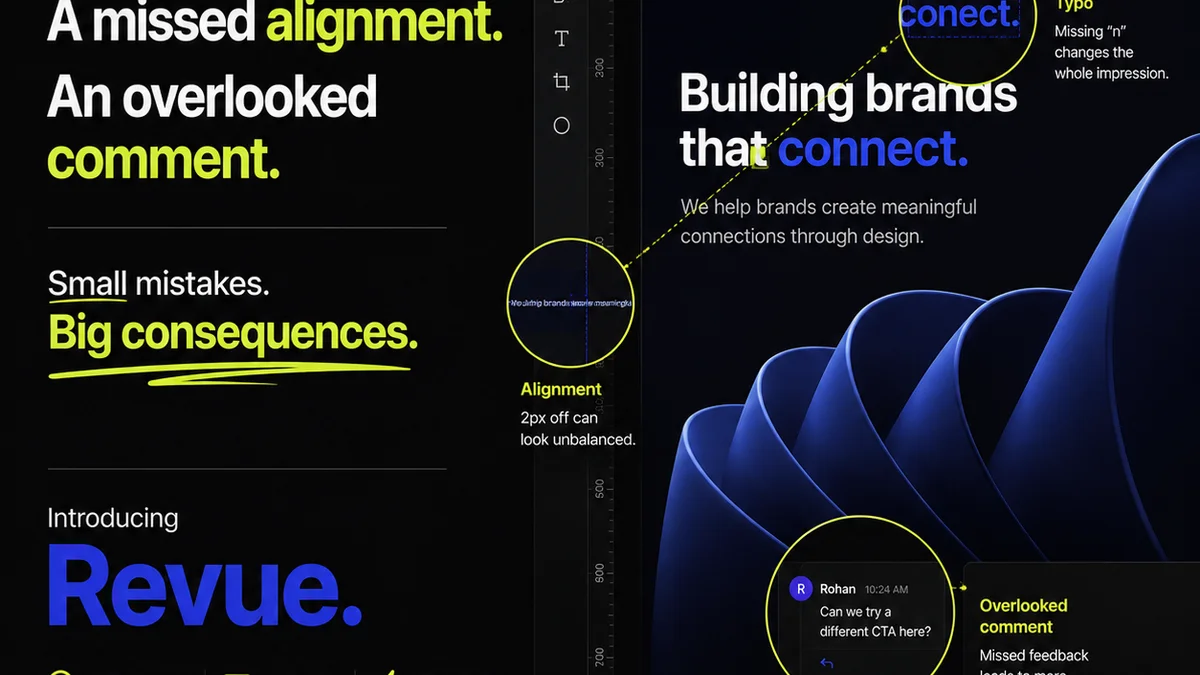
Everyone talks about the best proofing software for publications in 2026. They list features, compare dashboards, and tout integrations. It sounds like you just need to find the right tool, click a few buttons, and suddenly your review process is flawless.
None of that is wrong. But it’s incomplete.
The hard truth? The best proofing software isn’t about the software itself. It’s about how it forces you to confront and fix the fundamental flaws in your creative review process. It’s about clarity, accountability, and speed – not just a fancier way to leave comments.
1. Why Your Current Proofing Method is Failing
You’re probably drowning in a sea of emails, Slack messages, and maybe even scribbled notes on printouts. Feedback is everywhere, and it’s rarely consolidated.
This scattered approach leads to:
- Missed revisions.
- Conflicting instructions from different stakeholders.
- Endless back-and-forth as you try to decipher vague comments.
- Delays that kill momentum and strain client relationships.
- A general sense of chaos that undermines creative quality.
The Illusion of Control
Many teams think using cloud storage with commenting features, or even shared document links, is enough. It feels like progress.
But a shared link is not a workflow. A comment thread is not an approval.
You need a system designed for the specific pressures of publication proofing: tight deadlines, multiple contributors, and the need for absolute accuracy.
2. What
Frequently asked questions
What is the primary benefit of using dedicated proofing software for publications?
The primary benefit is centralizing all feedback and revisions in one place, eliminating confusion, missed comments, and conflicting instructions that plague email and chat-based workflows. This leads to faster approvals and higher quality output.
Can proofing software integrate with existing design tools?
Many modern proofing solutions offer integrations with popular design and project management tools. This allows for a more seamless workflow, where assets can be easily uploaded and feedback can be actioned without constant switching between applications.
How does proofing software improve client collaboration?
It provides a clear, auditable trail of all feedback, comments, and approvals. Clients can see exactly what feedback has been given and actioned, fostering transparency and reducing the need for lengthy clarification calls. Role-based permissions also ensure clients only see relevant stages and comments.
Is proofing software only for digital publications?
No, robust proofing software supports various formats, including print-ready PDFs, interactive documents, videos, and web pages. This versatility makes it suitable for a wide range of publication types, from magazines and books to digital content and marketing collateral.