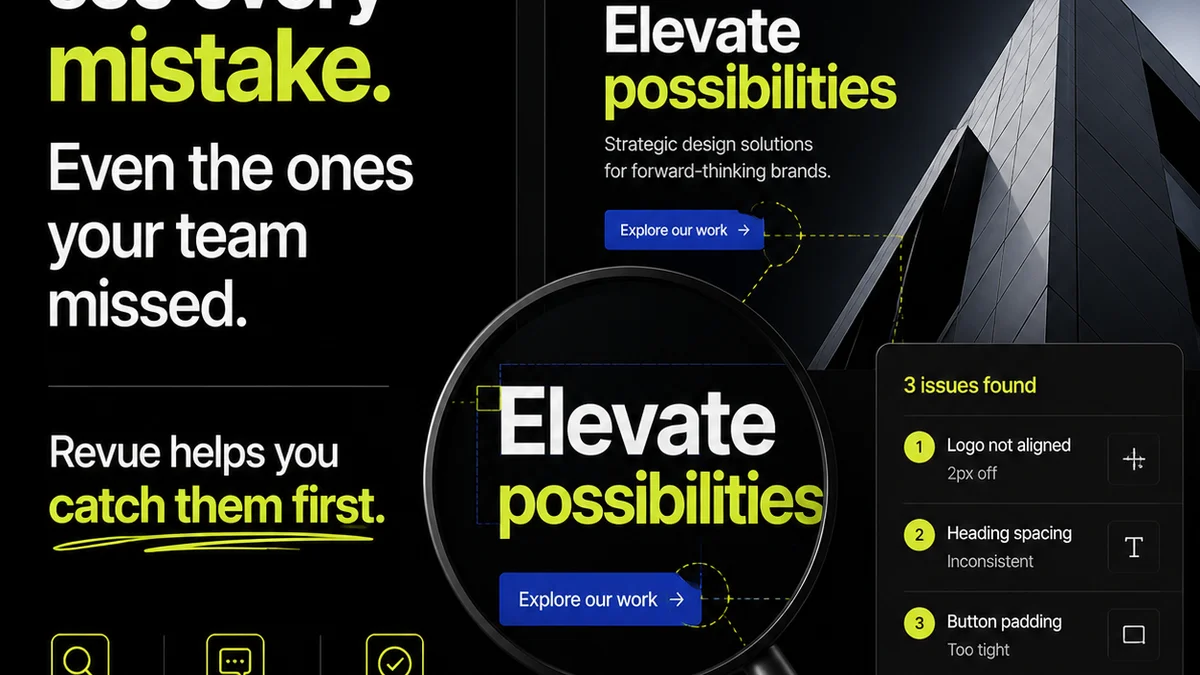
Everyone thinks Canva review tools are simple. Just share a link, get some comments, and you're done. That's the surface-level pitch, and it's not entirely wrong.
But it’s incomplete.
For creative agencies and in-house teams, relying solely on Canva's native review features means leaving efficiency, clarity, and client satisfaction on the table. The hard truth? Basic review tools are a liability when you’re juggling multiple clients, complex projects, and tight deadlines.
You need a system. A checklist. Something that ensures every piece of feedback sticks, every revision is tracked, and every approval is definitive. Let’s build that.
1. Beyond Basic Commenting: Structured Feedback
Canva’s comment feature is a start. You can drop a pin, type a note. Easy. But what happens when comments multiply? When they overlap? When context gets lost?
The real challenge isn't capturing feedback; it's making it actionable. This means moving beyond freeform comments to a more structured approach.
Defining Feedback Types
Not all feedback is created equal. Some is critical, some is subjective, some is a simple typo fix. A checklist helps categorize:
- Critical Edits: Must-haves for project success (e.g., incorrect pricing, broken link, compliance issue).
- Subjective/Aesthetic:
Frequently asked questions
Can Canva handle complex client feedback?
Canva's built-in commenting is basic. For complex feedback involving multiple stakeholders, version tracking, and clear revision history, you'll need a more robust system. Tools like Revue integrate with Canva to centralize feedback and manage revisions effectively.
What's the difference between Canva comments and a dedicated review tool?
Canva comments are simple annotations on a design. Dedicated review tools offer structured feedback types, version control, approval workflows, and centralized communication, reducing ambiguity and speeding up the revision process.
How can I ensure client feedback is actionable in Canva?
Structure the feedback process. Categorize comments (critical vs. aesthetic), use clear language, and ensure feedback is tied to specific design elements. For ultimate clarity, use a system that allows for task assignment and status tracking of each comment.
Is there a checklist for using Canva's review features effectively?
Yes, this article provides a comprehensive checklist focusing on structured feedback, version management, clear approval steps, and integration with broader workflow tools to ensure efficiency and reduce errors.