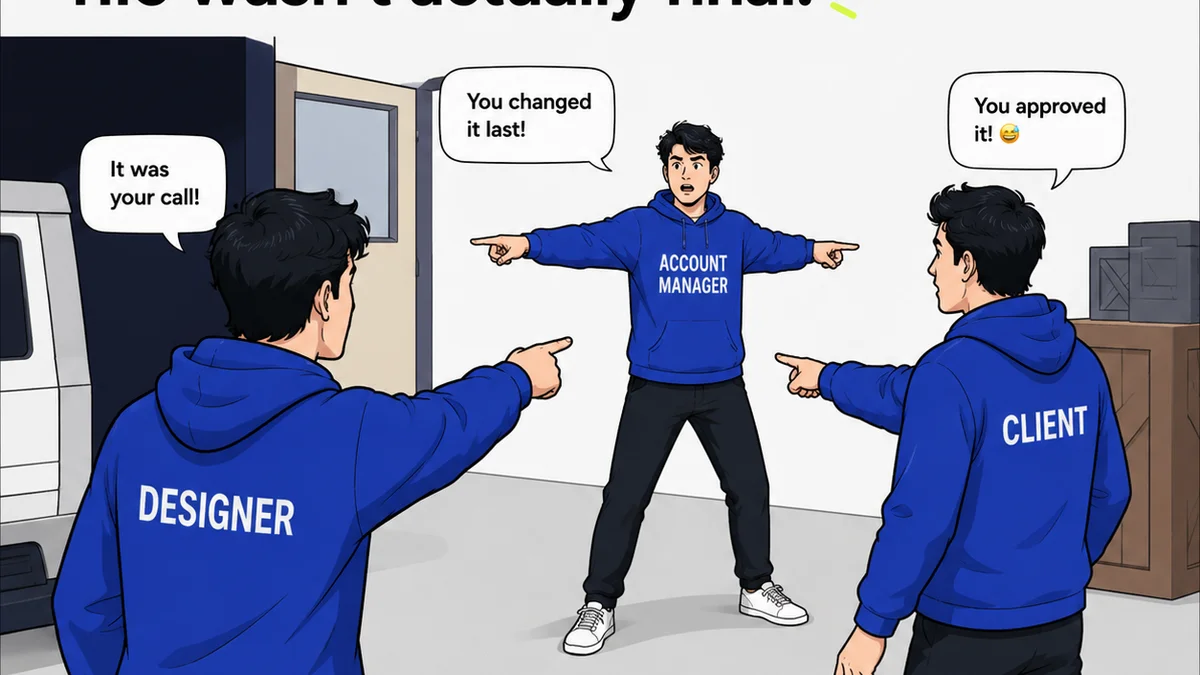
Everyone thinks scaling a creative business means buying more software. More licenses, more subscriptions, more features. It’s the default playbook.
None of that is wrong. But it’s incomplete.
The hard truth is that tool sprawl is the enemy of scaling. More tools, poorly integrated, create friction. They slow down workflows, confuse teams, and kill productivity. True scaling comes from choosing tools that streamline processes, not complicate them.
1. The Illusion of More Tools
The common assumption is that new challenges demand new tools. A new client, a bigger project, a different type of deliverable – the instinct is to search for a specialized app to handle it.
This often leads to a Frankenstein’s monster of software: a project management tool here, a communication app there, a separate platform for asset storage, another for client feedback, and yet another for approvals.
What happens next?
- Information gets siloed.
- Hand-offs become complex and error-prone.
- Tracking progress turns into a detective mission.
- Client communication fragments across platforms.
- Onboarding new team members becomes a software tutorial marathon.
This isn't scaling. This is just getting more complicated.
The Real Goal: Workflow Optimization
Scaling isn't about acquiring more capacity through sheer tool volume. It's about increasing output and efficiency with the same or fewer resources. This means optimizing your existing workflows and ensuring your tools support, rather than hinder, that optimization.
2. Identifying Core Workflow Needs
Before you even look at a new tool, map out your core creative processes. What are the essential stages from brief to final delivery?
Common stages include:
- Briefing and kickoff
- Concepting and ideation
- Asset creation and production
- Internal reviews and revisions
- Client feedback and approvals
- Quality assurance and final delivery
- Archiving and asset management
For each stage, ask yourself: What are the biggest bottlenecks? Where do delays most often occur? Where is information lost or misunderstood?
Common Bottlenecks and Their Root Causes
Client Feedback: Emails buried, conflicting comments, no clear version control. This often stems from a lack of a centralized feedback mechanism.
Revisions: Misinterpreting feedback, endless back-and-forth on minor details, difficulty tracking what’s been addressed. This points to a need for clear communication and version tracking.
Approvals: Delays waiting for sign-off, unclear who needs to approve what, lost approval records. This highlights a need for a structured, visible approval process.
Asset Management: Difficulty finding final files, using outdated versions, inconsistent file naming. This indicates a need for a robust DAM or a system that integrates with one.
Your answers here are far more important than any feature list on a software website.
3. Evaluating Tools Through a Scalability Lens
Once you understand your workflow pain points, you can evaluate tools based on how well they solve those specific problems and support growth.
Integration Over Isolation
The most critical factor for scaling is integration. Does the tool play well with others? Or will it create another silo?
Look for tools that offer:
- APIs: For connecting to other essential software (e.g., connecting your PM tool to your design software).
- Native Integrations: Pre-built connections to commonly used platforms.
- Single Source of Truth: Tools that consolidate information rather than scattering it.
A tool that lives in isolation requires manual data transfer, which is a direct drag on efficiency.
Scalability of Features and Pricing
Will the tool grow with you? Consider:
- User Tiers: Can you easily add more users as your team expands?
- Feature Sets: Are advanced features available as you need them, or locked behind prohibitive upgrade paths?
- Performance: Can the tool handle larger project volumes and more complex assets without slowing down?
Don't just buy for today. Buy for where you want to be in 18-24 months.
User Experience and Adoption
The most powerful tool is useless if your team doesn't use it effectively.
Prioritize tools with:
- Intuitive interfaces: Easy to learn and navigate.
- Clear documentation and support: Resources to help users get the most out of it.
- Minimal training overhead: Quick adoption means faster productivity gains.
Complex tools often look impressive but become adoption blockers. Simple, effective tools win.
4. The Danger of
Frequently asked questions
What is 'tool sprawl' and why is it bad for scaling?
Tool sprawl refers to the excessive accumulation of disparate software tools within an organization. It's detrimental to scaling because it creates information silos, fragments communication, increases complexity, and hinders efficient workflow, ultimately slowing down productivity and increasing operational costs.
How can I identify the biggest workflow bottlenecks in my creative process?
Map out your entire creative process from brief to delivery. Then, for each stage, identify where delays most often occur, where information gets lost or misunderstood, and where communication breaks down. Common areas include client feedback loops, revision rounds, and approval processes.
What makes a tool 'scalable' for a creative agency?
A scalable tool can grow with your agency. This means it can easily accommodate more users, handle increasing project volumes without performance degradation, offer advanced features as your needs evolve, and integrate seamlessly with other essential software in your stack. Pricing and feature tiers should also support growth.
Should I prioritize specialized tools or all-in-one solutions for scaling?
The best approach often depends on your specific needs. While specialized tools can offer deep functionality, they can also contribute to tool sprawl if not integrated well. All-in-one solutions can simplify workflows, but ensure they offer the depth required for your core processes. The key is seamless integration and workflow optimization, regardless of the solution type.