Everyone talks about tools. The latest project management software. The hottest new design suite. The must-have communication platform. The assumption is that if you just find the *right* combination, your creative workflow will magically become seamless.
None of that is wrong. But it’s incomplete.
The hard truth? Your tools are only as good as the process they support. And often, the biggest bottleneck isn’t the software itself, but how your team actually uses it—or fails to use it—to achieve its goals.
1. The Myth of the All-in-One Solution
There’s a constant lure towards that single piece of software that promises to do it all. Project management, client feedback, asset storage, time tracking, invoicing—all under one roof.
It sounds like a dream. But in reality, these behemoths often end up being mediocre at everything and excellent at nothing.
Why this is a problem:
- Compromised Functionality: A feature designed to be secondary will rarely match a dedicated tool’s power.
- Steep Learning Curves: Trying to master a complex, multi-purpose tool drains valuable creative energy.
- Vendor Lock-in: If the all-in-one fails on one critical front, you’re stuck or facing a massive migration.
Your workflow is complex. It needs tools that excel at specific jobs, not a jack-of-all-trades that’s a master of none.
2. Understanding Your Actual Workflow Gaps
Before you even *look* at new software, you need to map your current process. Where are the hang-ups? What’s causing delays? What’s leading to errors?
Common culprits:
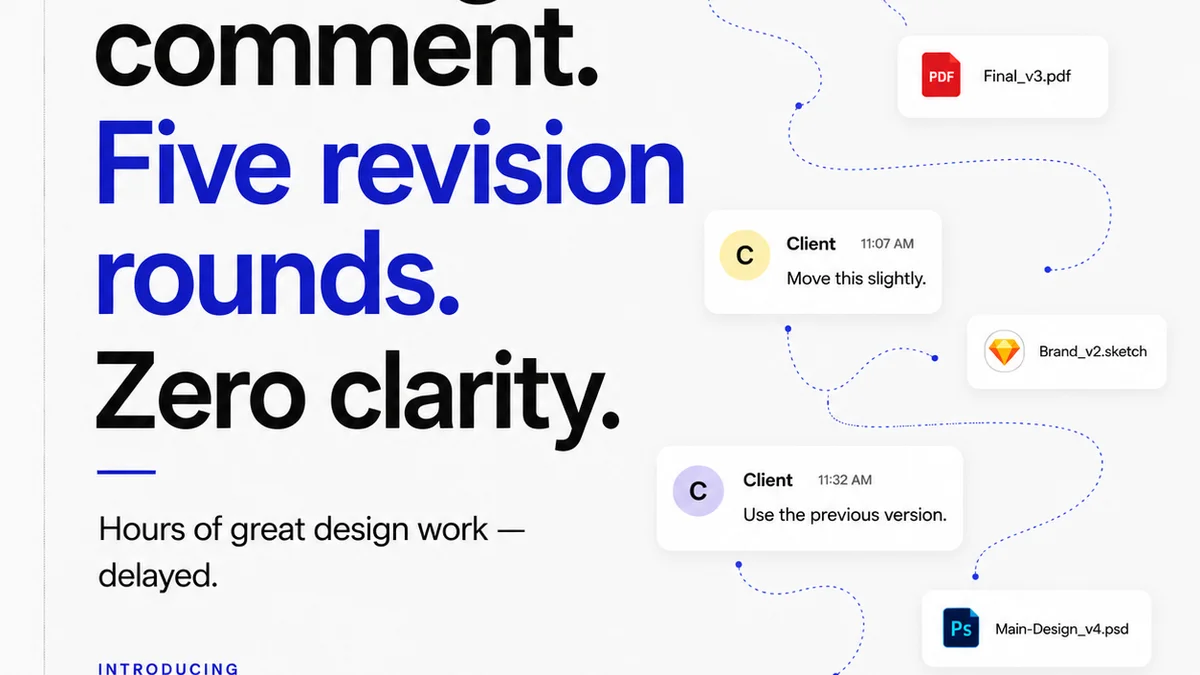
- Scattered Feedback: Comments buried in emails, Slack messages, or random documents.
- Unclear Revisions:
Frequently asked questions
What's the biggest mistake agencies make when choosing software?
The biggest mistake is focusing solely on features without considering how the tool fits into the existing team process and how easily the team will adopt it. Often, agencies chase the 'shiny object' of a new tool without solving the underlying workflow problem.
How important is integration between tools?
Integration is crucial for efficiency. Tools that can talk to each other reduce manual data entry, minimize errors, and create a more seamless flow of information. Look for tools with robust APIs or pre-built integrations.
Should I use an all-in-one solution or best-of-breed tools?
For most creative agencies, a best-of-breed approach is more effective. While all-in-one solutions seem convenient, they often lack the depth and specialized functionality needed for complex creative tasks. Piecing together specialized tools, ensuring they integrate, usually yields better results.
How do I get my team to adopt new tools?
Adoption is about more than just rolling out software. Involve your team in the selection process, provide thorough training, clearly communicate the benefits to *them*, and ensure leadership actively uses and champions the new tools. Start with a pilot group if necessary.