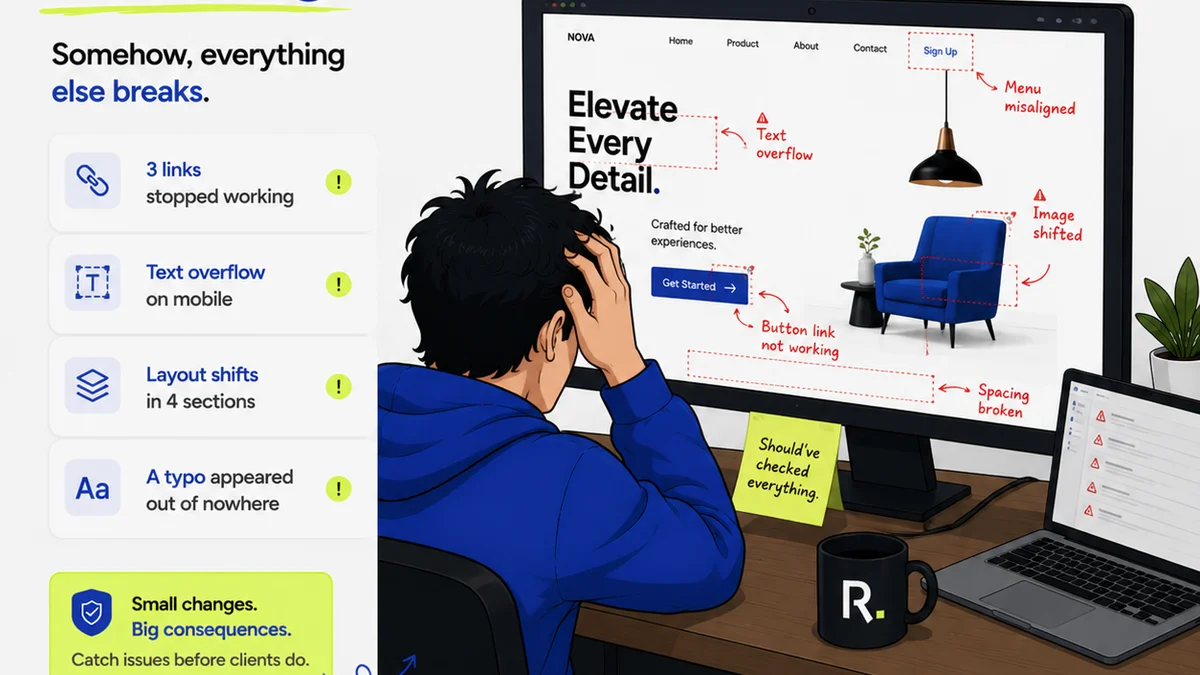
Everyone says you need a project management tool. And they're right. But picking between ClickUp and Asana based on their feature lists is like choosing a car by its cup holder options. None of that is wrong. But it’s incomplete.
The hard truth is that the best project management software for your agency isn't about the tool itself. It's about how it fits your specific workflow, how your team actually uses it, and whether it solves your biggest pain points. Features matter, but context matters more.
Let's cut through the noise. We're comparing ClickUp and Asana not by their marketing brochures, but by what actually matters to creative agencies: client feedback, revision cycles, team collaboration, and project visibility.
1. Core Philosophy and Flexibility
ClickUp: The All-in-One Contender
ClickUp positions itself as a replacement for *everything*. Docs, goals, whiteboards, chat, and of course, project management. This ambition is its greatest strength and its potential downfall.
The platform is incredibly flexible. You can customize almost anything: custom fields, statuses, views, and workflows. This means you can bend ClickUp to fit almost any process.
But this flexibility comes with a steep learning curve. New users can feel overwhelmed by the sheer number of options. It's powerful, but you have to build your system.
Asana: The Structured Collaborator
Asana leans into clarity and structure. Its focus is on making work visible and ensuring tasks are assigned and tracked efficiently. It's less about replacing all your tools and more about excelling at project and task management.
Asana's strength lies in its intuitive interface and clear hierarchy. Projects are organized into tasks and subtasks, with clear assignees and due dates. This makes it easier for teams to get up and running quickly.
While it offers customization, it's generally less granular than ClickUp. The structure is more opinionated, which can be a good thing for teams that prefer a guided approach.
2. Workflow Management for Agencies
Client Feedback Loops
This is where most agencies live and die. How do you capture, manage, and act on client feedback without losing it in email chains?
ClickUp: Offers robust task management that can be adapted for feedback. You can create custom fields for feedback status, link comments to specific tasks, and use different views (like Kanban or list) to track feedback items. However, direct annotation on images or PDFs isn't a native strength.
Asana: Excels at task-based workflows. You can assign feedback as tasks, use custom fields for tracking, and integrate with tools that handle visual annotation. Asana's strength is in structuring the *action* taken on feedback, rather than the feedback capture itself.
Revision and Approval Tracking
Knowing where a project stands in the revision process is critical. Who has it? What's the status? What's next?
ClickUp: Its customizability shines here. You can build specific statuses for each stage of revision (e.g., 'Client Review', 'Internal Review', 'Revisions Requested', 'Approved'). Custom fields can track version numbers or specific client requests.
Asana: Offers clear task dependencies and project timelines (Gantt charts). You can easily see who is responsible for the next step in the revision process. Its portfolio view can give a high-level overview of multiple projects' approval statuses.
Team Collaboration and Communication
Project management tools aren't just about tasks; they're about facilitating teamwork.
ClickUp: Includes built-in chat, docs, and whiteboards. This aims to keep everything in one place. However, these features can feel like add-ons rather than core strengths, and some teams find them less polished than dedicated tools.
Asana: Focuses on task-level communication. Comments on tasks keep discussions contextual. It integrates seamlessly with popular communication tools like Slack, allowing teams to use their preferred chat platform while keeping Asana as the source of truth for project status.
3. User Experience and Onboarding
A tool is only effective if your team actually uses it. This means ease of adoption and ongoing usability.
ClickUp: The Power User's Playground
ClickUp offers a dizzying array of features and customization options. For power users or teams with very specific, complex workflows, this is paradise. You can tailor it precisely.
However, for teams new to project management software or those with simpler needs, the initial setup and ongoing navigation can be intimidating. Training is often required.
Asana: The Gentle Introduction
Asana is renowned for its clean, intuitive interface. Most users can grasp the core concepts of projects, tasks, and subtasks very quickly. Onboarding is generally smoother.
The structured approach means there are fewer
Frequently asked questions
Which tool is better for managing client feedback?
Both ClickUp and Asana can manage client feedback through task creation and custom fields. Asana excels at structuring the *action* taken on feedback, while ClickUp's customizability allows for more granular tracking of feedback status, though it lacks native visual annotation.
Is ClickUp or Asana easier to learn for an agency team?
Asana generally has a gentler learning curve due to its structured and intuitive interface, making onboarding smoother for most teams. ClickUp's extensive customization options can be overwhelming for new users.
Can ClickUp or Asana replace my other agency tools?
ClickUp aims to be an all-in-one solution, integrating docs, chat, and more. Asana focuses on project and task management, integrating with other tools like Slack and Google Workspace rather than replacing them outright.
Which tool offers better visibility into project progress for agencies?
Asana's structured approach, with features like project timelines and portfolio views, offers excellent visibility. ClickUp also provides strong visibility through its customizable dashboards and multiple view options, but requires more setup.