Everyone talks about creative automation. They point to AI tools that can whip up copy or generate images. They talk about Zapier integrations and automated reporting.
None of that is wrong. But it’s incomplete.
The real truth? True creative automation isn't about plugging in a few tools. It's about building a system. A framework that handles the predictable so your team can focus on the brilliant.
It’s about moving beyond reactive firefighting to proactive, intelligent workflow design.
1. Audit Your Current Chaos
Before you automate anything, you need to know what you’re dealing with. Most agencies think they have a handle on their process. They don’t.
The first step to automation is brutal honesty about your current state. Where are the bottlenecks? What tasks eat up the most time? What causes the most friction with clients?
This isn't a casual conversation. This is a deep dive. Get your team in a room. Use a whiteboard. Map out every single step of your core creative processes.
Identify the Time Sinks
Look for:
- Manual data entry that could be pulled from a system.
- Repetitive communication loops that don't add value.
- Approval steps that are unclear or easily missed.
- Quality control checks that are done inconsistently.
- File management that requires endless searching.
Be specific. Instead of “client feedback takes too long,” write down “waiting 3 days for client approval on draft 1, then 2 days for revisions, then 2 days for final sign-off on a social asset.”
Map the Friction Points
Where does the process break down?
- Are clients confused about what you need from them?
- Does your team constantly ask clarifying questions?
- Are there disputes over scope or revisions?
- Does handoff between departments (e.g., creative to production) cause delays?
This audit is your baseline. Without it, you’re just guessing where to apply automation, and that’s a recipe for wasted effort.
2. Define Your Automation Goals
What are you actually trying to achieve? Simply saying “automate more” isn’t a goal. It’s a vague wish.
Your goals should be specific, measurable, achievable, relevant, and time-bound (SMART).
Think about the outcomes you want.
Quantifiable Objectives
Examples:
- Reduce average revision cycles by 20% within Q3.
- Cut down on manual status updates by 50% by year-end.
- Increase the number of projects completed on time by 15% next quarter.
- Eliminate 80% of miscommunication errors related to feedback by implementing a centralized system.
These goals will guide your choices and help you measure success.
Prioritize Based on Impact
You can’t automate everything at once. Focus on the areas identified in your audit that cause the most pain or consume the most resources.
Start with high-impact, low-complexity automations. Build momentum. Then tackle the harder stuff.
3. Design Your Automated Workflow
This is where the framework takes shape. You’re not just adding tools; you’re redesigning the flow of work.
Consider the entire lifecycle of a project, from brief to final delivery.
Standardize Inputs
Automation thrives on consistency. Before work can flow, the inputs must be standardized.
- Creative Briefs: Use a template. Mandate all required fields.
- Client Information: Centralize contact details and preferences.
- Asset Specifications: Define clear parameters for different output types.
If every brief is a unique snowflake, automation becomes a nightmare.
Map the Automated Steps
For each stage of your process, ask:
- What triggers the next step?
- Can this trigger be automated?
- What information needs to be passed along?
- Can this information transfer be automated?
- What decisions need to be made?
- Can these decisions be guided or automated based on predefined rules?
Think about triggers like:
- Client approval on a draft.
- Completion of a specific task by a team member.
- A deadline approaching.
And actions like:
- Notifying the next team member.
- Moving a task to the next stage in a project management tool.
- Generating a PDF for review.
- Sending a reminder email.
Build in Control Points
Automation doesn’t mean zero human oversight. It means intelligent oversight.
Identify critical decision points or quality checks that *must* involve human judgment. Ensure these remain clear and efficient within your automated flow.
This prevents the “garbage in, garbage out” scenario. Automation amplifies what’s already there, good or bad.
4. Select the Right Tools (Wisely)
Now, and only now, do you look at the technology.
The market is flooded with tools. Resist the urge to chase every shiny new object. Your tools must serve your framework, not the other way around.
Core Workflow Platforms
These are your workhorses. Project management tools, creative collaboration platforms, and asset management systems.
Look for systems that offer:
- Clear task management.
- Version control.
- Centralized communication.
- Integration capabilities.
Automation Connectors
Tools like Zapier, Make (formerly Integromat), or built-in integrations within your core platforms allow different systems to talk to each other.
These are the glue. They automate the passing of information and triggering of actions between your specialized tools.
Specialized Creative Tools
This is where AI copywriting, image generation, or specialized design software comes in. Use these where they genuinely enhance a specific part of the creative process, but ensure they feed into your overall workflow.
The key is integration. A standalone AI tool is just a novelty. An AI tool that automatically pulls a brief, generates content, and pushes it into your review system is automation.
5. Implement, Test, Iterate
Automation isn’t a “set it and forget it” operation. It requires careful rollout and continuous refinement.
Phased Implementation
Don’t try to automate your entire agency overnight. Start with one team, one process, or one client type.
Get it working smoothly there. Document the successes and the failures.
Rigorous Testing
Before going live, test every part of your automated workflow. Simulate real-world scenarios.
- What happens if a client provides feedback in the wrong format?
- What if a team member misses a deadline?
- What if an integration fails?
Test edge cases. Test the exceptions.
Gather Feedback and Iterate
Once live, continuously monitor performance against your goals. Collect feedback from your team and, where appropriate, your clients.
Automation is never truly finished. It evolves as your business, your clients, and the technology change. Be prepared to tweak, adjust, and rebuild.
Where Revue Fits In
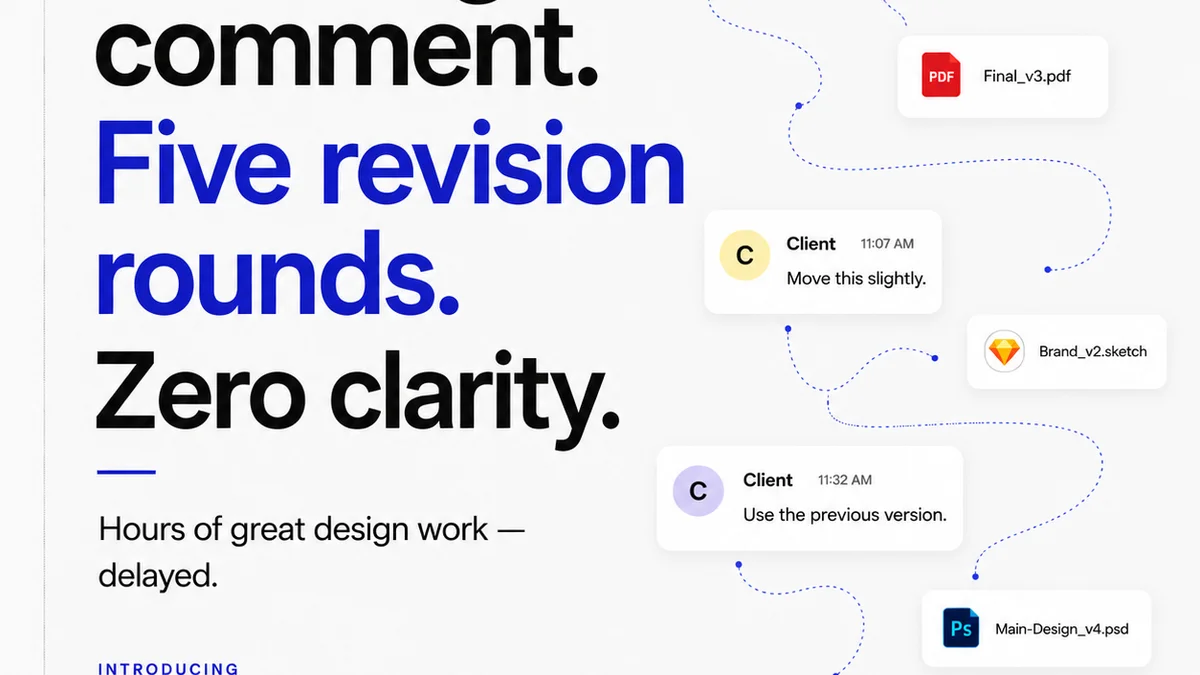
Managing creative feedback and approvals is often a major source of inefficiency and frustration. It’s a prime candidate for intelligent automation within your broader framework.
Revue helps by centralizing client feedback. Instead of sifting through endless email chains or scattered Slack messages, all comments, markups, and decisions live in one place, tied directly to the creative asset.
This provides clear visibility into revision history and approval status. Automated notifications can prompt clients for feedback or alert your team when approvals are complete, streamlining the handoff to the next stage.
By bringing structure and clarity to this critical part of the workflow, Revue removes a significant bottleneck, allowing your automated system to flow more smoothly and your team to focus on creative execution, not chasing down sign-offs.
Final Thought
Creative automation isn't about replacing creativity. It's about creating more space for it.
It’s about building a predictable, efficient engine that powers your agency, freeing up your most valuable resource—your people—to do the work that truly matters.
Are you building a system, or just buying tools?
Frequently asked questions
What is the first step in creative automation?
The crucial first step is a thorough audit of your current creative processes. You need to identify existing bottlenecks, time sinks, and friction points before you can effectively automate anything. Without understanding your current chaos, you can't design a system to fix it.
How do I choose the right automation tools?
Select tools that serve your defined framework, not the other way around. Start with core workflow platforms (project management, collaboration), then add automation connectors (like Zapier) to link systems, and finally integrate specialized creative tools where they add genuine value. Integration is key.
Is creative automation about replacing human creativity?
Absolutely not. The goal of creative automation is to handle the predictable, repetitive, and administrative tasks. This frees up your creative team's time and mental energy to focus on higher-value, strategic, and truly creative work that requires human insight and ingenuity.
How important is testing in automation?
Testing is critical. Before fully implementing any automated workflow, you must rigorously test every step, including edge cases and potential failure points. This ensures the system functions reliably and prevents 'garbage in, garbage out' scenarios. Continuous testing and iteration are vital.