Everyone’s talking about creative automation. They say it’s the future. That it’ll save you time and money. That it’s the key to scaling your agency or in-house team.
None of that is wrong. But it’s incomplete.
The hard truth? Creative automation isn’t a magic bullet. It’s a powerful tool, but like any tool, its effectiveness depends entirely on how you wield it. Without a clear strategy and the right processes, automation can just as easily create chaos as it can efficiency.
1. What Creative Automation Really Means
Most people think automation means robots replacing humans. Or complex AI churning out finished campaigns overnight.
That’s a fantasy. The reality is far more practical, and frankly, more useful.
Creative automation is about identifying repetitive, time-consuming tasks within your creative workflow and building systems to handle them with minimal human intervention.
Think of it as building smarter shortcuts. It’s not about eliminating creativity; it’s about freeing up your creative talent to focus on what they do best: ideation, strategy, and crafting compelling work.
The Spectrum of Automation
Automation exists on a spectrum:
- Basic Automation: Simple, rule-based tasks. Think automated file naming conventions or batch resizing images.
- Workflow Automation: Connecting different tools and processes. This might involve automatically moving a project from one stage to the next based on a trigger, like client approval.
- AI-Powered Automation: Using artificial intelligence for more complex tasks. This could include AI-driven content generation (for drafts, not final output), image upscaling, or even predictive analytics on campaign performance.
Most agencies start with basic and workflow automation. AI is powerful, but it’s often the most complex and expensive to implement.
2. Why You Need Creative Automation (Beyond the Hype)
The pressure to deliver more, faster, and cheaper is relentless. Clients want more variations, more channels, and quicker turnarounds.
Your team is burning out trying to keep up.
Creative automation addresses these pressures directly:
- Reduces Bottlenecks: Tasks like asset resizing, version control, and repetitive revisions slow everything down. Automating these clears the path.
- Ensures Consistency: Manual processes are prone to human error. Automation, when set up correctly, ensures brand guidelines and quality standards are met every time.
- Improves Collaboration: Clearer workflows and automated notifications mean everyone knows where a project stands, reducing confusion and miscommunication.
- Frees Up Creative Time: This is the big one. When your designers and copywriters aren't bogged down in tedious tasks, they have more headspace for strategic thinking and innovative ideas.
- Scales Output: Need 50 variations of an ad? Automation can handle that in a fraction of the time it would take manually.
It’s not about replacing creatives. It’s about empowering them.
3. Identifying Automation Opportunities in Your Workflow
Where do you even start? Look for the pain points.
Ask yourself and your team:
- What tasks do we do over and over again?
- What takes up a disproportionate amount of time for the value it delivers?
- Where do errors most frequently occur?
- What parts of our process feel clunky or inefficient?
- What requests do we often get that are easy to fulfill but tedious in volume (e.g., exporting assets in multiple formats)?
Common Areas for Automation
- Asset Management: Naming conventions, tagging, version control, organizing libraries.
- File Preparation: Resizing, cropping, format conversion, exporting for different platforms.
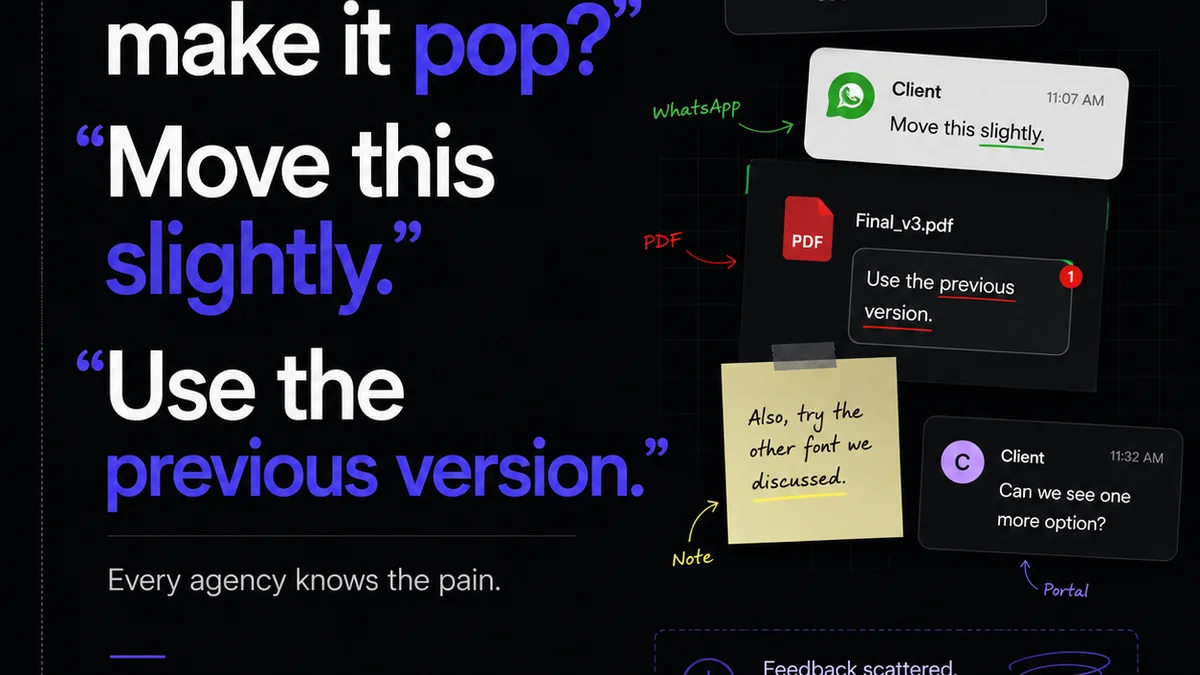
- Client Feedback & Revisions: Standardizing feedback, tracking changes, managing approval rounds.
- Content Generation: Creating initial drafts for social posts, ad copy variations, or product descriptions based on templates.
- Reporting: Automatically pulling data on project status, team capacity, or asset usage.
- Project Handoffs: Automating the transfer of finalized assets and documentation to development or production teams.
Be specific. Vague goals lead to vague results.
4. Implementing Creative Automation: A Strategic Approach
You can't just flip a switch. A successful automation strategy requires planning.
Step 1: Audit Your Current Workflow. Map out every step. Identify manual touchpoints and inefficiencies. This is non-negotiable.
Step 2: Prioritize Opportunities. Focus on tasks that are high-volume, low-complexity, and cause the most pain. Start with quick wins.
Step 3: Choose the Right Tools. Don't buy software for the sake of it. Select tools that integrate with your existing stack and solve specific problems.
Step 4: Define Clear Processes. How will the automation work? What are the inputs, outputs, and rules? Document everything.
Step 5: Train Your Team. Automation changes how people work. Ensure everyone understands the new processes and tools.
Step 6: Test and Iterate. Roll out new automations gradually. Monitor performance, gather feedback, and make adjustments. Automation is never truly
Frequently asked questions
What's the difference between creative automation and AI?
Creative automation is a broader term that encompasses any system designed to handle repetitive creative tasks with minimal human input. AI-powered automation is a subset of this, using artificial intelligence to perform more complex or nuanced tasks within the creative process.
Will creative automation replace creative jobs?
No, creative automation is designed to augment human creativity, not replace it. By handling tedious, repetitive tasks, it frees up creatives to focus on higher-level strategy, ideation, and innovation, making their roles more strategic and less bogged down by grunt work.
What are the first steps to implementing creative automation?
Start by auditing your current creative workflow to identify repetitive, time-consuming tasks. Then, prioritize opportunities based on volume and impact, and select the right tools that integrate with your existing systems. Clear documentation and team training are crucial.
Can small agencies benefit from creative automation?
Absolutely. Small agencies often have tighter resources and fewer personnel, making efficiency gains from automation even more impactful. Focusing on automating high-volume, low-complexity tasks can free up valuable time for strategic client work.