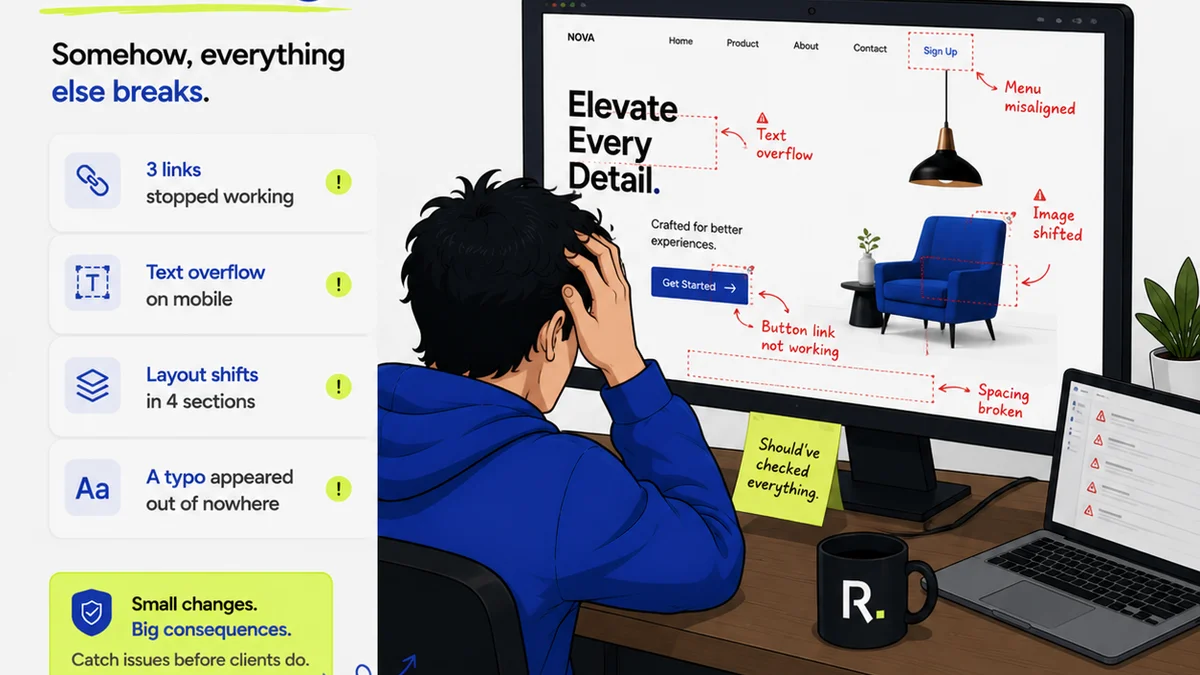
Everyone talks about creative automation. The promise is clear: faster turnarounds, fewer errors, happier clients. It sounds like a magic bullet for agency pain points.
And that’s the assumption: that simply implementing automation tools will unlock all that efficiency. It’s a nice thought.
But it’s incomplete. It’s like assuming buying a fancy espresso machine means you’re suddenly a barista.
The Hard Truth: Automation Amplifies Your Process—Good or Bad
Automation doesn’t fix broken workflows. It just makes them run faster.
If your client feedback process is chaotic, automating that chaos won’t make it better. It’ll just make the chaos happen at warp speed. You’ll get more confused feedback, faster. You’ll miss more revision deadlines, quicker.
This is where most agencies trip up. They buy the tech, plug it in, and expect miracles. Then they get frustrated when their problems persist, only now they’re happening on a faster timeline.
True creative automation success isn’t about the tools themselves. It’s about the underlying processes you’re automating.
1. Automating Ambiguity
This is probably the most common pitfall. You’re trying to automate tasks that rely heavily on subjective judgment or unclear requirements.
The Symptom: Generic Outputs
Ever seen automated ad variations that feel… off? Like they missed the brand’s specific tone or a crucial campaign nuance?
This happens when the automation rules are too broad. The system is making decisions based on limited, generalized data, not deep strategic understanding.
The Fix: Automate Clear Decisions, Not Subjective Ones
Focus automation on tasks with defined parameters:
- Generating multiple image crops for different platforms based on a master asset.
- Applying brand templates to standardized content pieces.
- Routing assets to the correct stakeholders based on pre-defined project types.
- Automating quality checks for file formats, resolution, and color profiles.
If a decision requires a human’s strategic insight, creative intuition, or a nuanced understanding of client goals, it’s probably not a good candidate for full automation. Augment it, sure. Automate it fully? Tread carefully.
2. Ignoring the Human Element
The goal of automation is to free up your team, not replace their critical thinking.
Many see automation as a way to cut headcount. That’s a short-sighted and often damaging approach.
The Symptom: Overwhelmed Teams and Lost Nuance
When automation is implemented purely to reduce staff, the remaining team members often get buried under the complexity of managing the automated systems. They become system administrators rather than creatives.
Or, worse, the system starts making creative decisions that a human would catch. A subtle brand guideline violation, a culturally insensitive image, a tagline that’s accidentally offensive. These slip through because the human reviewer was either removed or overloaded.
The Fix: Augment, Don’t Just Replace
Think of automation as a powerful assistant. It handles the repetitive, time-consuming tasks, allowing your human talent to focus on:
- Strategy and concept development.
- Complex problem-solving.
- Client relationship management.
- High-level creative direction and quality assurance.
- Interpreting and refining automated outputs.
Your team’s unique skills are your agency’s core asset. Automation should enhance those skills, not diminish them.
3. Botching the Brief
Garbage in, garbage out. This old adage is truer than ever with automation.
If your intake process is messy, your automation will be too. You can’t automate a vague or incomplete brief and expect a perfect, tailored output.
The Symptom: Endless Revision Cycles
You automate the creation of a deliverable based on a brief. The client hates it. Why? Because the brief was missing key information, or the automated interpretation of the brief was flawed.
This leads to a loop of revisions that defeats the purpose of automation. You’re spending more time clarifying and correcting than you would have if you’d done it manually from the start.
The Fix: Standardize and Centralize Intake
Before you automate *anything*, ensure your brief and intake process is watertight.
- Use standardized brief templates.
- Require specific fields to be completed.
- Build in a mandatory human review of briefs before they feed into automated workflows.
- Use tools that structure this information clearly.
Automation needs structured data. A well-defined brief is the ultimate structured data for creative work.
4. Building Silos, Not Bridges
Automation tools often live in their own ecosystems. If you’re not careful, they create new silos instead of breaking down old ones.
Connecting different software becomes a major hurdle. Your design tools, your project management system, your client communication platform—they all need to talk to each other for automation to work seamlessly.
The Symptom: Data Fragmentation and Manual Workarounds
You might have an automation tool for asset resizing, another for generating reports, and your PM tool is completely separate. This means:
- Manual data entry between systems.
- Inconsistent information across platforms.
- Difficulty tracking the end-to-end process.
- Lost context for automated tasks.
It’s a recipe for inefficiency, the very thing you’re trying to escape.
The Fix: Integrate and Centralize
Invest in tools that integrate well, or build bridges between your existing systems. The goal is a connected ecosystem where data flows freely and context is maintained.
Think about:
- API connections.
- Webhooks.
- Platforms designed for integration.
A centralized hub for feedback, approvals, and asset management is key here. It ensures that all downstream automated processes have access to the single source of truth.
5. Over-Automating the Wrong Things
Not all tasks are created equal. Some are ripe for automation, others are best left to human hands.
The allure of efficiency can lead agencies to try and automate complex, nuanced, or highly strategic tasks where automation often falls short.
The Symptom: Loss of Brand Voice and Strategic Drift
Automating the writing of social media captions, for instance, might work for basic announcements but will likely fail to capture brand personality, cultural relevance, or strategic campaign messaging nuances.
Similarly, automating the selection of imagery for a high-concept campaign can lead to generic or mismatched visuals that undermine the creative strategy.
The Fix: Prioritize Based on Impact and Repeatability
Ask yourself:
- Is this task highly repetitive?
- Does it have clear, objective criteria for success?
- Is the output standardized or easily templated?
- What is the risk if this task is performed imperfectly by automation?
Focus your automation efforts on tasks that are low-risk, high-volume, and have clearly defined parameters. Save the strategic and subjective work for your talented team.
Where Revue Fits In
The biggest bottleneck in creative workflows isn't usually the creation itself; it's the feedback and approval cycle. This is where automation often hits a wall, or worse, gets misapplied.
Revue is built to bring clarity and control to this exact stage. By centralizing client feedback, managing revisions with clear version history, and providing visibility into approval statuses, Revue creates the structured data and clear process that robust automation needs.
Imagine automating the generation of client-ready reports, but the data feeding into those reports is consistently organized and validated through Revue’s approval workflows. Or automating the creation of asset variants, knowing that the master asset has already passed through a clear, documented approval process within Revue.
Revue doesn’t just automate; it provides the essential foundation of organized, validated information that makes *other* automation efforts more successful and less prone to error. It ensures that the ‘human element’ of feedback and approval is managed effectively, so that technical automation can then be applied to the right tasks.
Final Thought
Creative automation isn’t a shortcut. It’s a strategic enhancement that requires meticulous process design. Are you automating to run faster, or are you automating to run smarter?
Frequently asked questions
What is the biggest mistake agencies make with creative automation?
The biggest mistake is automating broken or ambiguous processes. Automation amplifies existing workflows, so if your feedback or approval process is chaotic, automating it will only make the chaos faster and more confusing. Success requires optimizing the process *before* automating.
Can creative automation replace human creatives?
No, not effectively. Automation is best suited for repetitive, clearly defined tasks. Human creatives bring strategy, nuance, subjective judgment, and brand understanding that automation cannot replicate. Automation should augment human talent, not replace it.
How important is the client brief for creative automation?
Extremely important. Automation requires structured, clear data. A vague or incomplete brief leads to flawed automated outputs and endless revisions. Standardizing and centralizing your brief intake process is crucial before implementing automation.
How can integration issues hinder creative automation?
If your automation tools don't communicate with each other or with your core systems (like PM tools or DAMs), you create data silos. This leads to manual workarounds, inconsistent information, and a loss of context, defeating the purpose of automation and creating new inefficiencies.