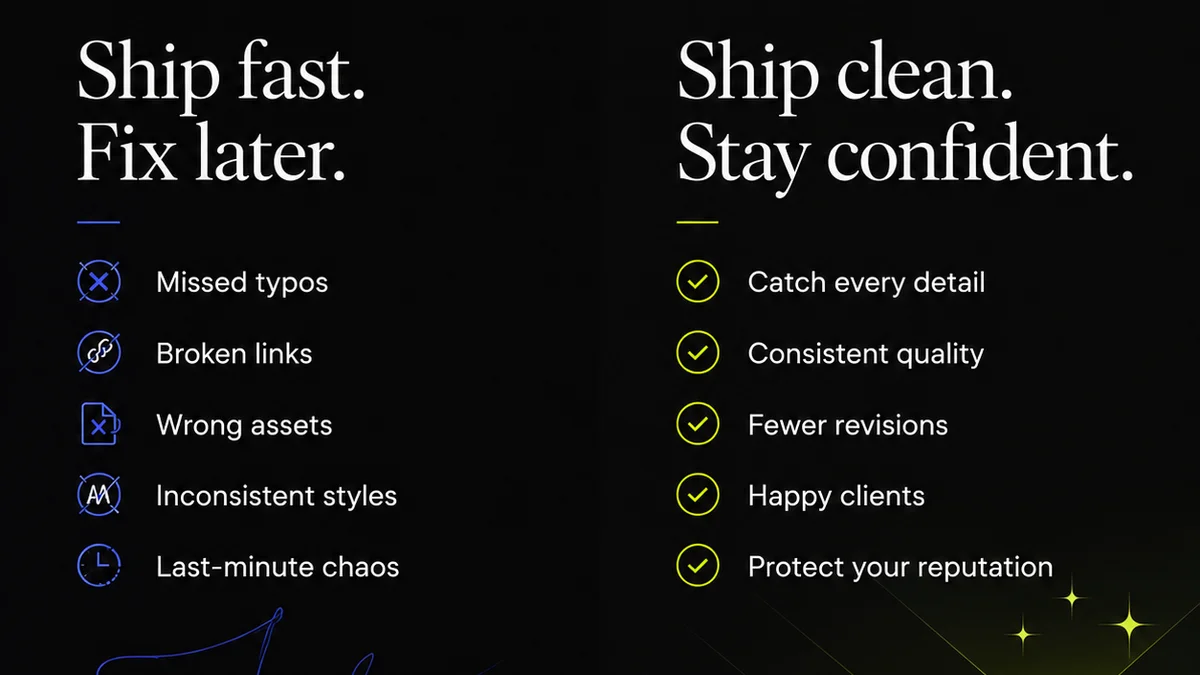
Everyone’s chasing the “best creative collaboration software.” The assumption? More features, more integrations, more shiny buttons equal better teamwork.
None of that is wrong. But it’s incomplete.
The hard truth? Most creative teams drown in a sea of tools. They’re looking for a silver bullet, but what they really need is operational clarity. The best software isn’t the one with the most bells and whistles; it’s the one that seamlessly integrates into your existing process, cutting through the noise and making feedback actionable.
1. The Illusion of Integration
The market is flooded with tools promising to connect everything. Project management platforms, communication apps, file-sharing services, design tools themselves. It sounds like paradise.
But often, “integration” means a clunky API or a superficial link that doesn’t actually solve a workflow problem. You end up with more places to check, more notifications to manage, and more context switching.
This creates a fragmented experience:
- Feedback gets lost across Slack, email, and project comments.
- Revisions are tracked in spreadsheets, not within the creative files.
- Approvals become a game of who saw the latest PDF.
- Quality checks are manual, time-consuming, and prone to error.
You’re not collaborating better; you’re just working harder to keep track of where the work is.
2. Context is King (and Queen)
Creative work is iterative. It’s built on layers of feedback, revisions, and stakeholder input. Without the right system, this context gets scattered.
Imagine a designer working on a campaign. They receive feedback via email, a Slack message, and a comment in a shared drive. Which feedback is the most recent? Which superseded an earlier point? Where is the final approved version?
This lack of centralized context leads to:
- Reverting to old versions by mistake.
- Misinterpreting feedback due to missing information.
- Wasted time searching for the
Frequently asked questions
What is the primary benefit of specialized creative collaboration software?
Specialized software helps centralize client feedback, manage revisions, and streamline approvals within the creative context, reducing miscommunication and saving time compared to general-purpose tools.
How does creative collaboration software improve client communication?
It provides a single source of truth for all feedback and revisions, ensuring clients see the most up-to-date version and can provide clear, contextual comments, leading to faster approvals.
Can creative collaboration software help with version control?
Yes, robust creative collaboration tools typically offer clear version history, allowing teams to track all changes and revert to previous iterations if needed, preventing confusion and errors.
What should I look for when choosing creative collaboration software for my agency?
Prioritize tools that offer centralized feedback, clear revision tracking, easy stakeholder access, and integration with your existing design tools. Focus on how it simplifies your specific workflow, not just its feature list.